AI upscaler API that respects every detail

Integrate our AI image upscaling API to programmatically enlarge images to 8K+, convert low-res uploads into 300 DPI print files, and reliably manage high-throughput batch processing.

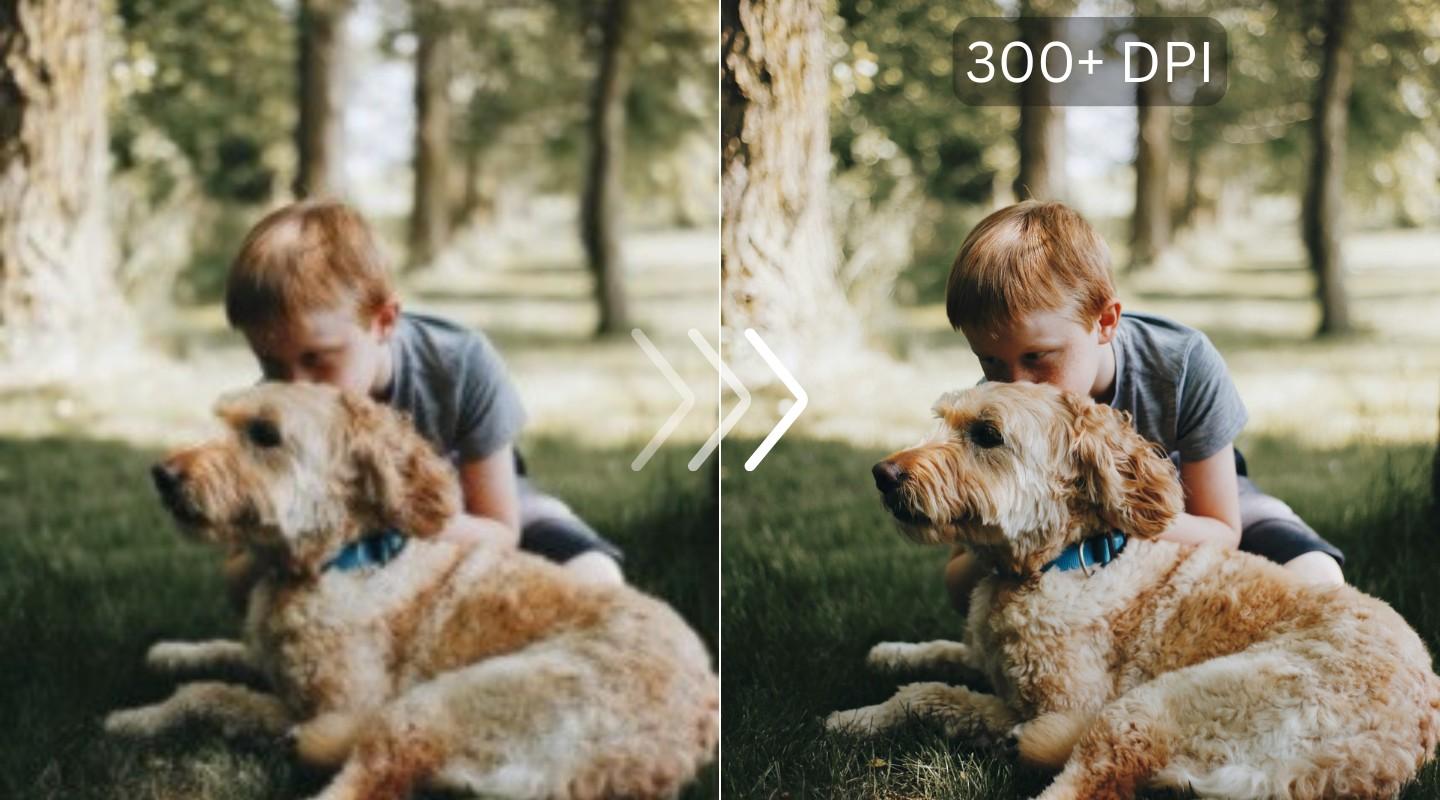
Image before using the Upscaler API
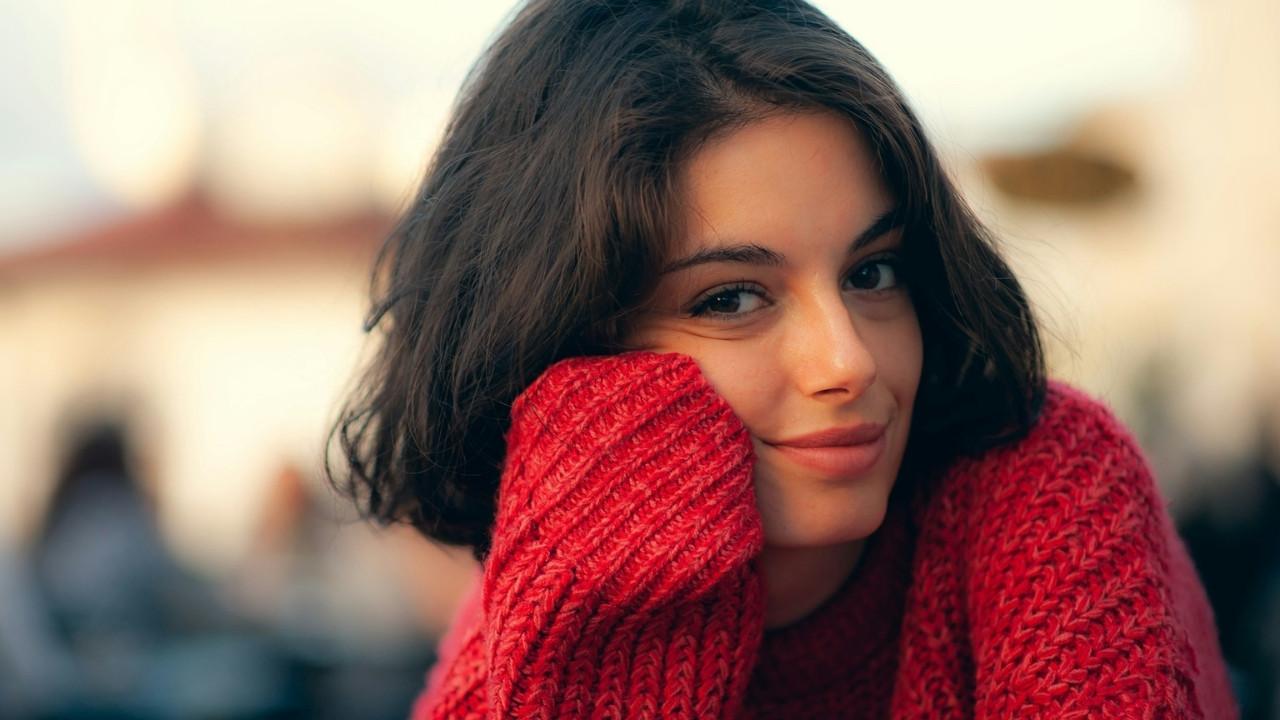
Image after using the Upscaler API
Up to 16x enlargement
4K & 8K resolution
Batch & async jobs
50 free test credits

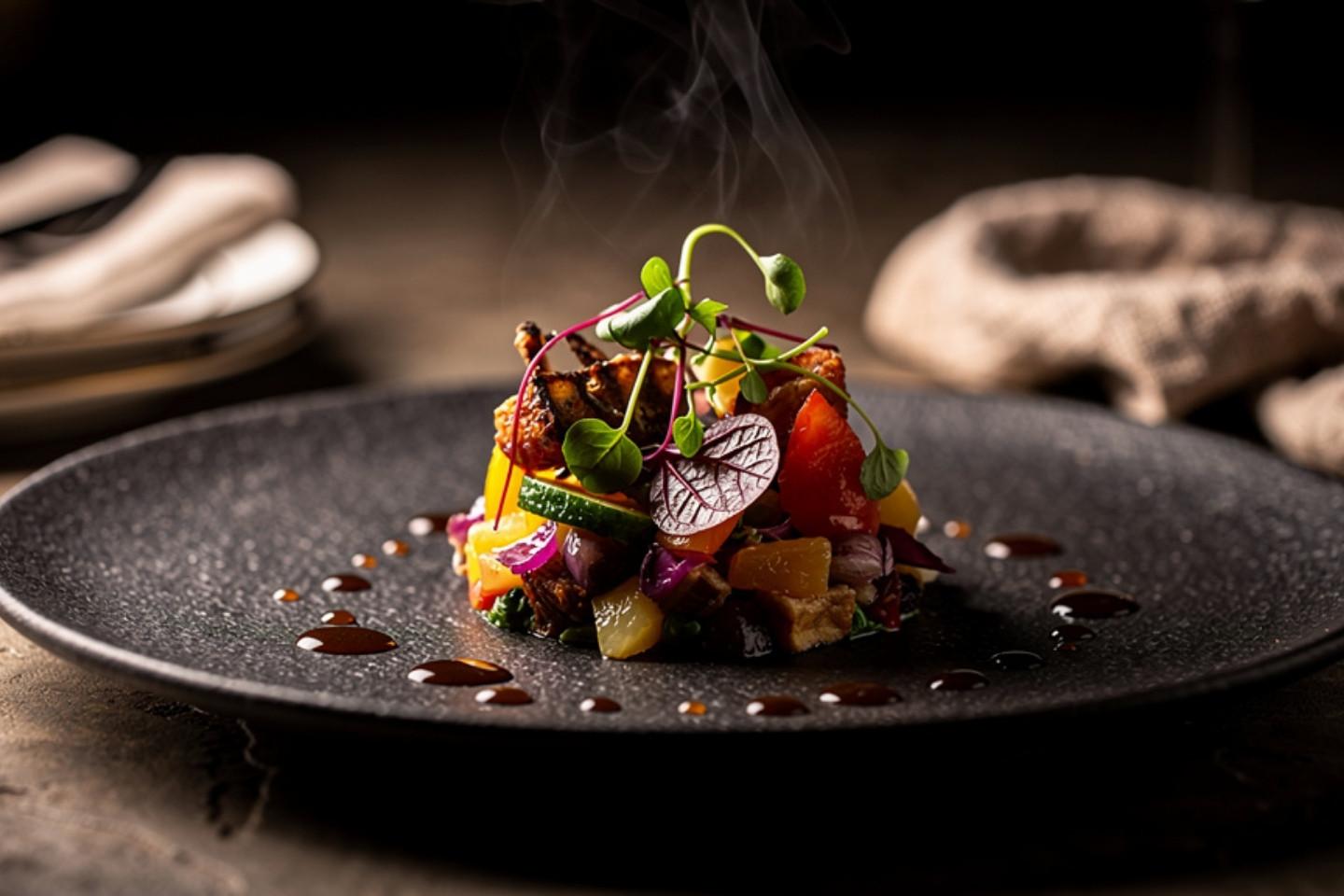
Clean, high‑res product photos

Unify your product catalog by upscaling all images to a crisp, standard resolution. Use specialized AI models to automatically improve small, low-quality product shots, making every listing look professional.

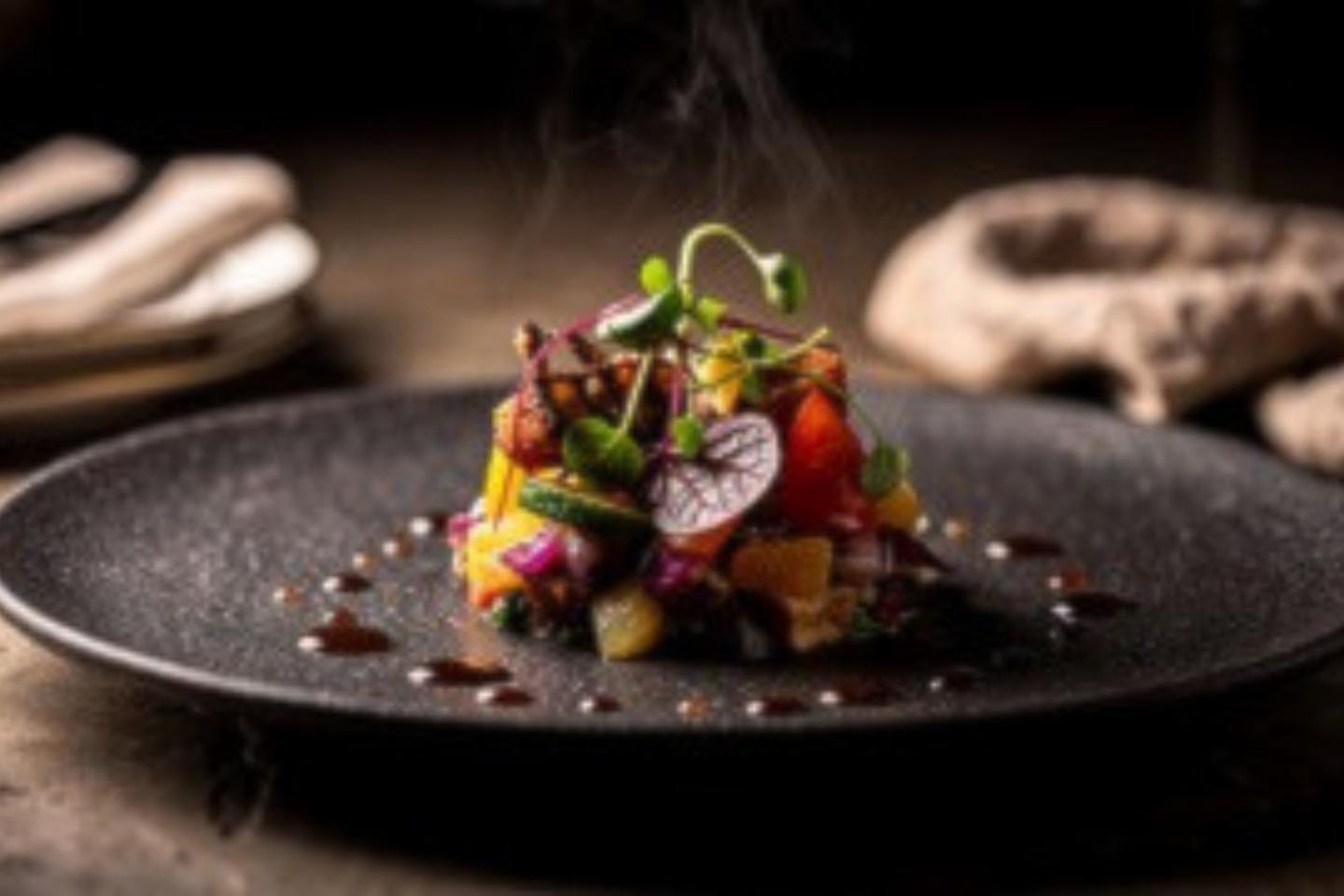
Image before processing with LetsEnhance

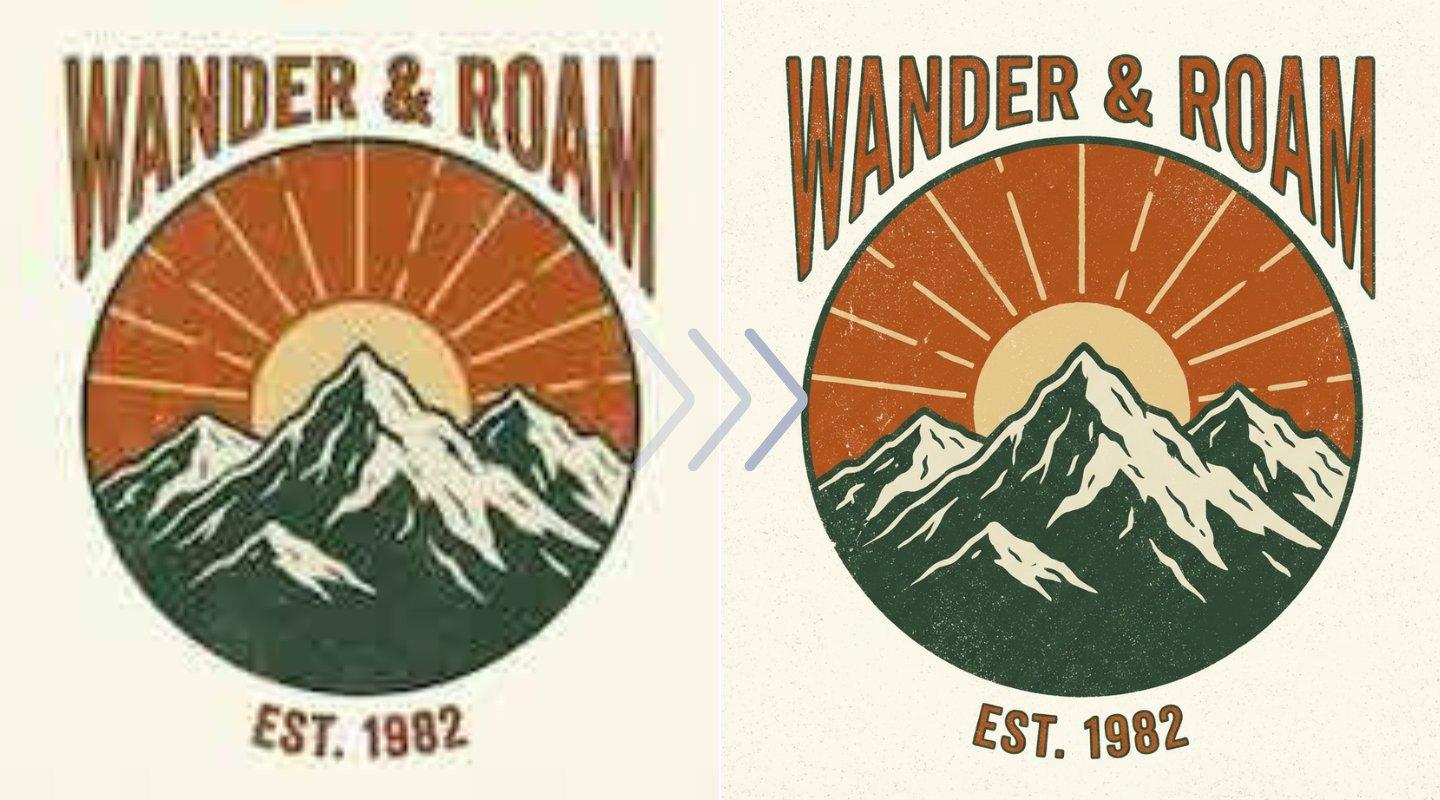
Automate your 300 DPI print workflow

Stop rejecting low-res user uploads. Our API programmatically converts 72 DPI web images into sharp, 300 DPI print files. It preserves color profiles and ensures your posters, shirts, and photo books are artifact-free.

Image before processing with LetsEnhance

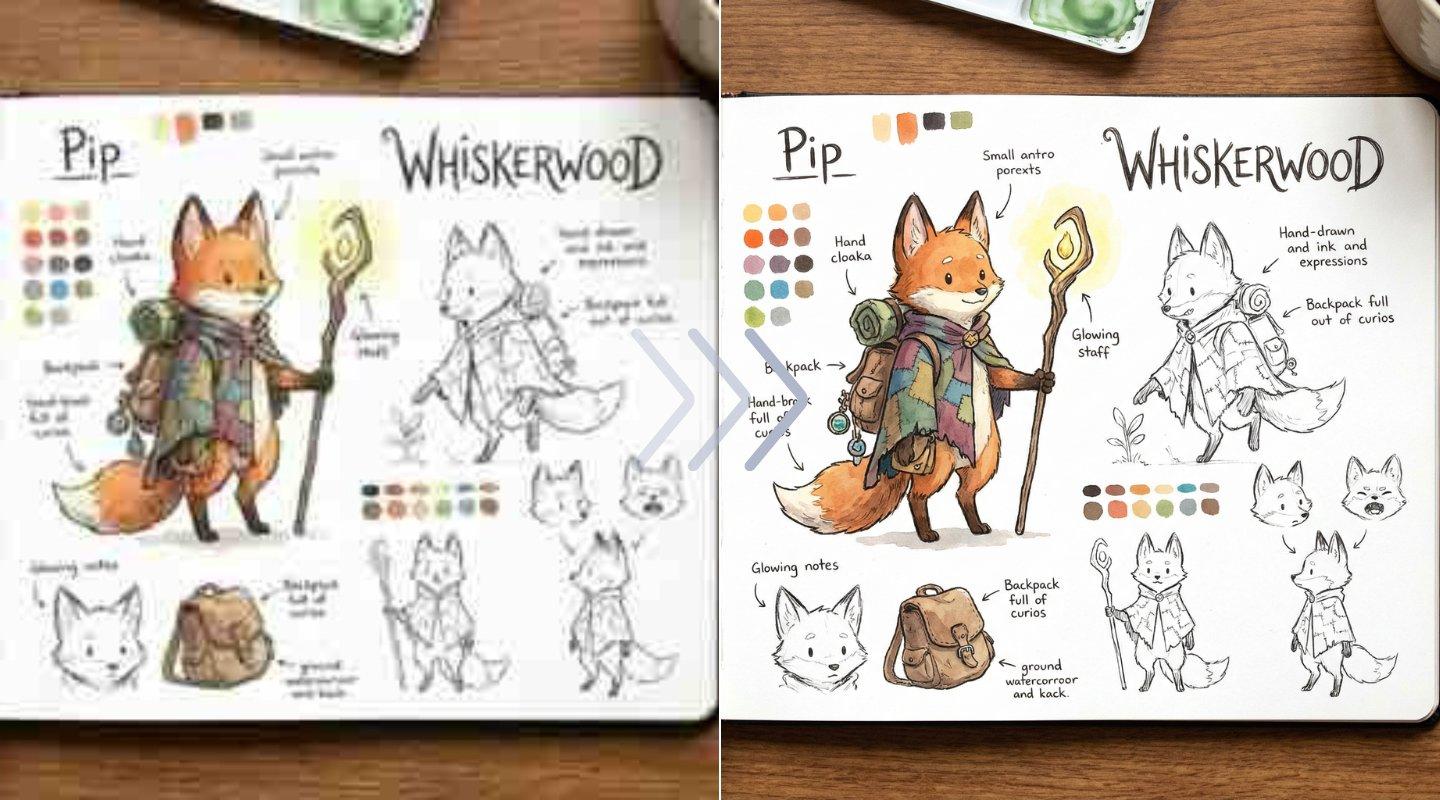
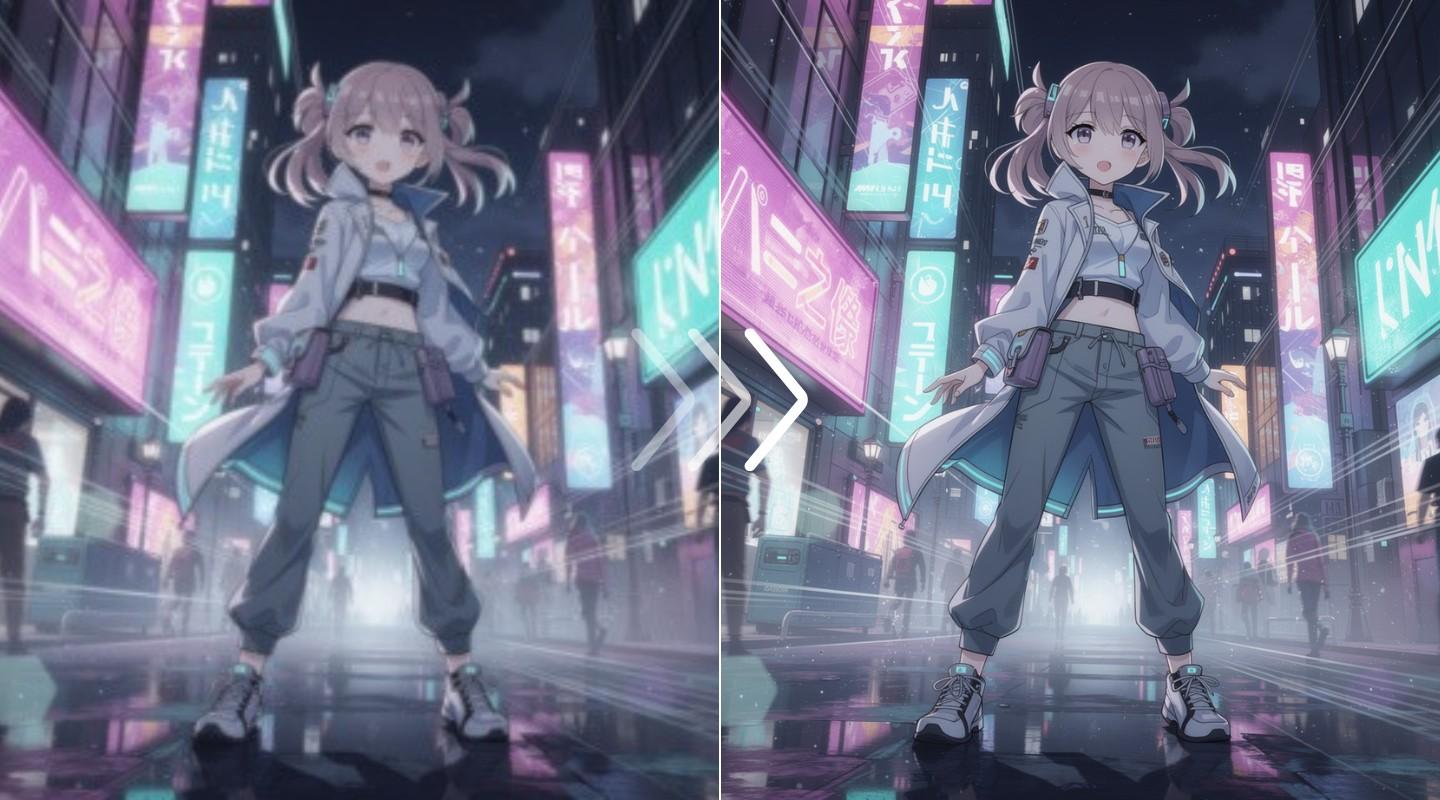
Scale AI art and media to 8K

Take AI-generated art to the next level. Our digital_art upscaler is trained to enlarge illustrations and photos to 4K or 8K, preserving textures and style without introducing unwanted artifacts or "AI hallucinations".

Image before processing with LetsEnhance

How to integrate the upscaler API

Step 1: Send your image to the API

Get your API key from Claid.ai and send us your image. You can pass a direct URL, upload a file, or connect your cloud storage for high-volume batch processing.
Image before processing with LetsEnhance

Step 2: Set your upscaling parameters

Choose the right model for the job, like ‘photo’ for general photography or ‘digital_art’ for illustrations. Set your target size in pixels or as a percentage to begin the upscaling job.
Image before processing with LetsEnhance

Step 3: Receive your high‑res image

Get results via a synchronous response for real-time needs or use asynchronous webhooks for large jobs. We'll notify your application when the high-resolution file is ready.
Image before processing with LetsEnhance

For digital asset management

Create a single, high-resolution source of truth for all your media. Ingest assets and use our API to generate multiple high-quality variants for web, mobile, and print from one master file.

Image before processing with LetsEnhance

For print‑on‑demand

Automatically convert low-resolution user uploads into sharp, 300 DPI files. Our API ensures every photo, from t-shirt designs to art prints, is perfectly crisp and print-ready.

Image before processing with LetsEnhance

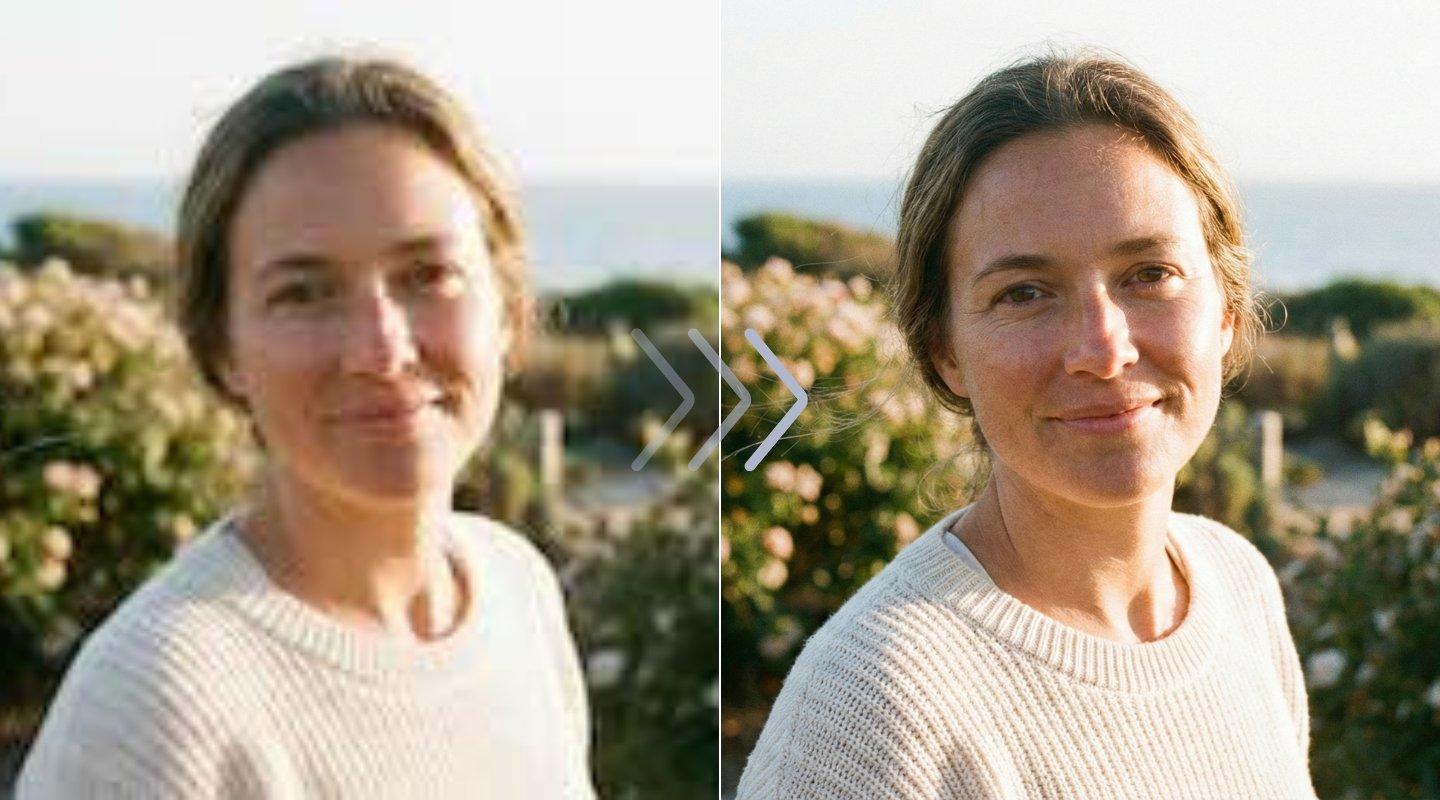
For user‑generated content

Improve the quality of your entire platform. When users upload profile pictures or gallery images, automatically run them through the faces model to ensure a consistent, high-resolution experience.

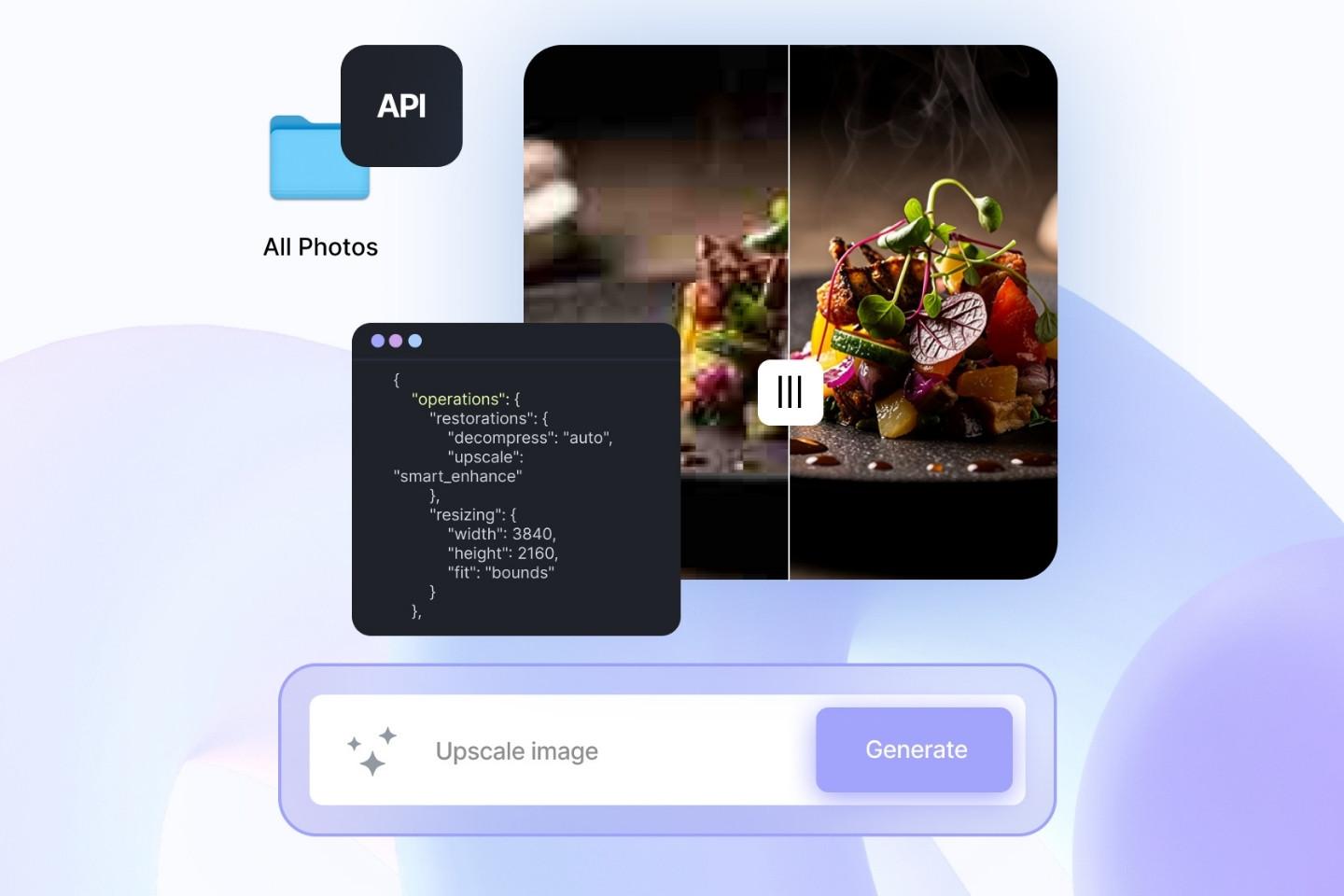
Image before processing with LetsEnhance

FAQ

What is Claid.ai? Is it different from LetsEnhance.io?
Yes, they are different. LetsEnhance.io is our original, easy-to-use web tool for enhancing and upscaling images. Claid.ai is our advanced AI image editing and generation platform that includes both a powerful web interface and the developer API. This page is for the API, which is part of Claid.ai.
How can I start testing the upscaler API?
You can sign up on Claid.ai and get 50 free credits to start testing the API immediately.
How does the API pricing work?
Claid.ai operates on a credit-based system. Upscaling, for example, costs credits based on the output size of the image; a larger 8K image will use more credits than a 4K image. You can see the full breakdown on the Claid.ai pricing page.
Where can I find the API documentation?
You can find complete guides, SDKs, and endpoint references in our developer documentation on Claid.ai.
Can I batch-upscale thousands of images?
Yes. The API is built for scale. You can submit jobs in bulk and use our asynchronous webhook system to receive notifications as each image is processed, rather than waiting for each call to complete.
Can I combine upscaling with other operations?
Yes. You can combine operations within the Image Editing API in a single request. For example, you can decompress a JPEG, then upscale it, and then apply a final polish, all in one workflow.
Does the API support upscaling AI-generated art?
Yes. We provide a digital_art model specifically trained for illustrations, cartoons, and AI-generated art (like from Midjourney or DALL-E). It enlarges the image while respecting the art style.
What is AI super-resolution? Is this what the API does?
AI super-resolution is a general term for technology that intelligently adds new pixels to an image to increase its size and clarity. Our API uses its own advanced AI models, trained for specific use cases like print or portraits, to achieve this high-fidelity upscaling.