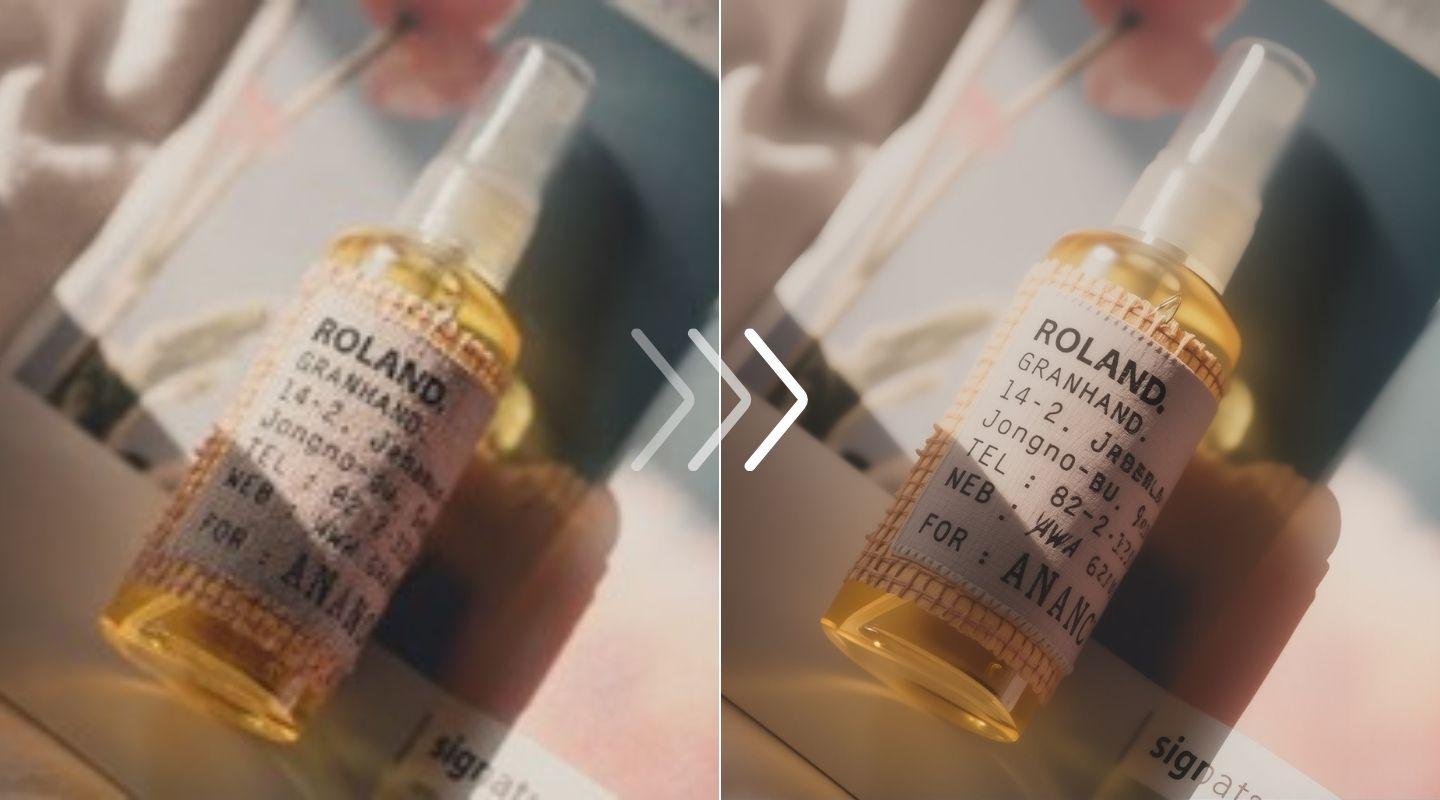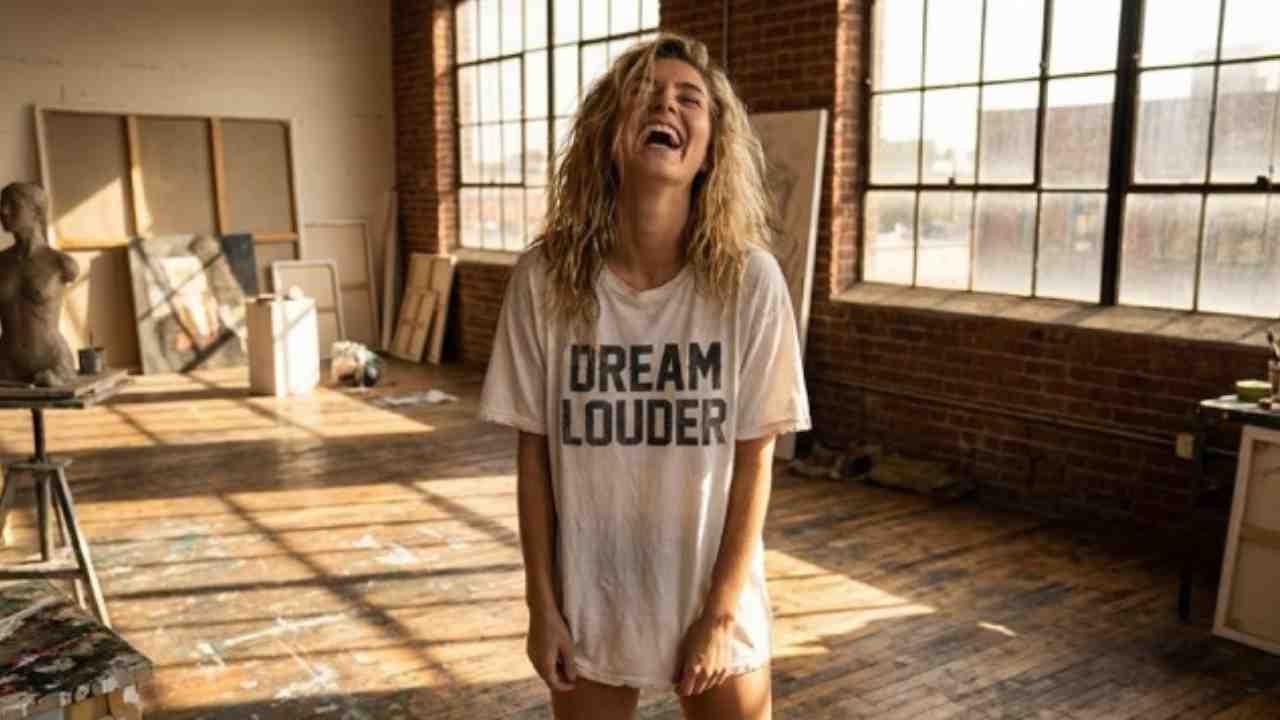

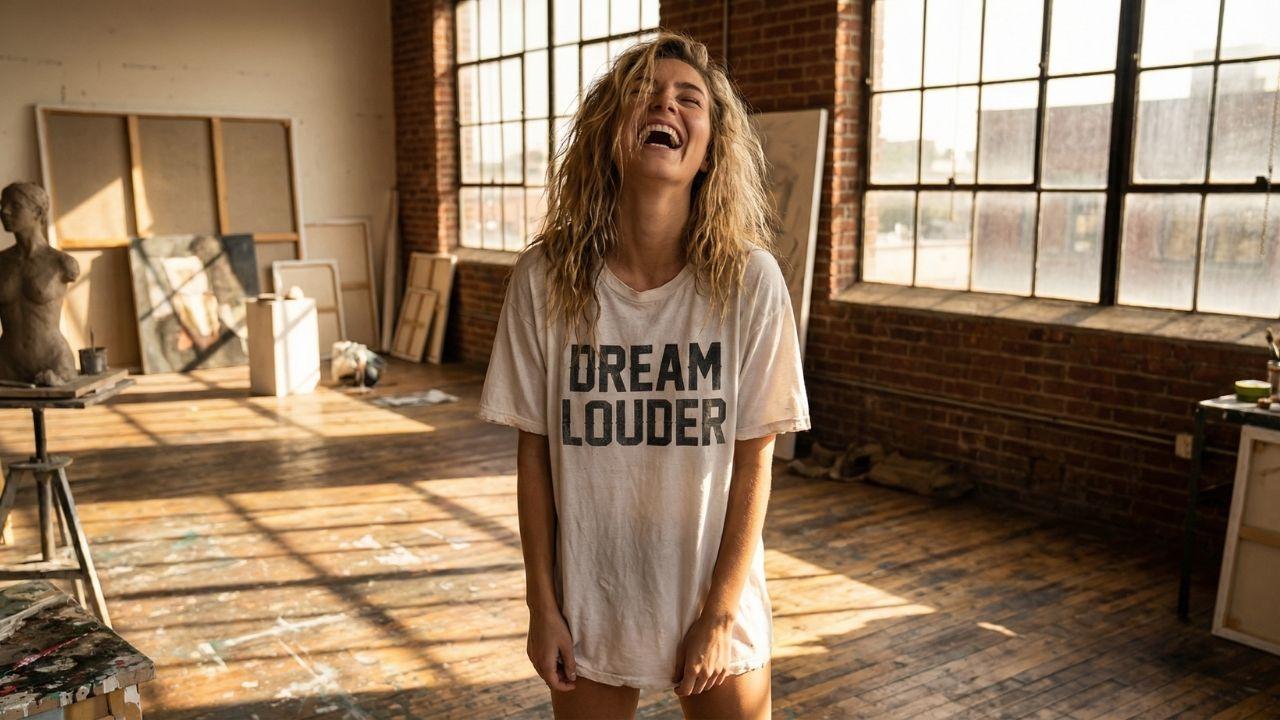
For product and fashion photography


AI enhancement that doesn't look AI
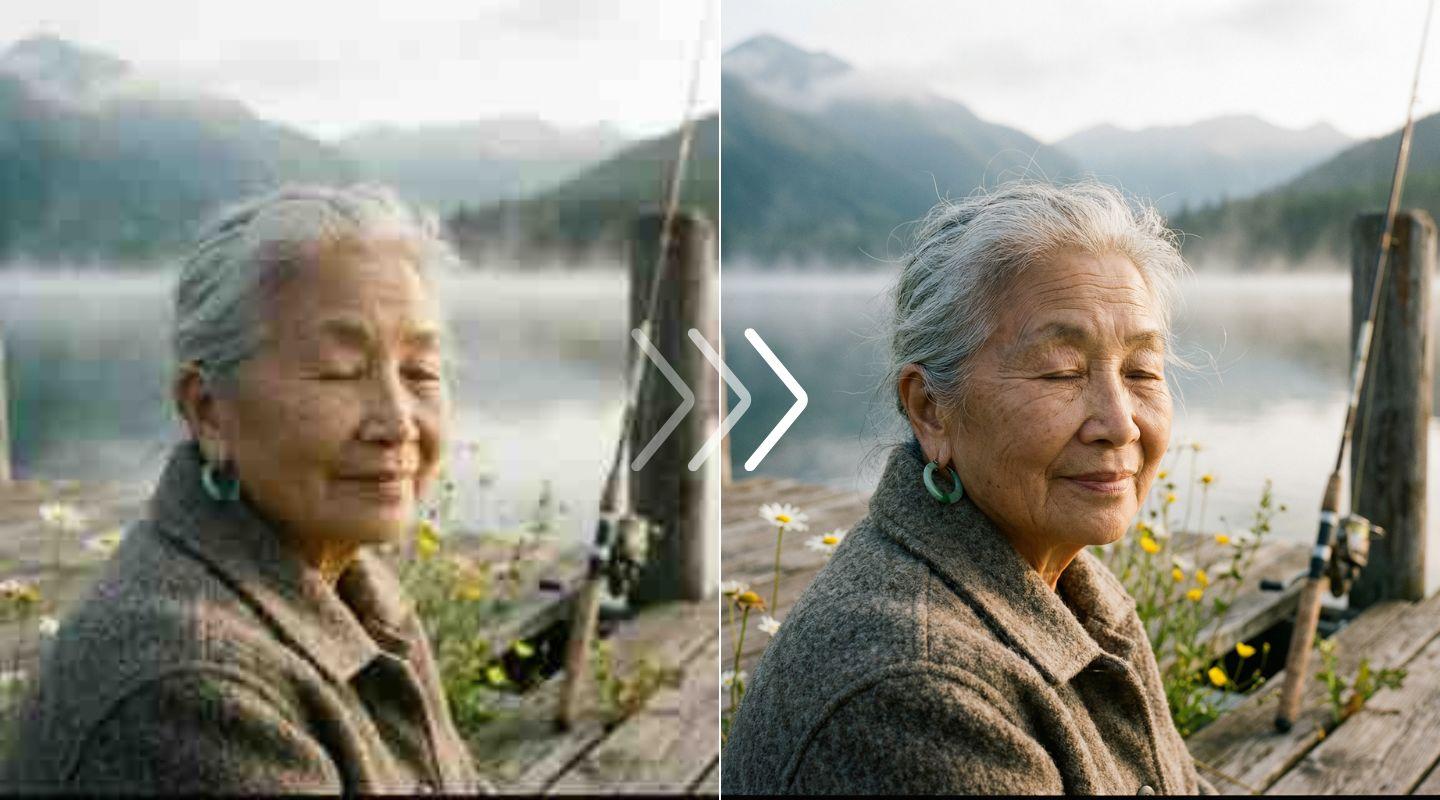
Most tools over-process. You get plastic skin, weird halos, fake-looking results. LetsEnhance recovers real detail and corrects color naturally. Photos come out looking professionally shot, not obviously edited. From quick fixes to serious restoration, the AI adapts to what your image needs.


From thumbnail to poster
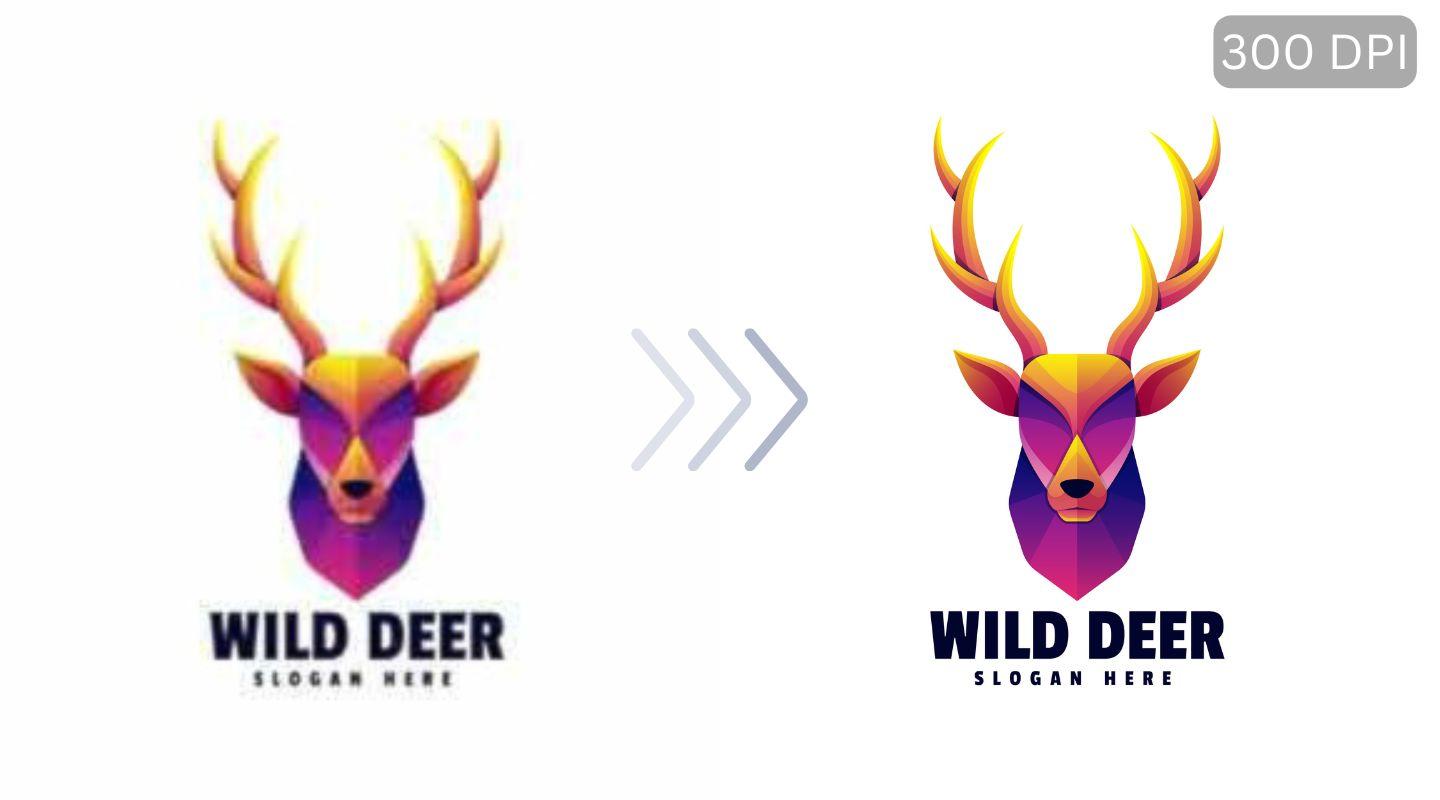
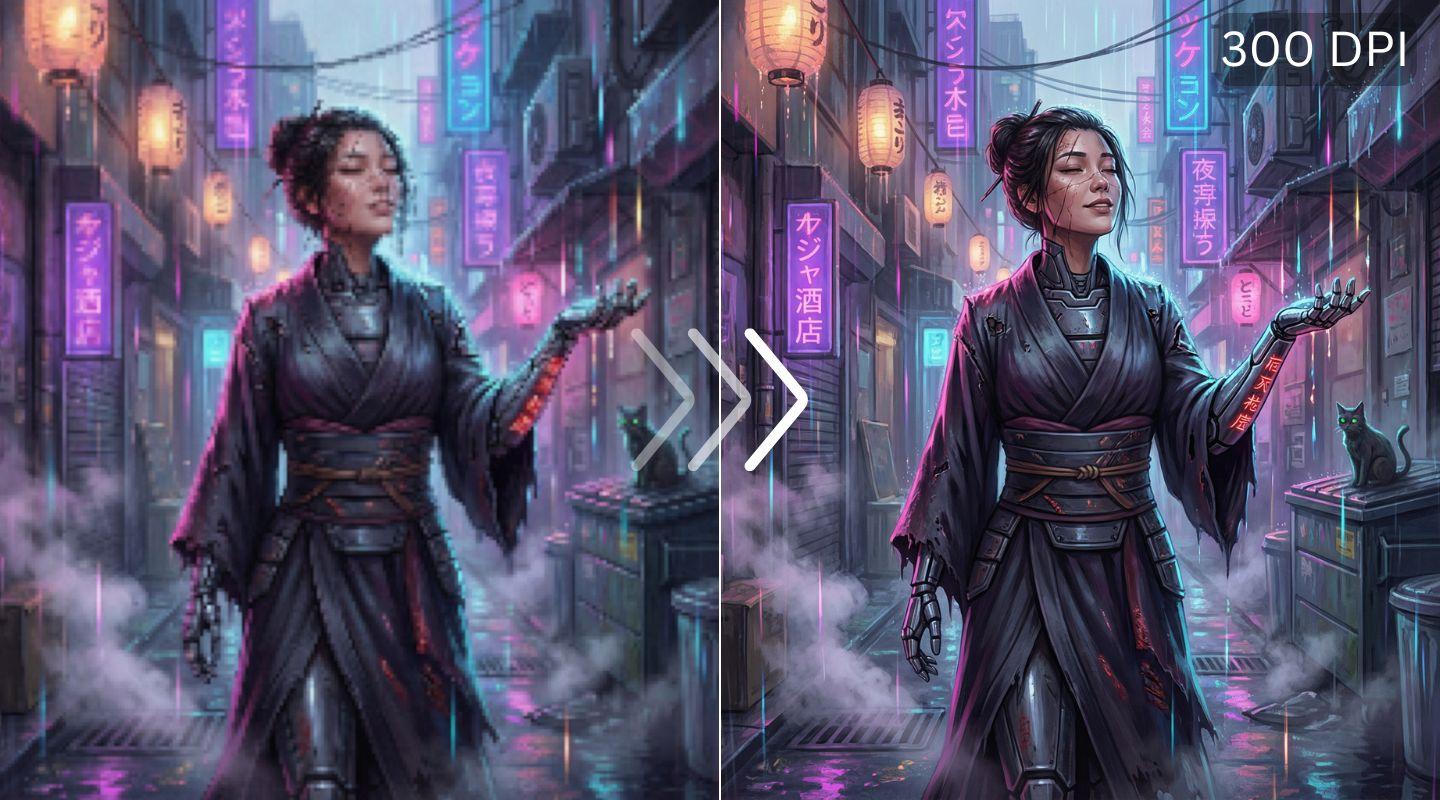
Small images don't print well. The upscaler increases resolution up to 16x so your photos hit 300 DPI at any size. Posters, canvas, merchandise, wallpapers. Sharp detail at every scale. Works on photos, AI art, logos, and scanned images.

Rescue the shots you almost lost
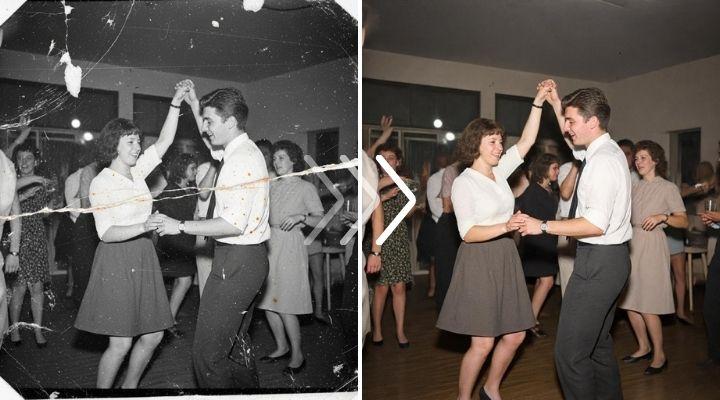
Soft focus. Compression damage. Bad lighting. Old scans. The AI sharpens edges, reduces noise, corrects exposure, and brings back detail you thought was gone. One tool, multiple fixes.




How to improve image
quality with AI
quality with AI
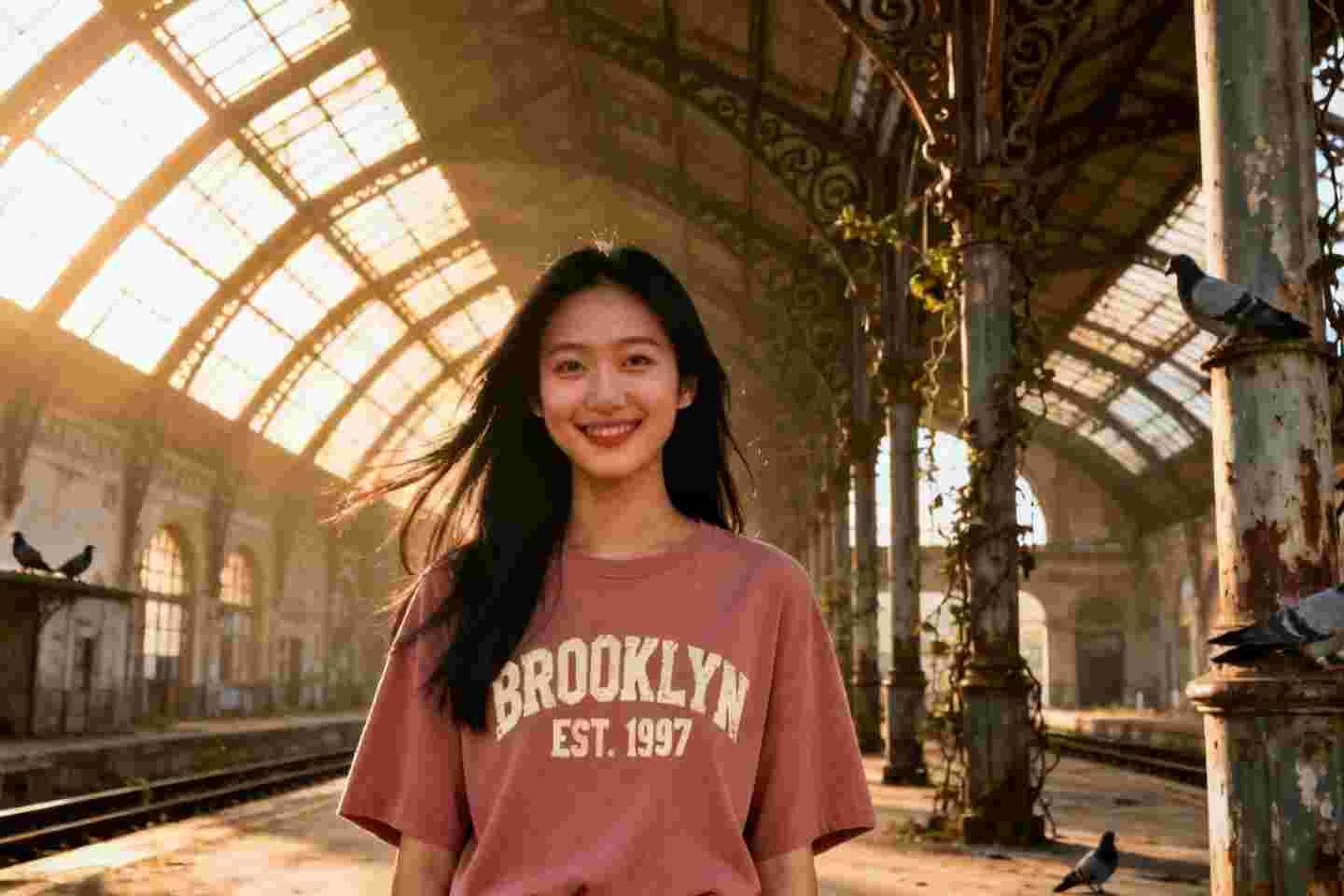
Upload your image

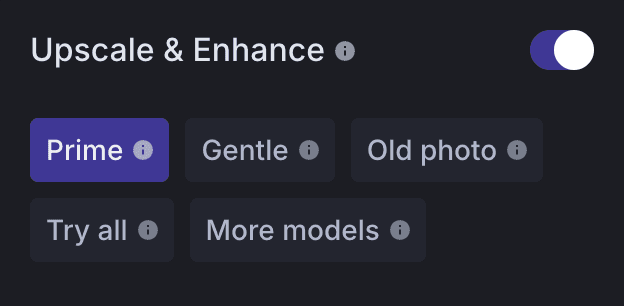
Choose enhancement type

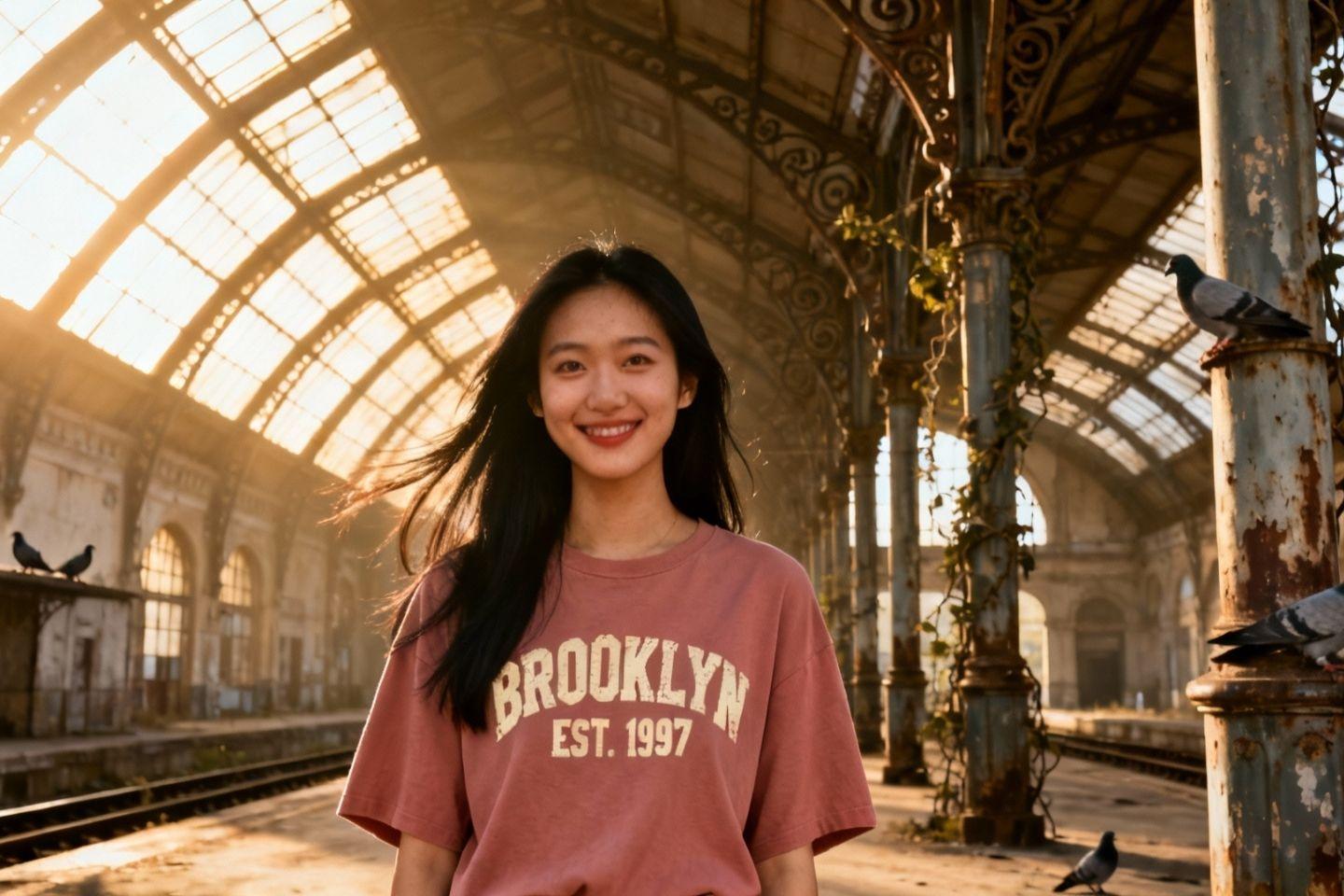
Download your improved image

Print-ready photos at any size
Low-resolution images fall apart when printed. LetsEnhance upscales and sharpens so your photos hold up on posters, canvas, t-shirts, and large displays. Essential for photographers, artists, and print-on-demand sellers.

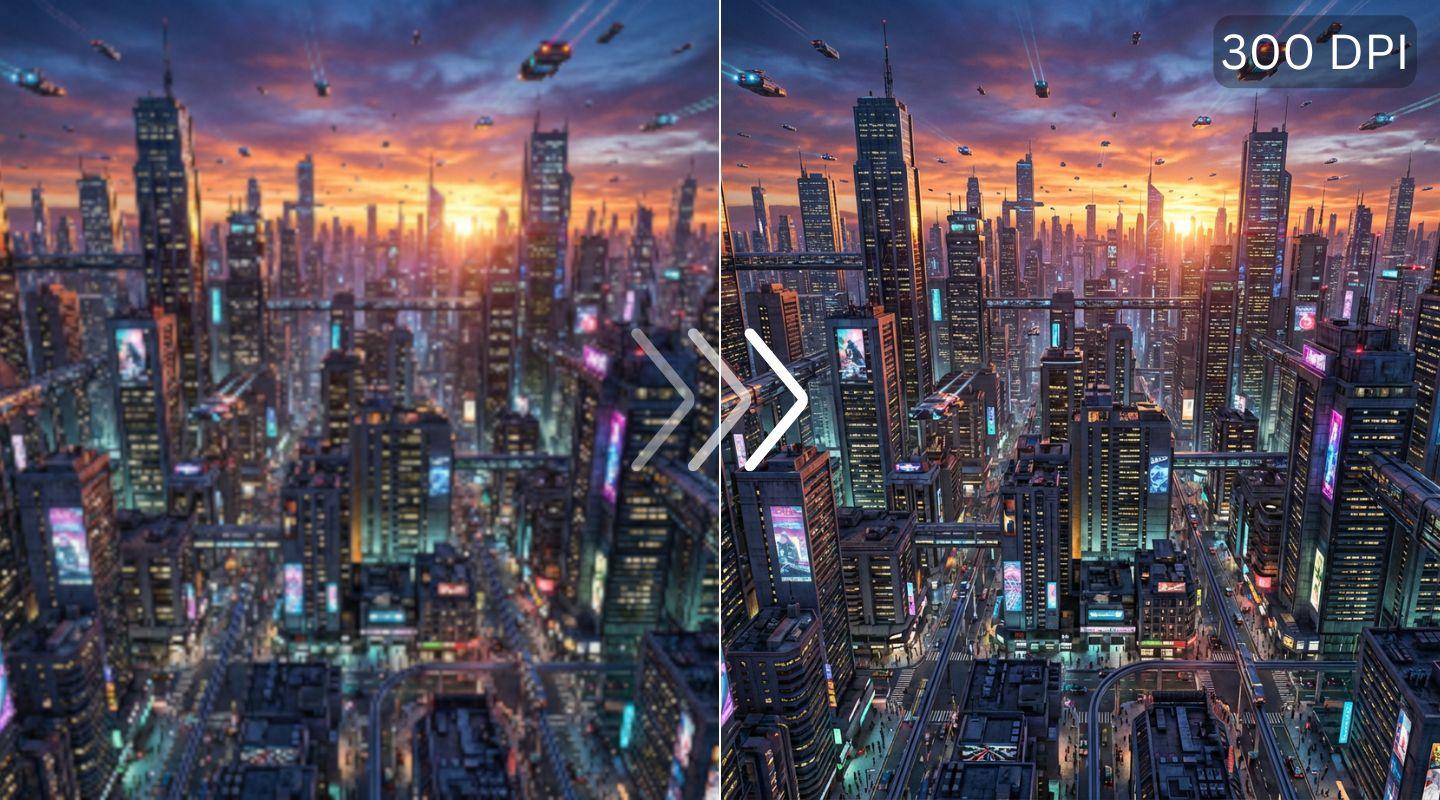
Polish and upscale AI art
Midjourney, Stable Diffusion, DALL-E outputs need cleanup. Enhance soft areas, remove artifacts, and upscale to 4K or 8K for printing or commercial use. Professional results from AI-generated starting points.

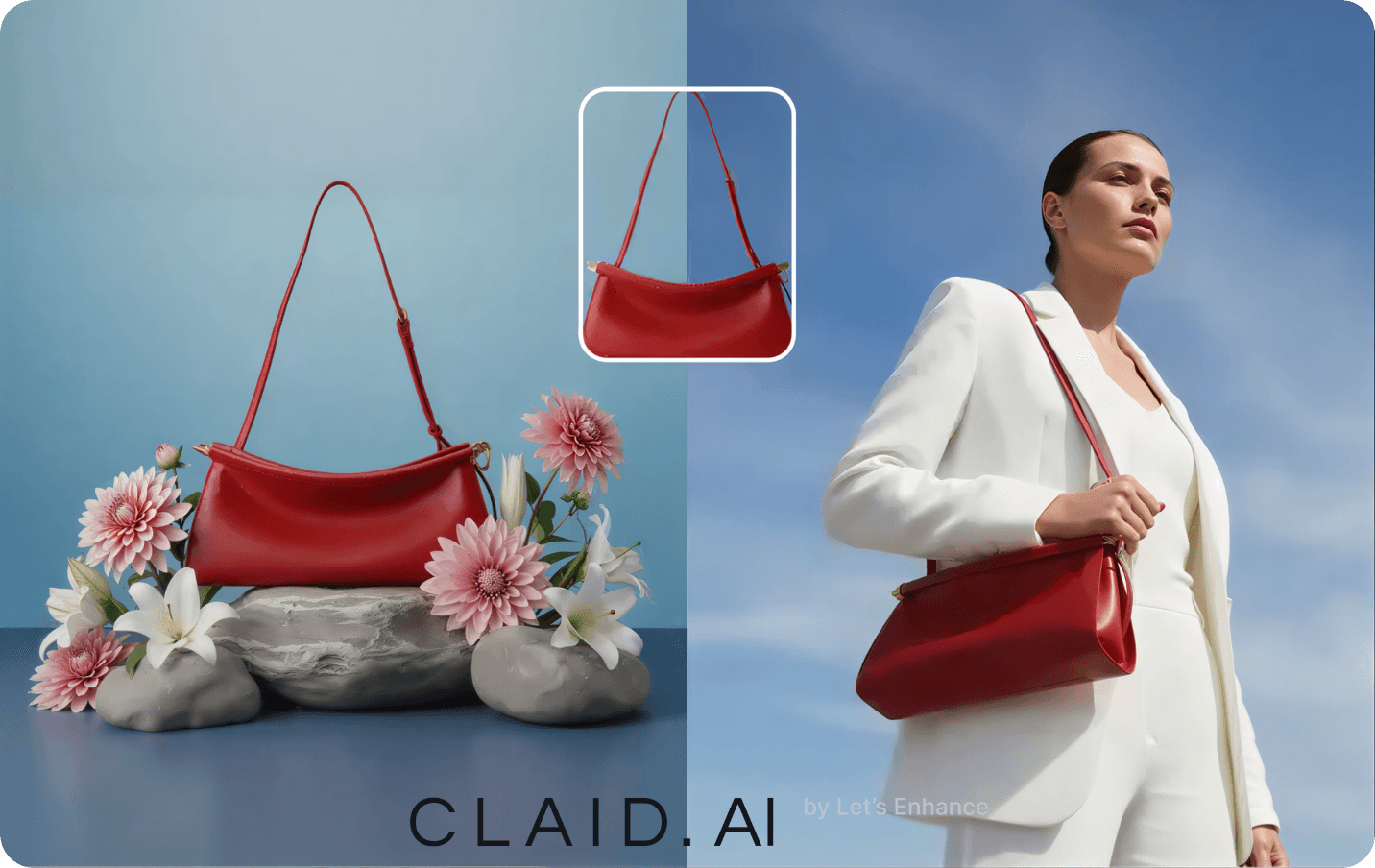
Improve product photo quality
Product photos need to be sharp, well-lit, and high-resolution. Enhance quality and increase size in bulk. Consistent results across your catalog without reshooting.