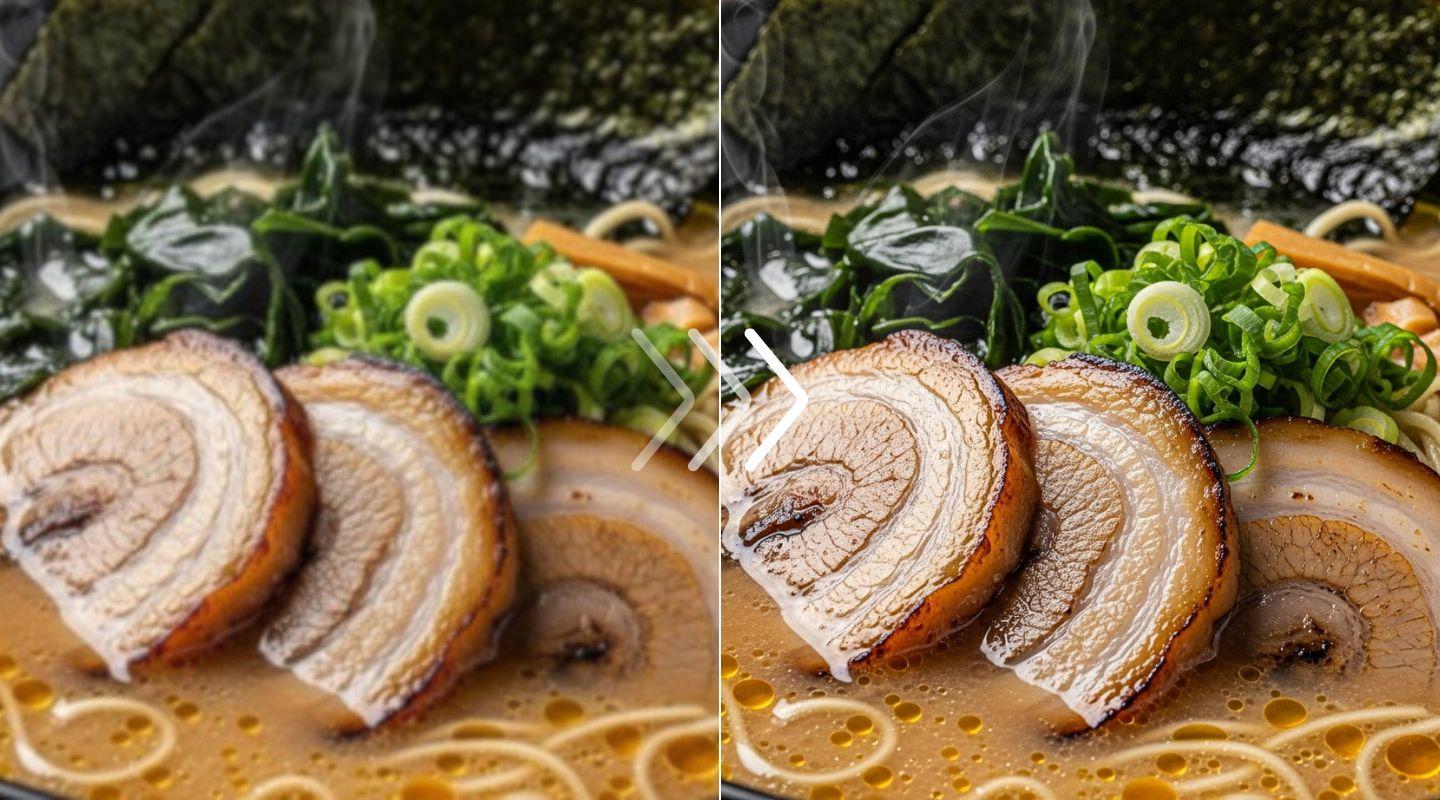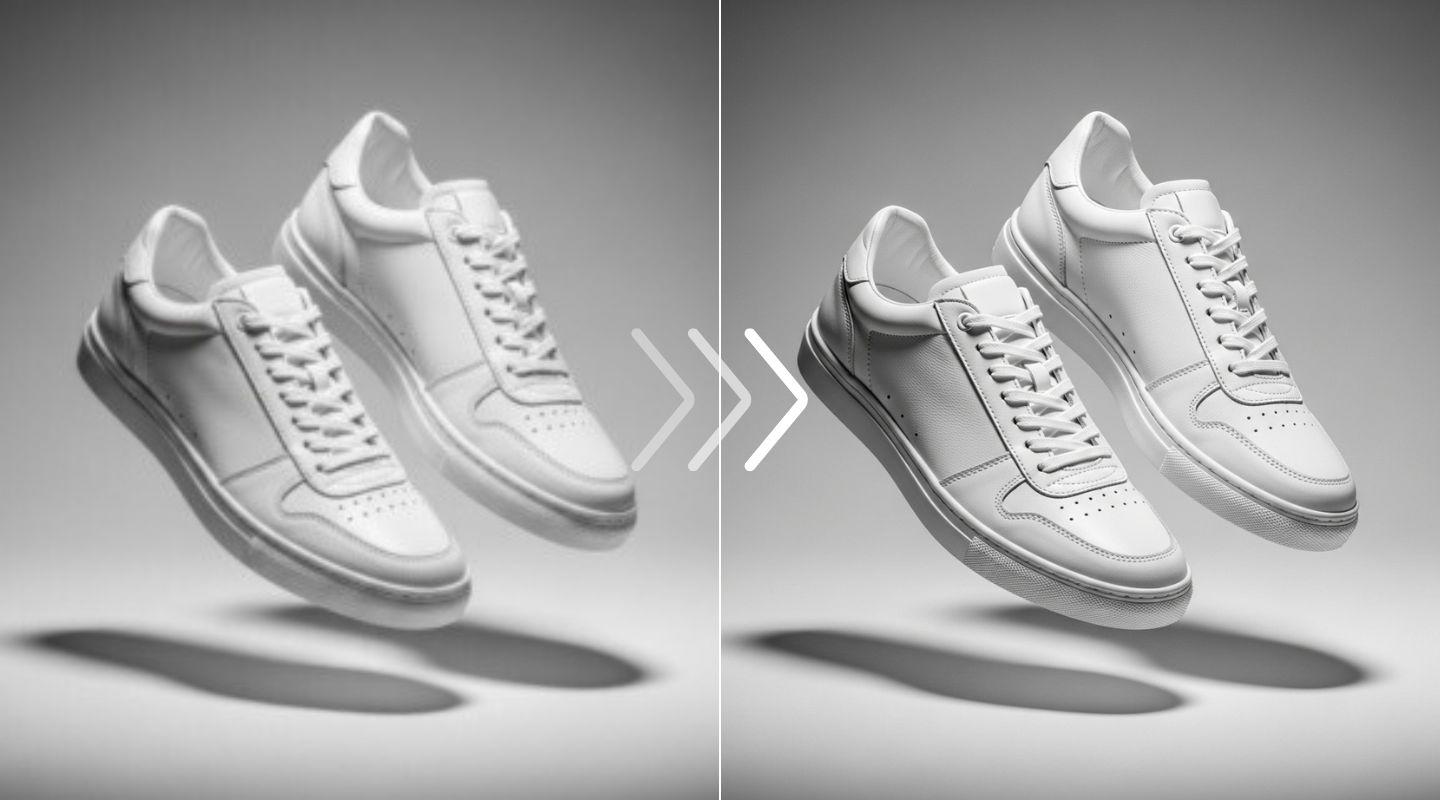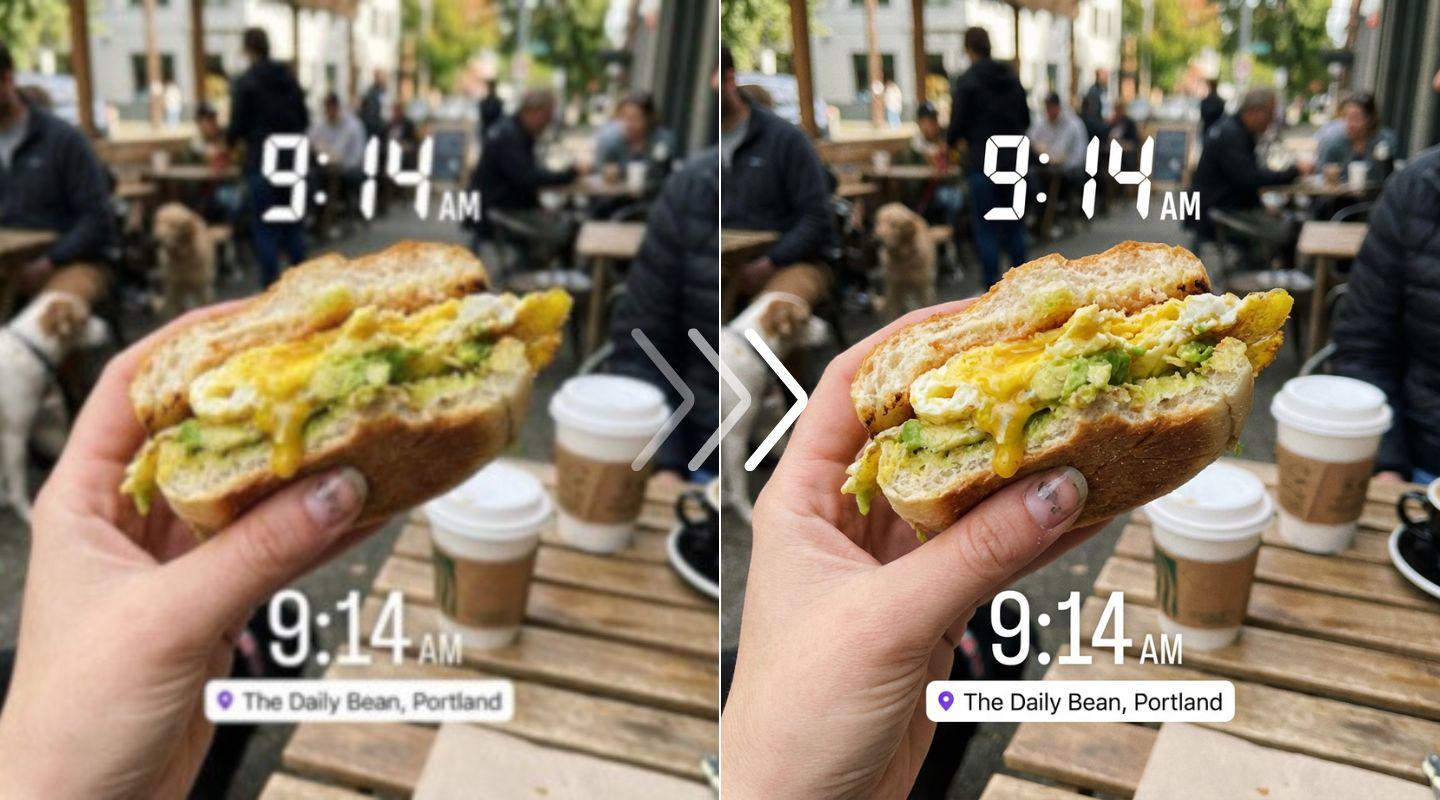
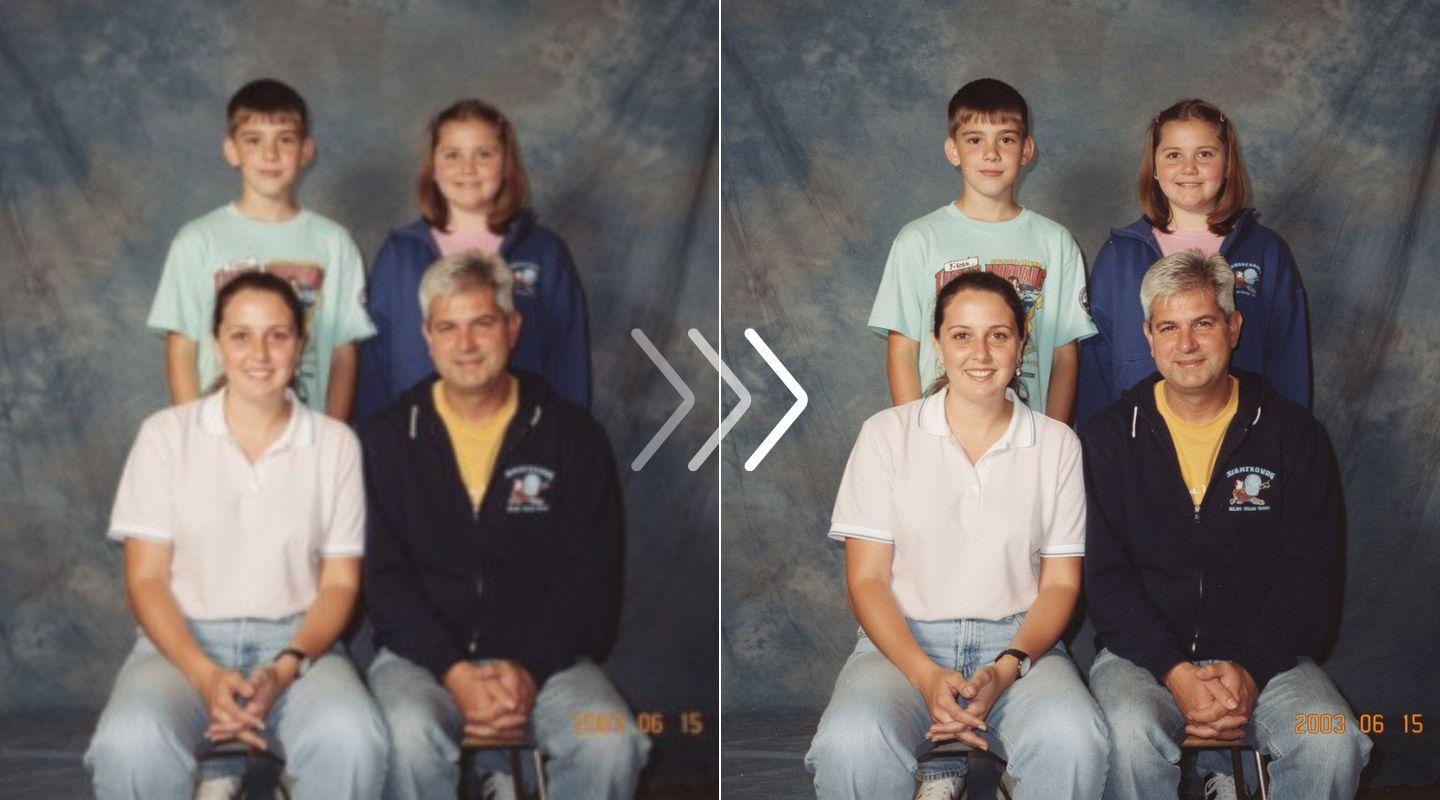
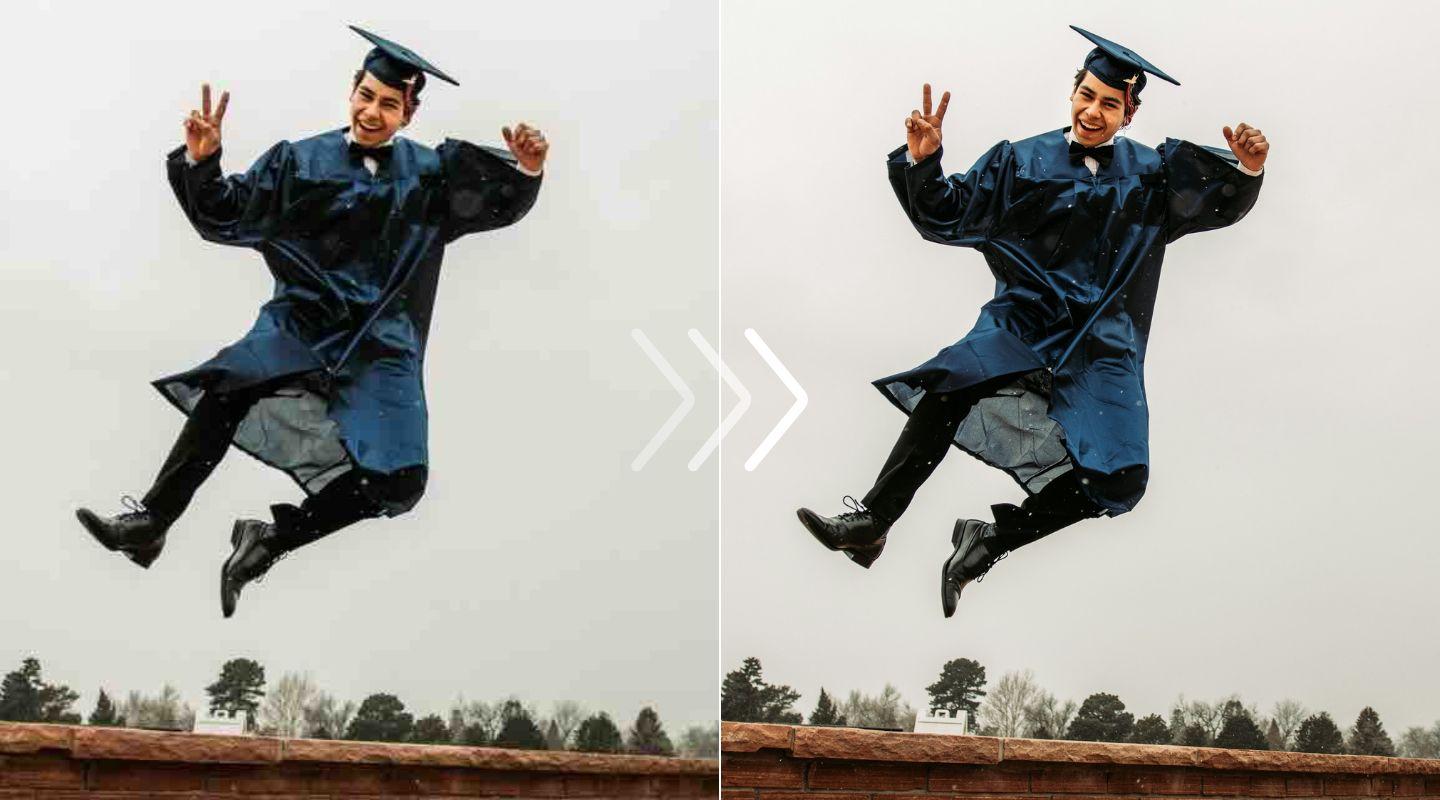
Clean, sharp, and clear. Image enhancer API

Integrate our AI models to deblur, denoise, and remove JPEG artifacts. Automatically enhance faces, fix low-light issues, and restore user-provided images in a single API call.

Image before using the Enhancer API
Image after using the Enhancer API
Fix pixelation & blur
Remove JPEG artifacts
AI noise reduction
50 free test credits

Automatically clean user‑generated images

Stop manually reviewing bad uploads. Our enhancement API can be built into your pipeline to automatically fix blurry photos, remove noise, and correct poor lighting from user-submitted images, improving your platform's quality.

Image before processing with LetsEnhance

Revive old photos and portfolios

The API is trained to remove noise and deblur pictures, as well as enhance facial features in old photos, making them sharp and clear.

Image before processing with LetsEnhance

Remove JPEG compression artifacts

Fix images that have been over-compressed. Our decompress operation targets and removes common JPEG artifacts like blocking, ringing, and noise. You can set it to moderate, strong, or auto for flexible restoration.

Image before processing with LetsEnhance

How to integrate the enhancer API

Step 1: Send your low‑quality image

Get your API key from Claid.ai and send us your image. You can pass a direct URL, upload a file, or connect your cloud storage for high-volume batch processing.
Image before processing with LetsEnhance

Step 2: Choose your enhancements

You can auto-remove JPEG artifacts with decompress, sharpen details with polish, or enhance faces, all with simple parameters in a single call.
Image before processing with LetsEnhance

Step 3: Get your improved image

Receive your clean image in seconds. For large batch jobs, use our asynchronous webhooks to get a notification in your app the moment the enhanced file is ready.
Image before processing with LetsEnhance

For product & food photography

Automatically clean and sharpen product or food photos. Our API can remove compression and enhance details, making items in your marketplace or delivery app look more appealing and professional.

Image before processing with LetsEnhance

For e‑commerce & marketplaces

Speed up listings and improve conversions. Our API cleans user-uploaded product photos, brightens food delivery items, and even blurs license plates, helping you scale operations just like Zepto and Caranty.

Image before processing with LetsEnhance

For social & UGC platforms

Improve the quality of your whole platform. Fix low-light noise, soft focus, and compression on user-uploaded profile pictures and posts, ensuring a clear, professional experience.

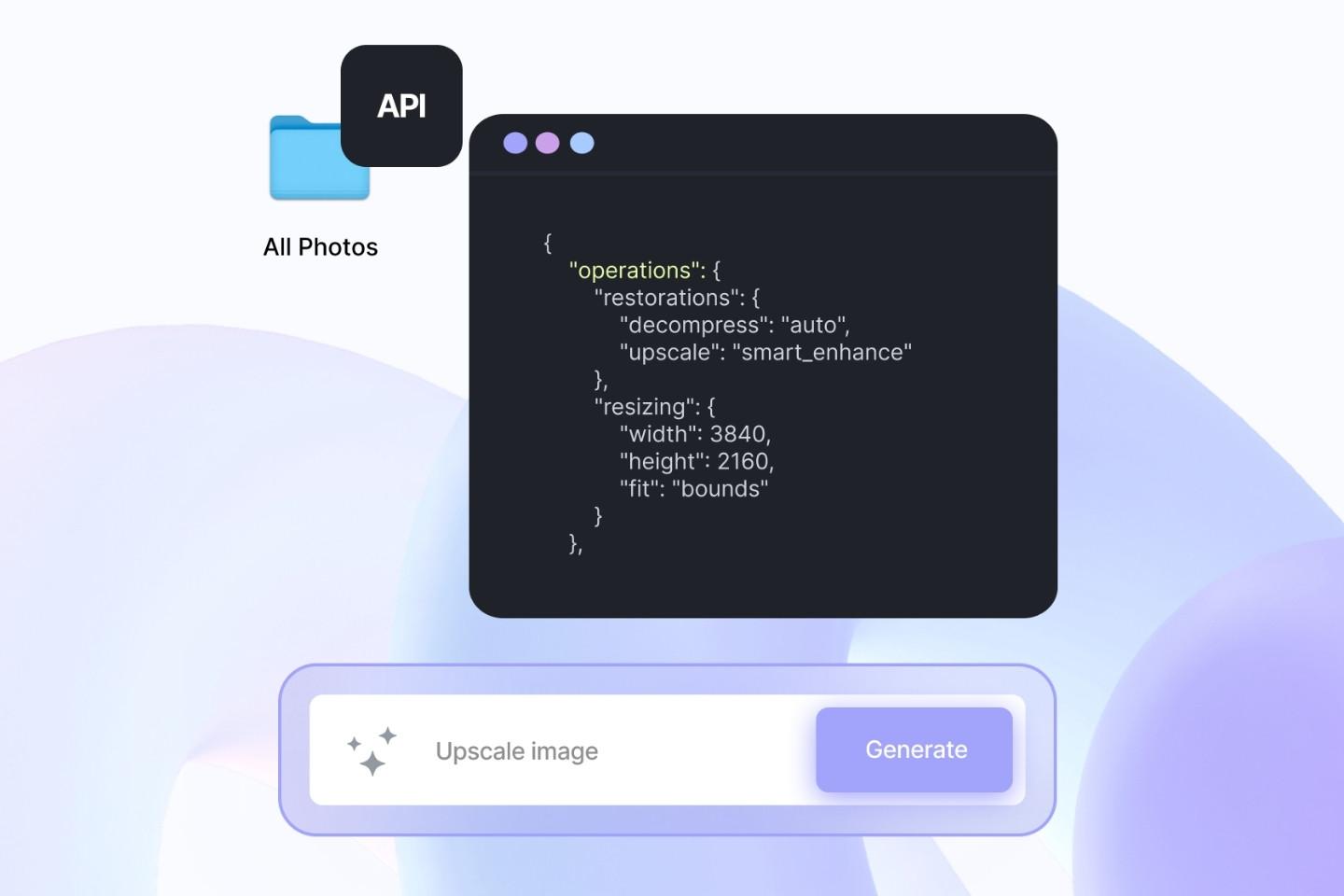
Image before processing with LetsEnhance

FAQ

What is Claid.ai? Is it different from LetsEnhance.io?
Yes, they are different. LetsEnhance.io is our original, easy-to-use web tool for enhancing and upscaling images. Claid.ai is our advanced AI image editing and generation platform that includes both a powerful web interface and the developer API. This page is for the API, which is part of Claid.ai.
How can I start testing the enhancer API?
You can sign up on Claid.ai and get 50 free credits to start testing the API immediately.
How does the API pricing work?
Claid.ai operates on a credit-based system. Operations like decompress or polish use a fixed number of credits per image. You can see the full breakdown on the Claid.ai pricing page.
Where can I find the API documentation?
You can find complete guides, SDKs, and endpoint references in our developer documentation on Claid.ai.
What's the difference between the enhancer API and the upscaler API?
The enhancer API (and operations like decompress or polish) fixes quality flaws like blur, noise, and artifacts, usually at the original size. The upscaler API focuses on increasing the image dimensions (e.g., 2x, 4x) to a higher resolution.
Can this API remove JPEG compression artifacts?
Yes. This is a core feature. The decompress operation is specifically designed to remove 'blocking' and 'mosquito noise' from heavily compressed JPEGs. You can set the strength to moderate, strong, or auto.
Can I combine multiple operations in one API call?
Yes. You can combine multiple restoration operations in a single request. For example, you can decompress a JPEG, then upscale it using the faces model, all in one efficient workflow.