AI upscaler for anime and digital art

  • Enhance low-resolution screencaps and fan art to sharp 4K+ quality
  • Clean manga scans while preserving crisp lineart and text
  • Remove compression artifacts and jaggies from digital art
Drag and drop anywhere to upload
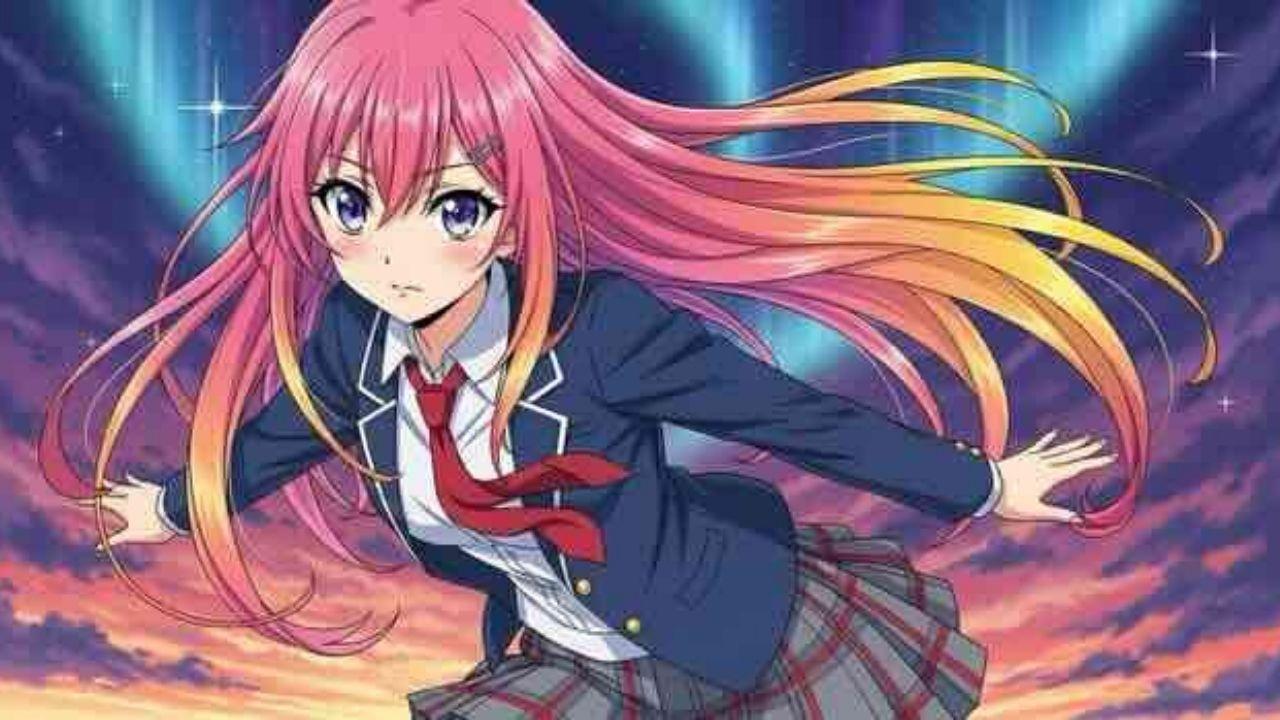
Anime image before upscaling with LetsEnhance
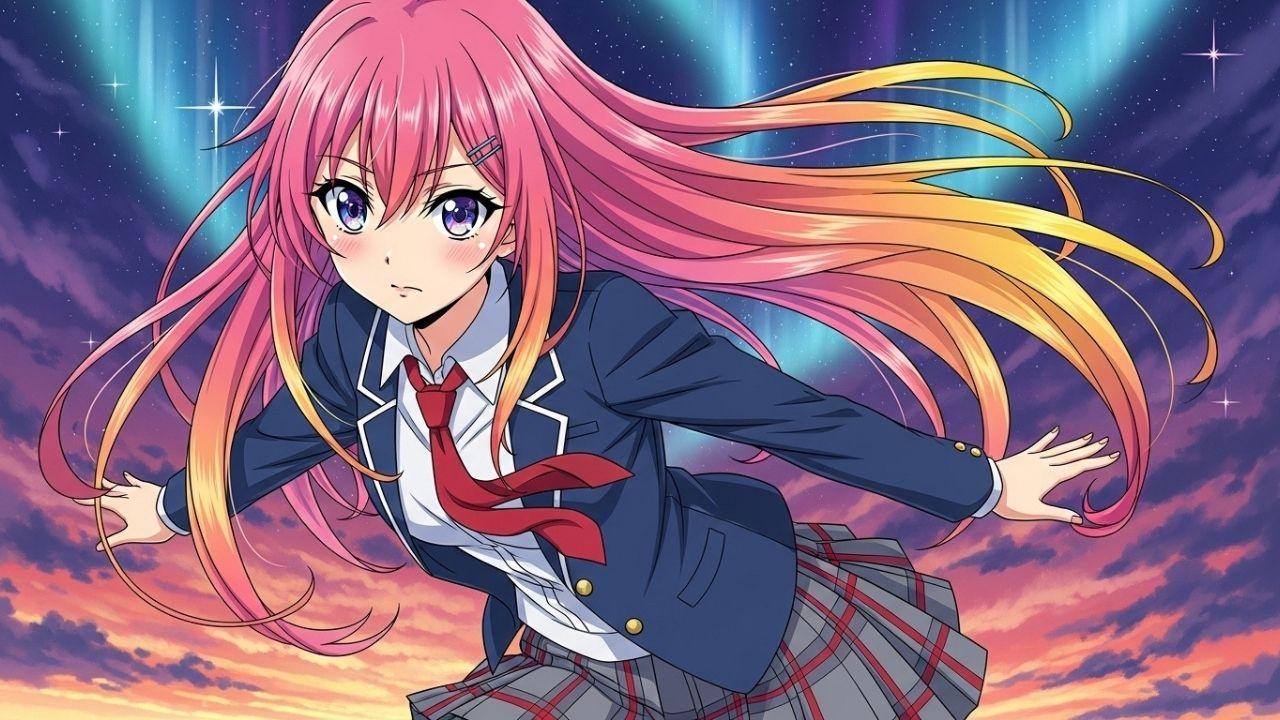
Anime image after upscaling with LetsEnhance
AI-powered anime models
Fixes jaggies & blur
Cleans manga scans
For print & 4K wallpapers

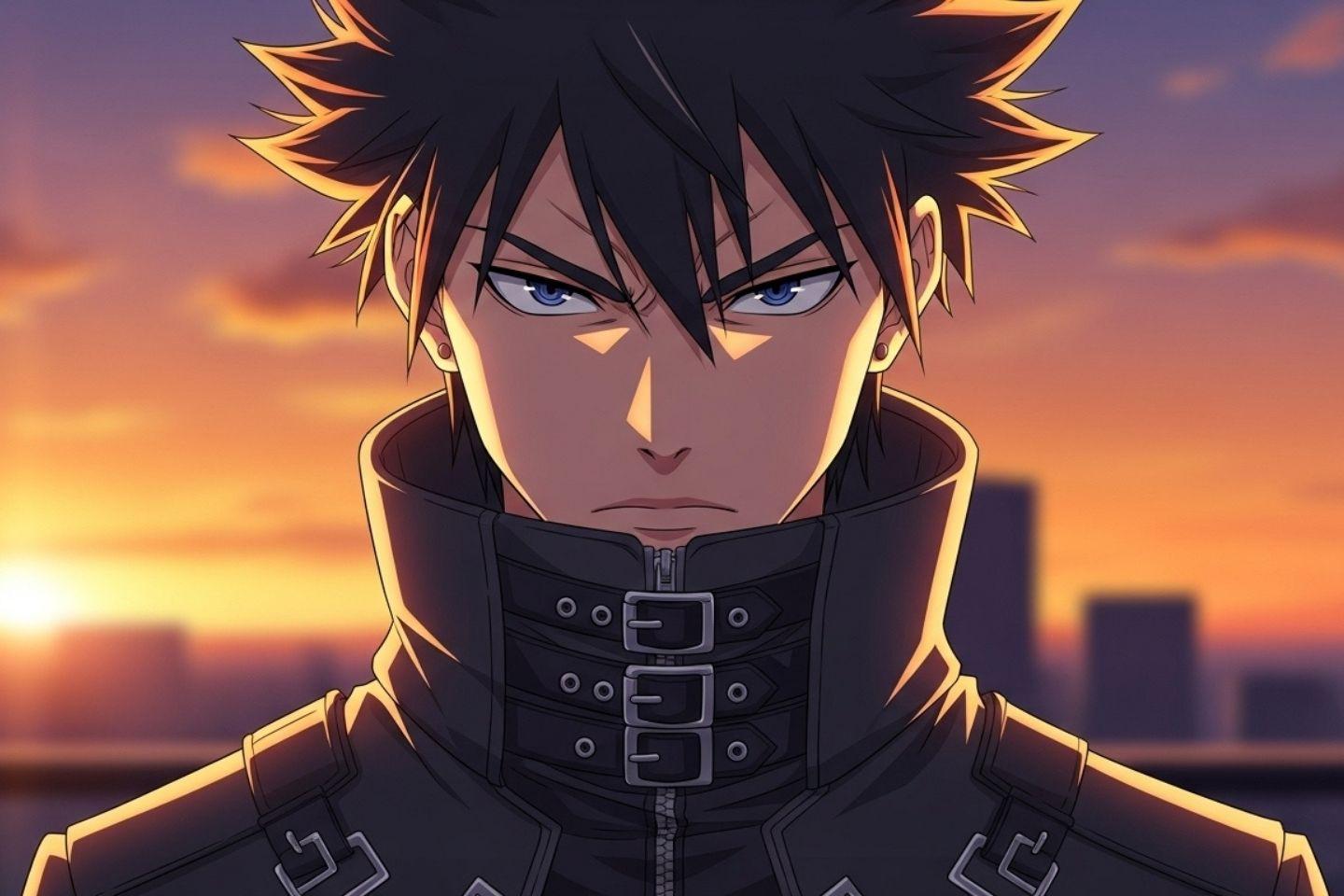
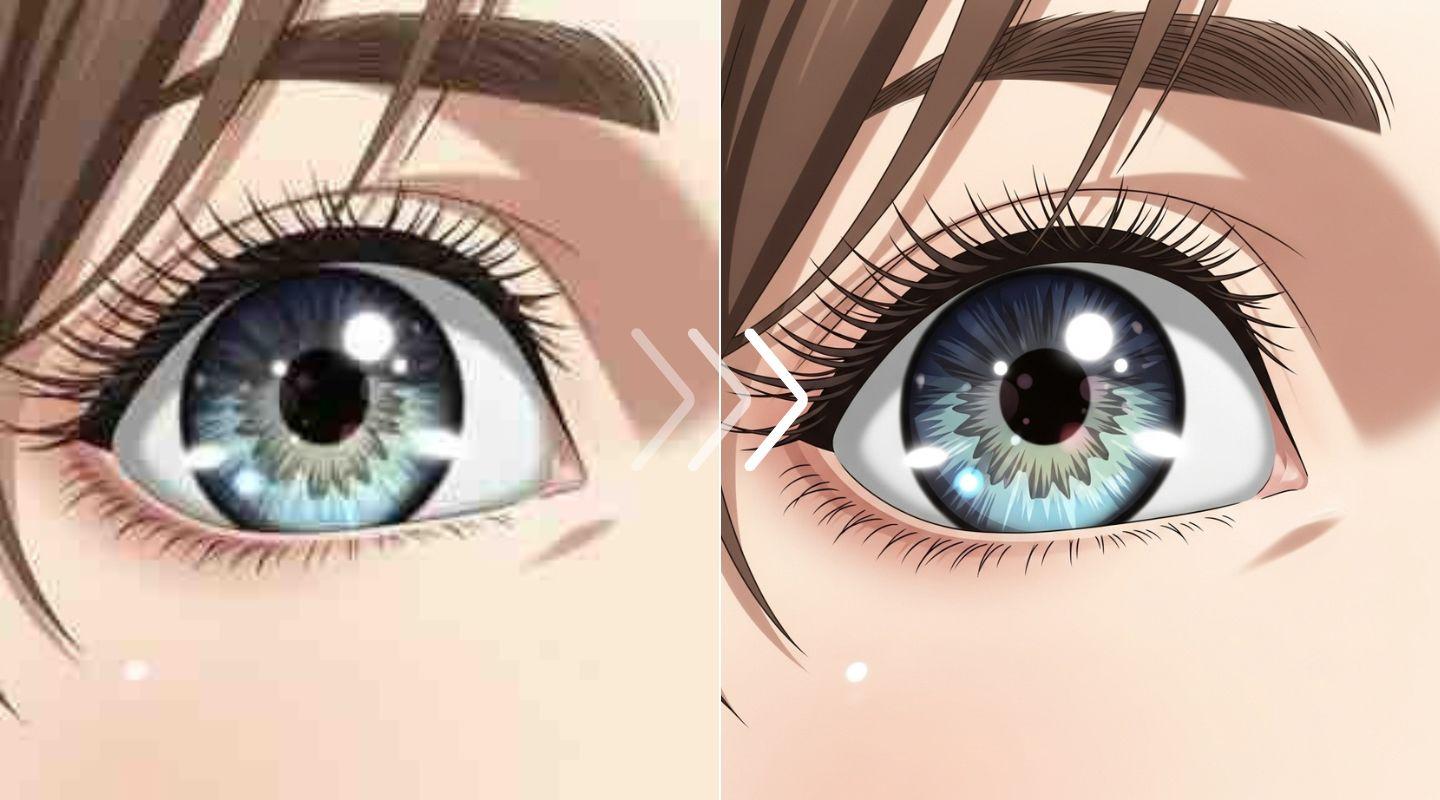
Upscale screenshots to 4K clarity

Turn low-quality anime screencaps into stunning, high-resolution 4K wallpapers. Our AI model is trained on digital art to intelligently increase resolution, sharpening details without creating unwanted noise.

Image before processing with LetsEnhance

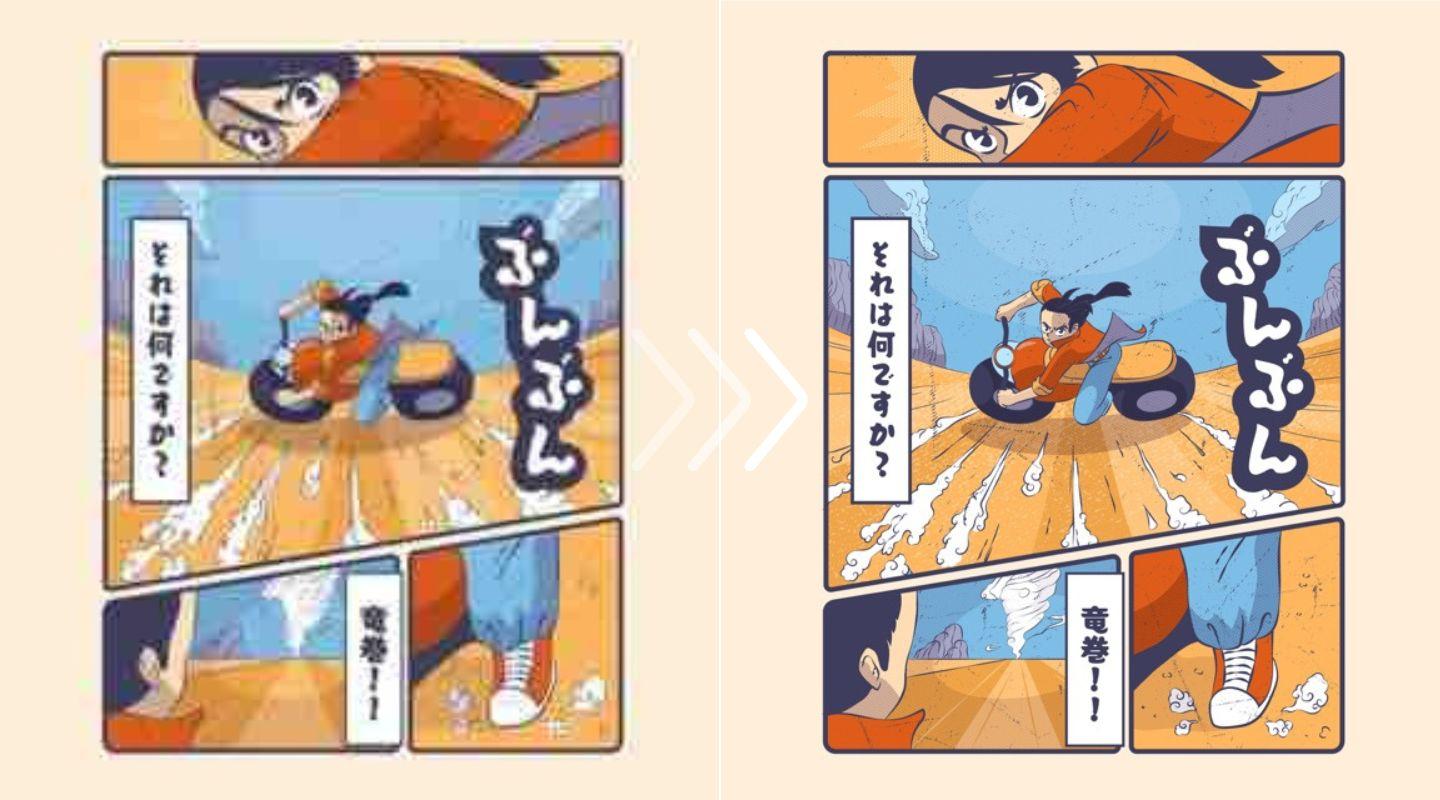
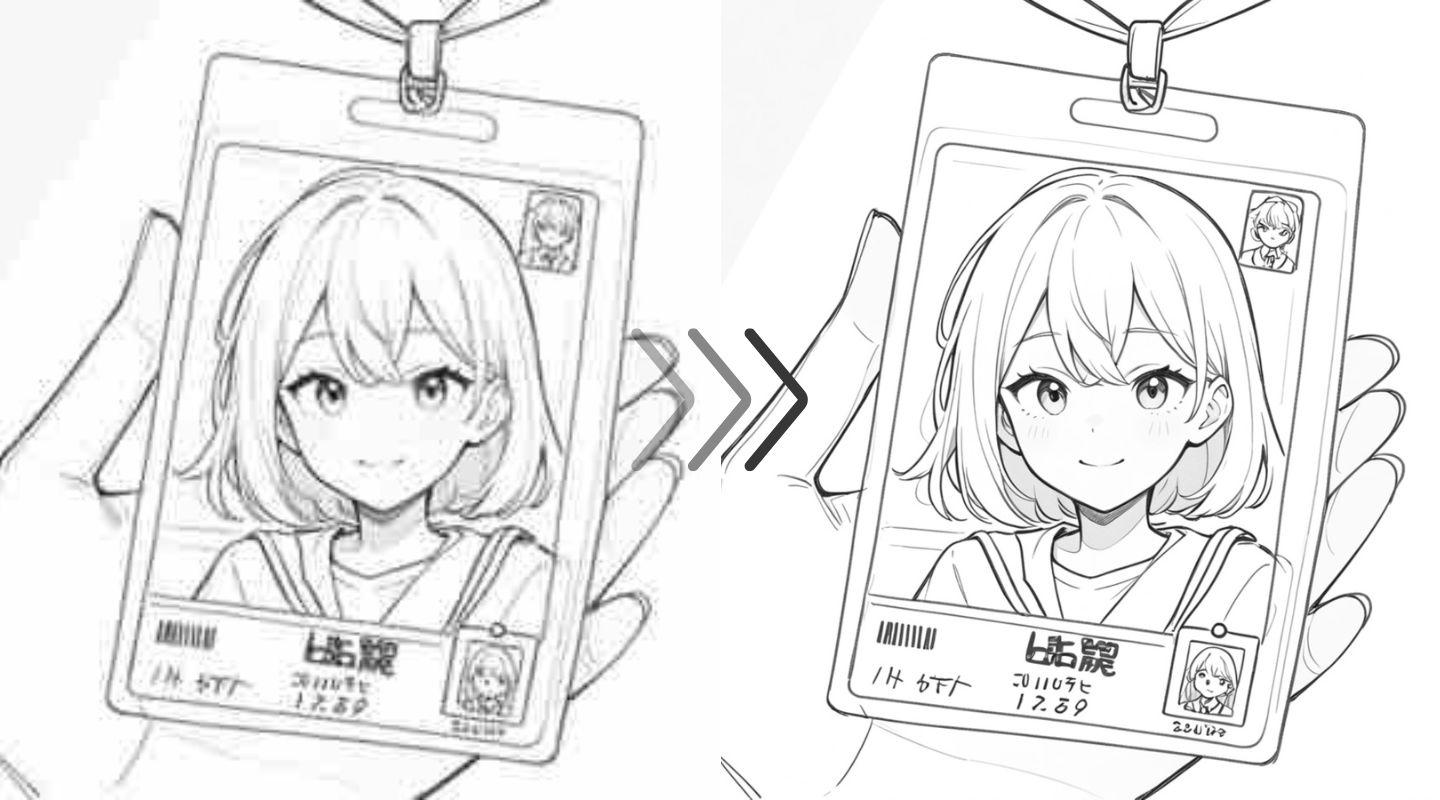
Preserve clean art style and lines

Stop fighting with upscalers that blur text and break delicate lines. Our Digital Art model respects the original work, removing moiré from screentones and enhancing lineart for clean, readable scans.

Image before processing with LetsEnhance

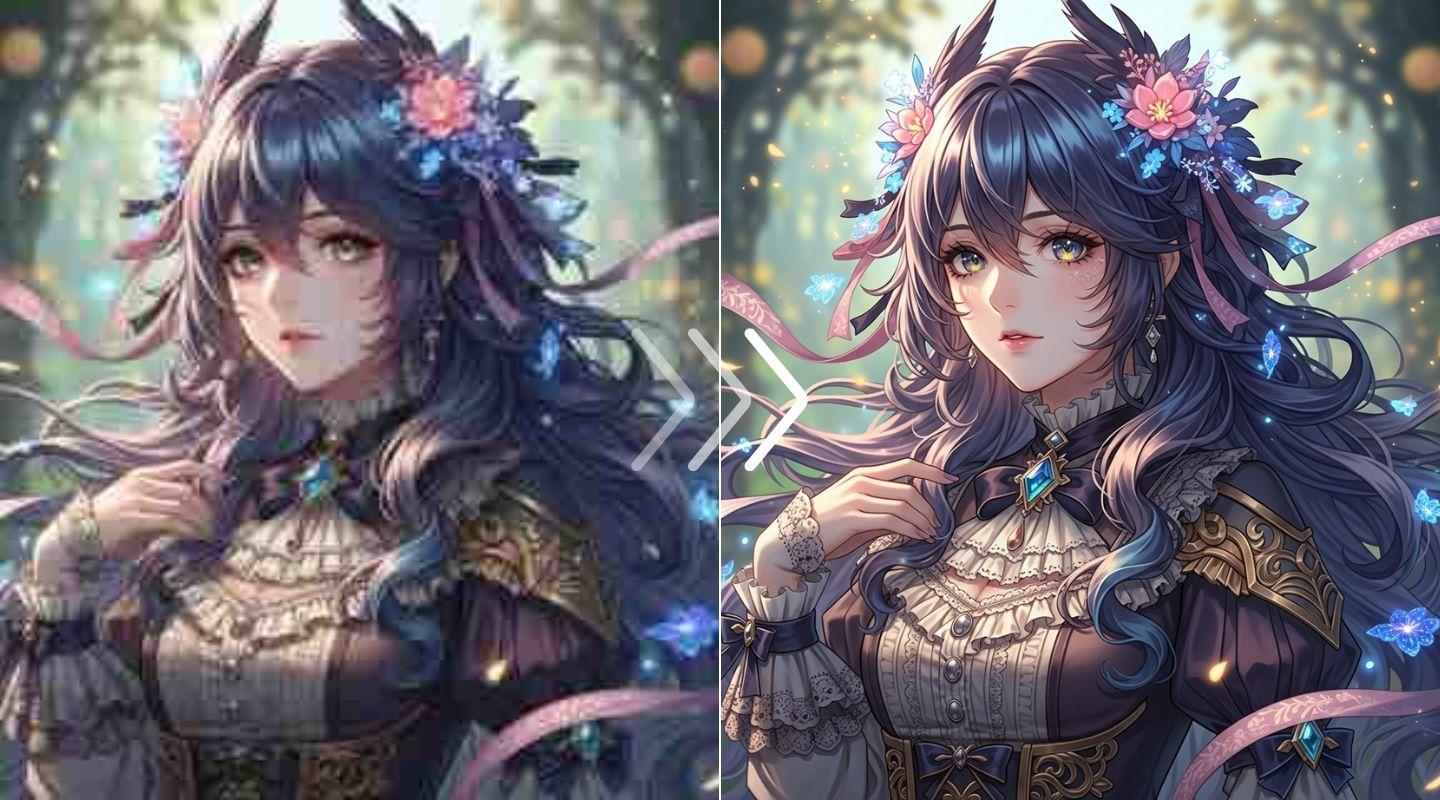
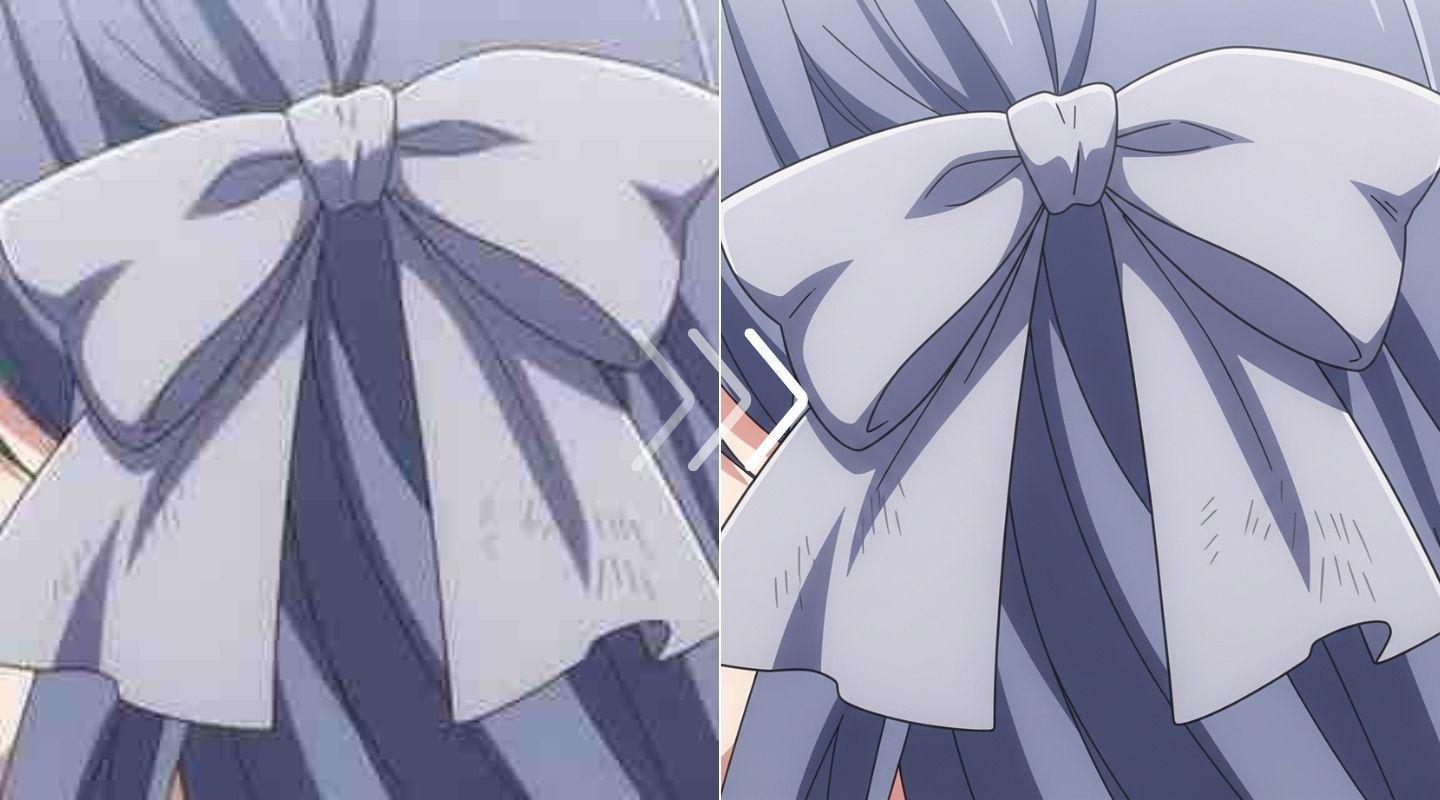
Remove jaggies and artifacts

Clean up compressed JPEGs and old digital art. The upscaler intelligently identifies and smooths jagged "stair-stepping" edges (aliasing) and removes compression noise, restoring the image's intended clarity.

Image before processing with LetsEnhance

How to upscale anime images online

Step 1: Upload your anime file

Drag and drop your anime image, screencap, or manga scan into the editor. You can start with any low-resolution JPEG or PNG file.
Image before processing with LetsEnhance

Step 2: Choose the upscaler model and size

For most anime, select the 'Digital Art' model. It’s tuned to respect lineart. For very blurry images, try 'Strong' or ‘Ultra’ for more intensive enhancement.
Image before processing with LetsEnhance

Step 3: Download your upscaled image

Your upscaled anime image is ready. Download the high-resolution PNG or JPEG file, perfectly sharpened and ready for use as a wallpaper or for print.
Image before processing with LetsEnhance

For creating 4K+ wallpapers

Don't let a small file stop you. Grab any anime image you love and upscale it to 4K (or even 8K and beyond). Create stunning, crystal-clear wallpapers for your desktop or ultra-wide monitor.

Image before processing with LetsEnhance

For manga and scanlation teams

Speed up your cleaning and typesetting workflow. Use our AI to upscale and denoise raw manga scans, removing scanner noise and moiré patterns before you even open your editor.

Image before processing with LetsEnhance

For digital artists and fan art

Give your digital art the presentation it deserves. Upscale your illustrations for high-DPI prints, clean up old portfolio pieces, or enhance fan art for sharing in the highest quality.

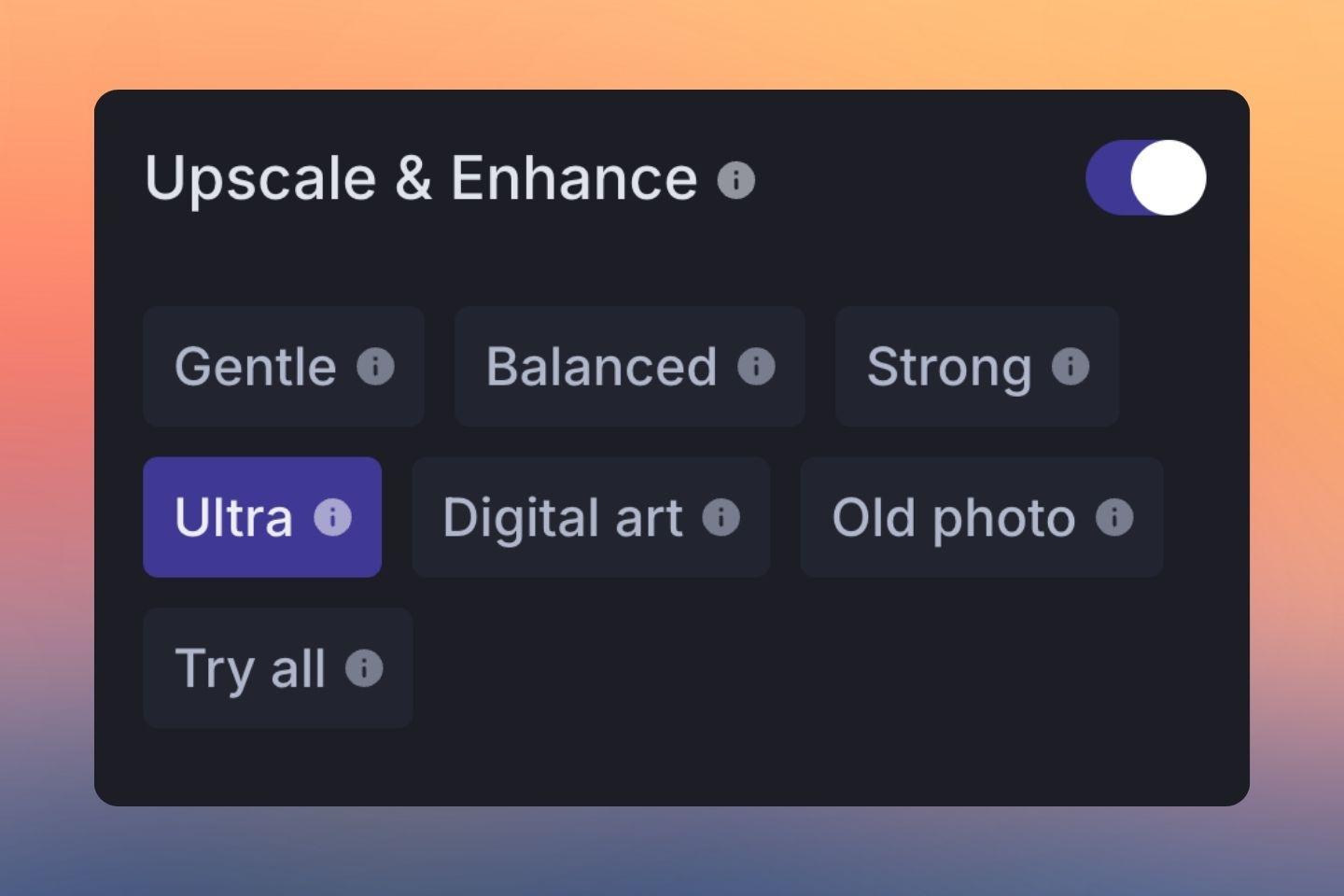
Image before processing with LetsEnhance
For builders & fast‑growing startups

Integrate AI anime upscaling with one API

Claid.ai result illustration
Automate your image workflow. Access our anime and digital art models via the Claid.ai API

FAQ

What is the best AI upscaler for anime?
The best anime upscaler depends on your goal. For high-fidelity upscaling that respects lineart, our 'Digital Art' model is ideal. It's designed to work like advanced models (e.g., Real-ESRGAN Anime6B) to provide clean 4K results.
How can I upscale anime to 4K?
You can upscale any anime image to 4K by uploading it to LetsEnhance.io. Select the 'Digital Art' model, choose your upscale factor (e.g., 4x), and our AI will process the image, increasing its resolution to 4K or higher.
Is this anime upscaler better than Waifu2x?
Waifu2x is a classic tool for anime upscaling. Our models, like 'Digital Art' and 'Strong', are modern alternatives trained to handle a wider variety of digital art styles, compression artifacts, and noise, often producing cleaner and sharper results.
How do I upscale manga scans without losing quality?
To upscale manga scans, use our 'Digital Art' model. It's specifically tuned to preserve sharp lineart and keep text readable. It also helps remove moiré patterns from screentones, which can be a common issue with other upscalers.
Can I batch upscale anime images?
Yes, you can upload and process multiple anime images at once with any paid LetsEnhance.io plan. For automated, high-volume batch processing, we recommend using our Claid.ai API.
How do I fix jagged lines (aliasing) in my digital art?
Jagged lines, or aliasing, are common in low-resolution digital art. Upload your image and use our 'Digital Art' or 'Strong' enhancer. The AI will smooth these "stair-stepping" edges to create clean, smooth lines.
Can I use this as a waifu image upscaler?
Yes, our tool works perfectly as a 'waifu upscaler'. You can enhance character portraits and fan art, fix pixelation, and create high-resolution versions of your favorite characters for wallpapers or social media.