
Depixelate and upscale together
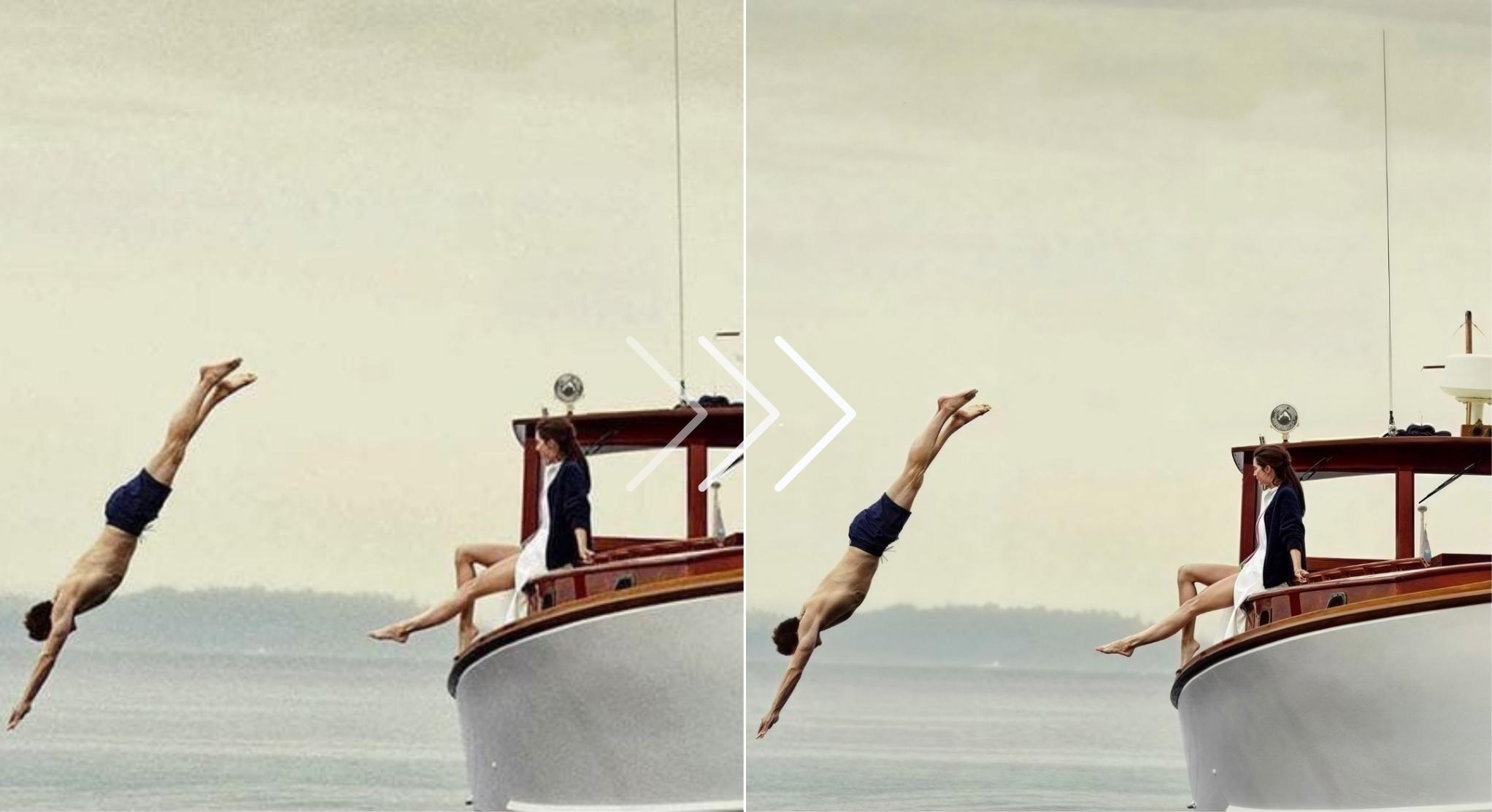
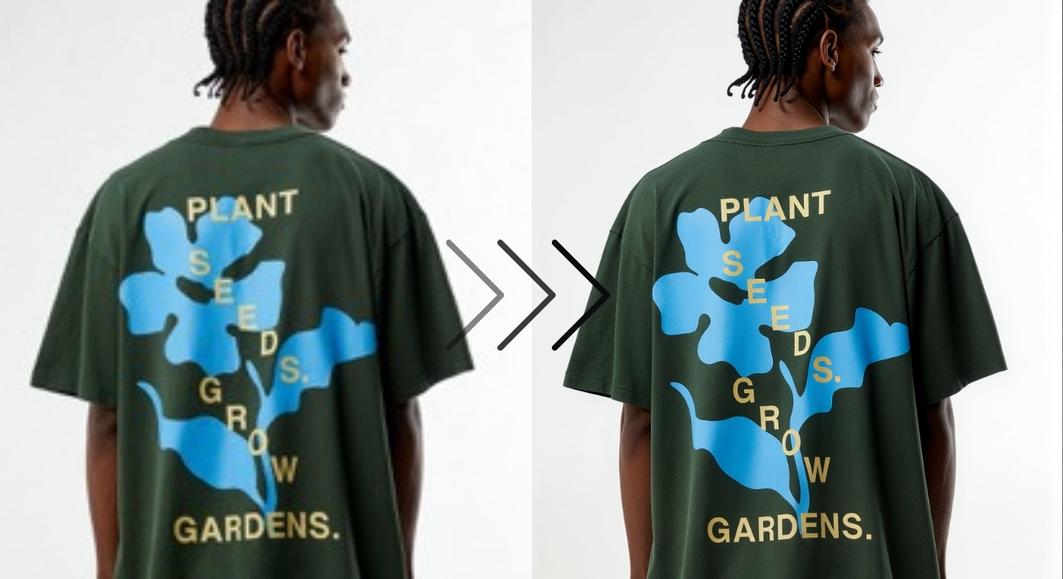
Unpixelation works best paired with upscaling. Choose 2x or 4x output and get cleaner detail plus a larger file. One upload, both problems solved.


Restore what compression took away
Every JPEG save, every social media upload, every resize throws away data. What's left: blocky edges, color banding, that ugly stair-step look. Normal tools just blur it to hide the damage. This AI predicts what the original pixels looked like and rebuilds them.

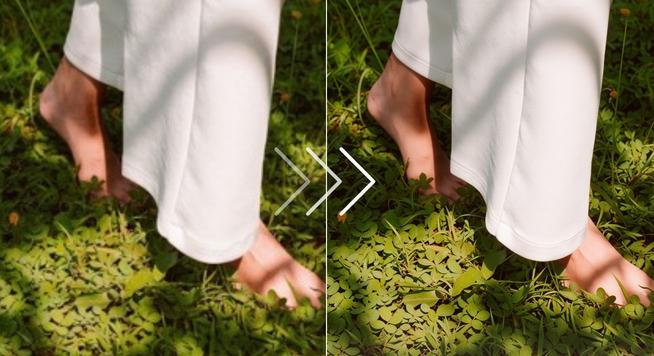
Make pixelated text readable again
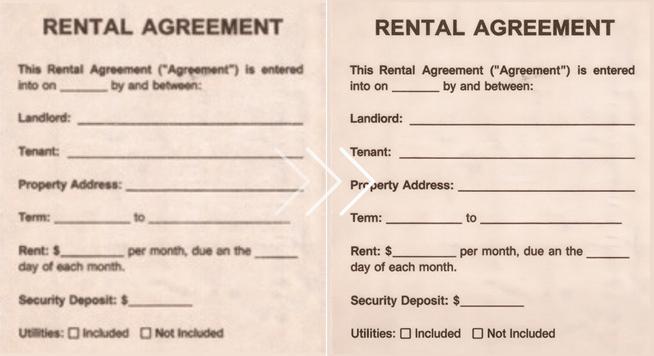
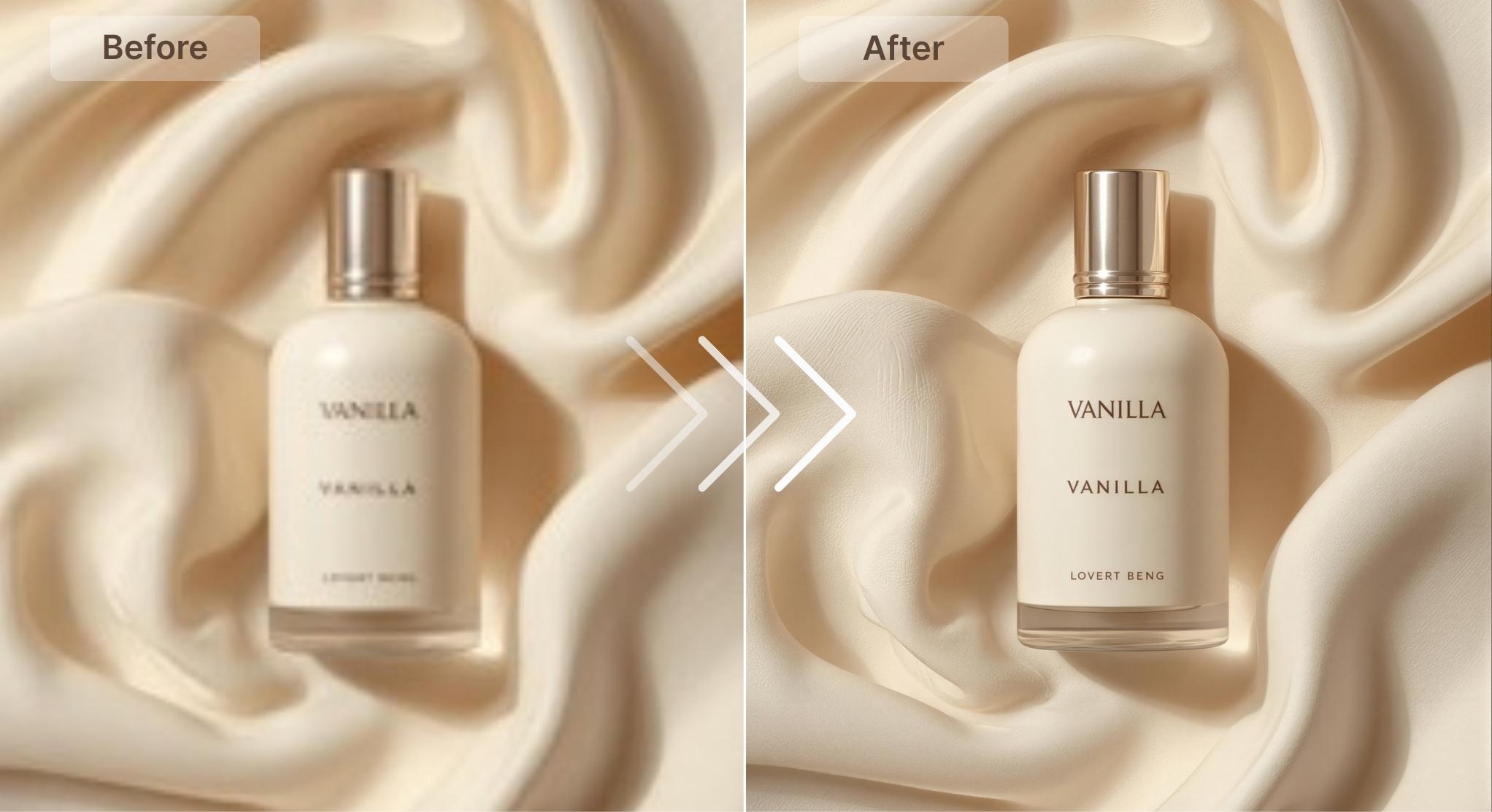
Scans of old documents. Screenshots from video calls. Text that turned into jagged blocks. The AI recognizes letterforms even when they're badly degraded. Reconstructs them sharp enough to read, sometimes sharp enough for OCR.




How to unpixelate an image
Upload your pixelated picture

Let AI fix the pixelation

Download your clear image

Old family photos and archives
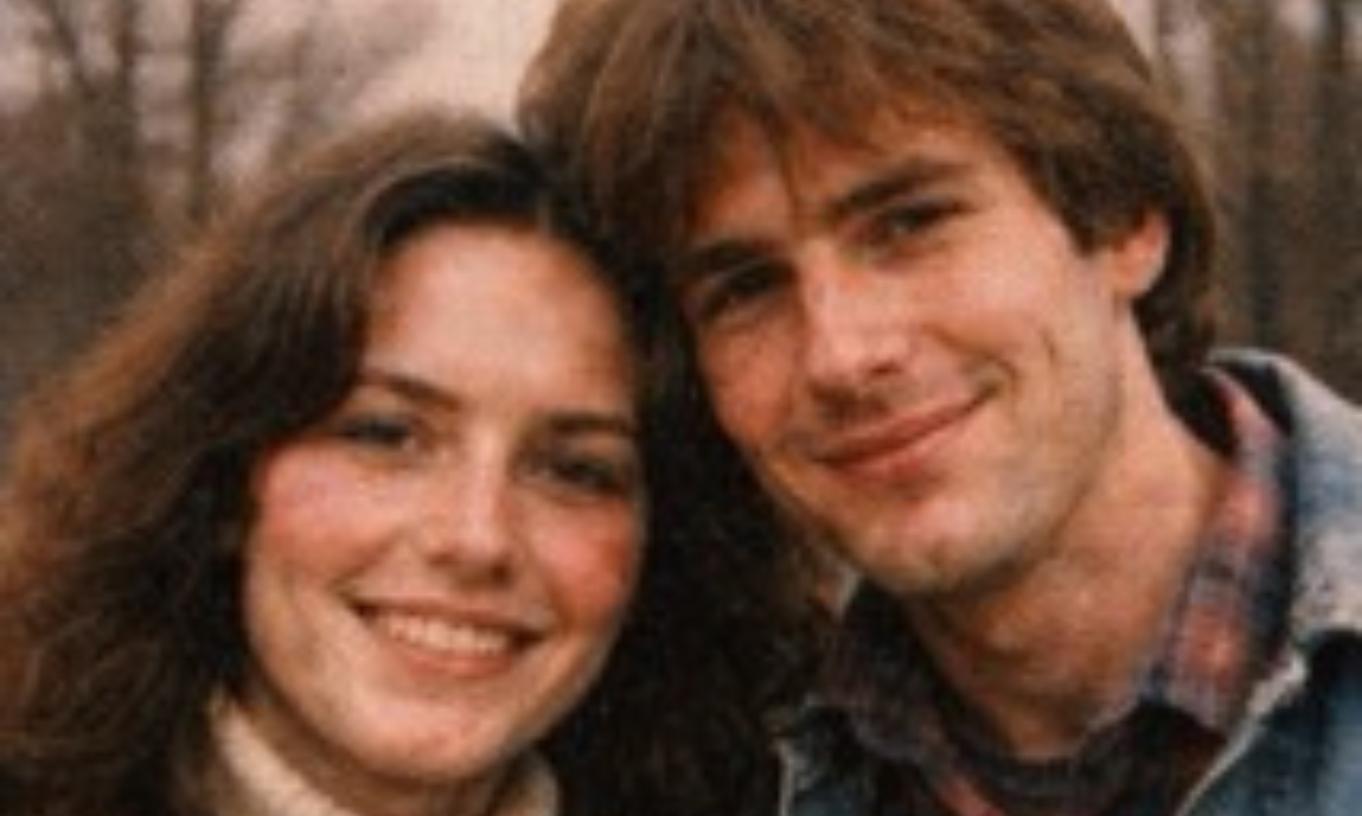
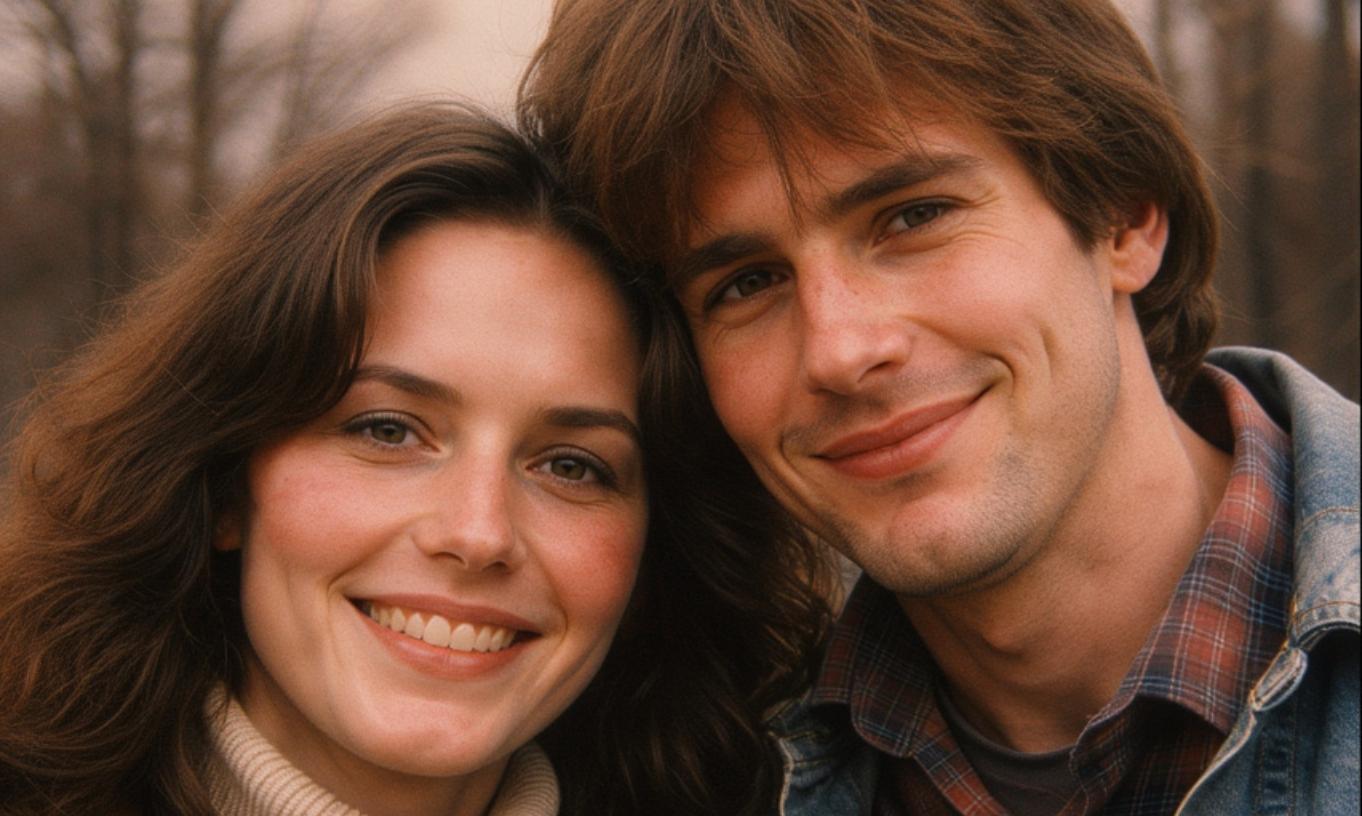
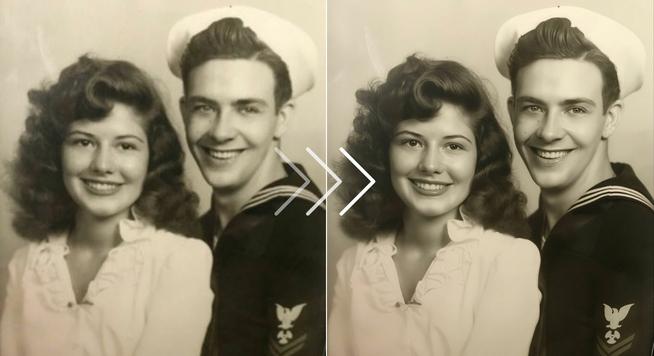
Tiny thumbnails from early digital cameras. Photos that got compressed through three messaging apps. Scans of prints that were already fading. Turn them into something worth framing.

Product photos for ecommerce
You want to print a photo but the resolution is too low. Print it anyway and you get visible pixels. Unpixelate and upscale first. The result holds up at larger sizes without that blocky, posterized look.

Printing photos that are too small
You want to print a photo but the resolution is too low. Print it anyway and you get visible pixels. Unpixelate and upscale first. The result holds up at larger sizes without that blocky, posterized look.