Make AI video sharp enough to publish
You generated something worth using. But 720p won't cut it for YouTube, client decks, or anything bigger than a phone screen. Video Upscaler takes AI output to 4K so your work meets the resolution standards of where you actually want to publish it.
New detail, not just bigger pixels
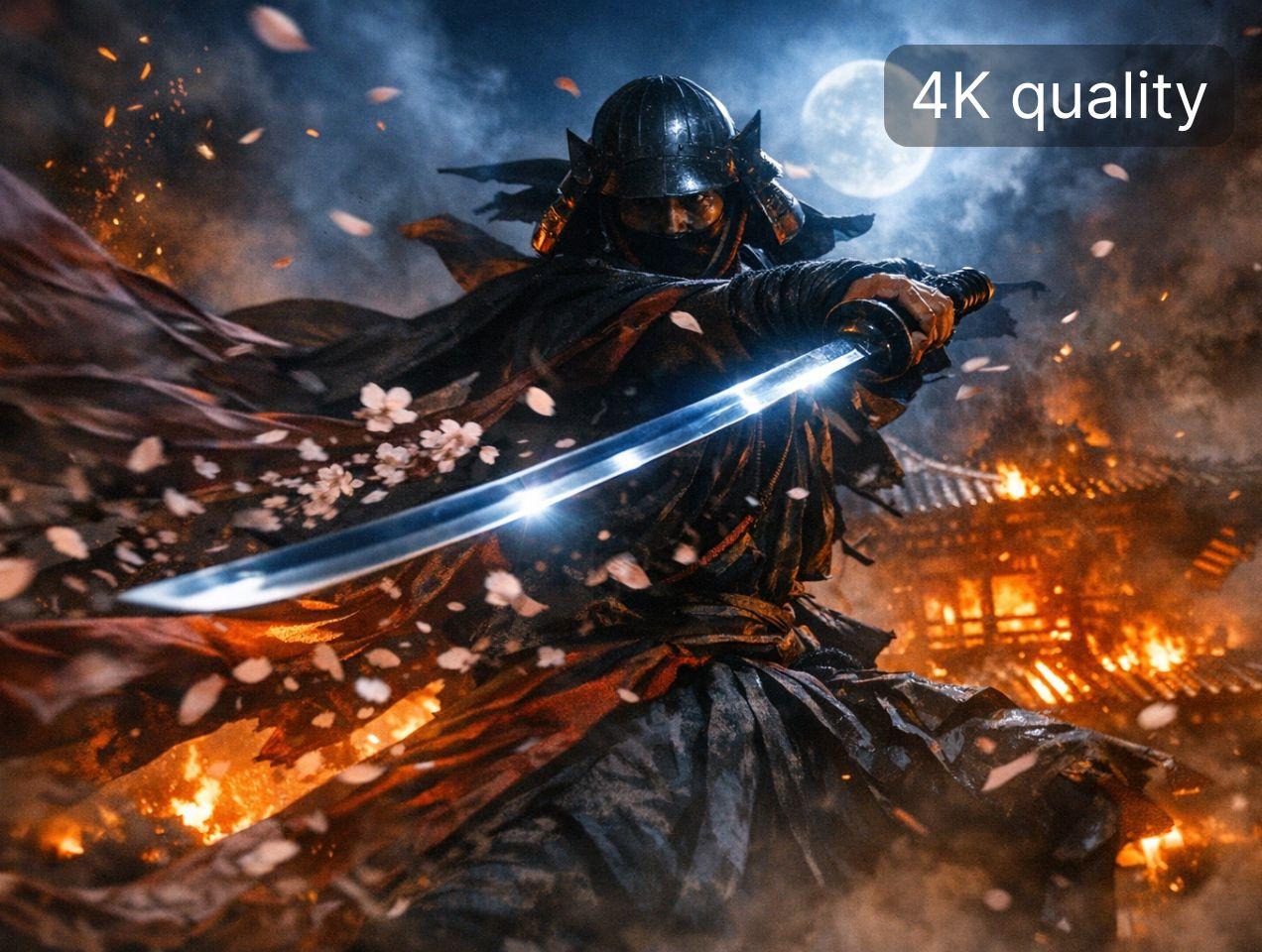
Standard upscaling interpolates. It stretches what's there and hopes you won't notice the blur. We use diffusion-based processing to generate texture that wasn't in the original: skin pores, fabric weave, leaf edges. The kind of detail that makes 4K actually look like 4K.
Fixes softness AI video is known for
AI-generated clips often look slightly off. Smooth where they should have grain. Soft where they should have edges. Upscaling with detail reconstruction addresses this directly. Faces look more natural. Surfaces have texture. The "AI look" fades.



How to upscale video to 4K
Upload


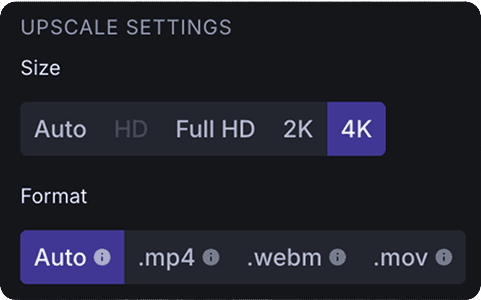
Configure

Preview and download

For YouTube and short-form video
YouTube recommends uploading at 4K even if viewers watch at 1080p. The encoding handles it better. AI clips uploaded at native 720p get compressed twice and look worse than they should. Start at 4K. Let the platform do its thing.
For editors mixing AI with camera footage
Your timeline is 4K. Your AI-generated b-roll is 720p. That insert will stick out. Upscale it before dropping it in so resolution matches across your sequence. No awkward quality jumps between shots.
For social content that survives compression
TikTok, Reels, and Shorts compress uploads aggressively. Higher source resolution gives the algorithm more to work with. What you upload at 4K still looks acceptable after the platform is done with it.