AI art and editing · Tutorial
How to upscale logos, illustrations and graphic design assets
Learn how to enlarge logos, illustrations, textures and posters, check text and transparency, and calculate the pixel dimensions your print needs.
Topic
Work out the pixels you need, prepare the file, and understand why a print looks sharp or soft.
Explainer
A practical explanation of DPI, PPI, and pixels for high-quality print. Learn what actually affects sharpness, when “changing DPI” does nothing, and how to make print-ready files with LetsEnhance printing presets.
Research
Sourced DPI requirements for every print format: 300 for fine art, 150 for canvas, 100 for large format, 20 for billboards. Data from Printful, Printify, Redbubble, Mixam, and peer-reviewed research.
Tutorial
Use LetsEnhance to upscale small digital posters for large prints in using LetsEnhance's AI-powered upscaler. It all takes a few seconds.
AI art and editing · Tutorial
Learn how to enlarge logos, illustrations, textures and posters, check text and transparency, and calculate the pixel dimensions your print needs.
Product photography · Explainer
Everything Amazon and Etsy sellers need to know about image specs, common rejection triggers, and how to bring any low-res photo up to compliance with AI upscaling.
Print and resolution · Research
Low-res uploads cause most POD reprints. Experts share the workflow checks, design fixes, and upscaling methods that solve the problem before it hits production.
AI art and editing · Research
15B+ AI images created, but native 1024px output doesn't meet print or marketplace standards. Resolution gaps, artifact data, and workflow stats from peer-reviewed research and Adobe, Everypixel, G2.
Print and resolution · Research
Expert advice on avoiding pixelation, handling dot gain, and preparing high-resolution files for professional printing. Ensure perfect output every time.
Improve photos · Explainer
Learn about the pros and cons of JPEG and PNG formats to make a reasonable choice when working with images.
Print and resolution · Comparison
A practical POD tool stack for brand identity, design, mockups, shop ops, and print-ready image prep. Includes when to use LetsEnhance and Claid in the workflow.
Print and resolution · Explainer
Shifting from offset printing to POD is not that easy. Read about types of printing, software, equipment and choose what fits you THE BEST. Simple Guide!
Print and resolution · Tutorial
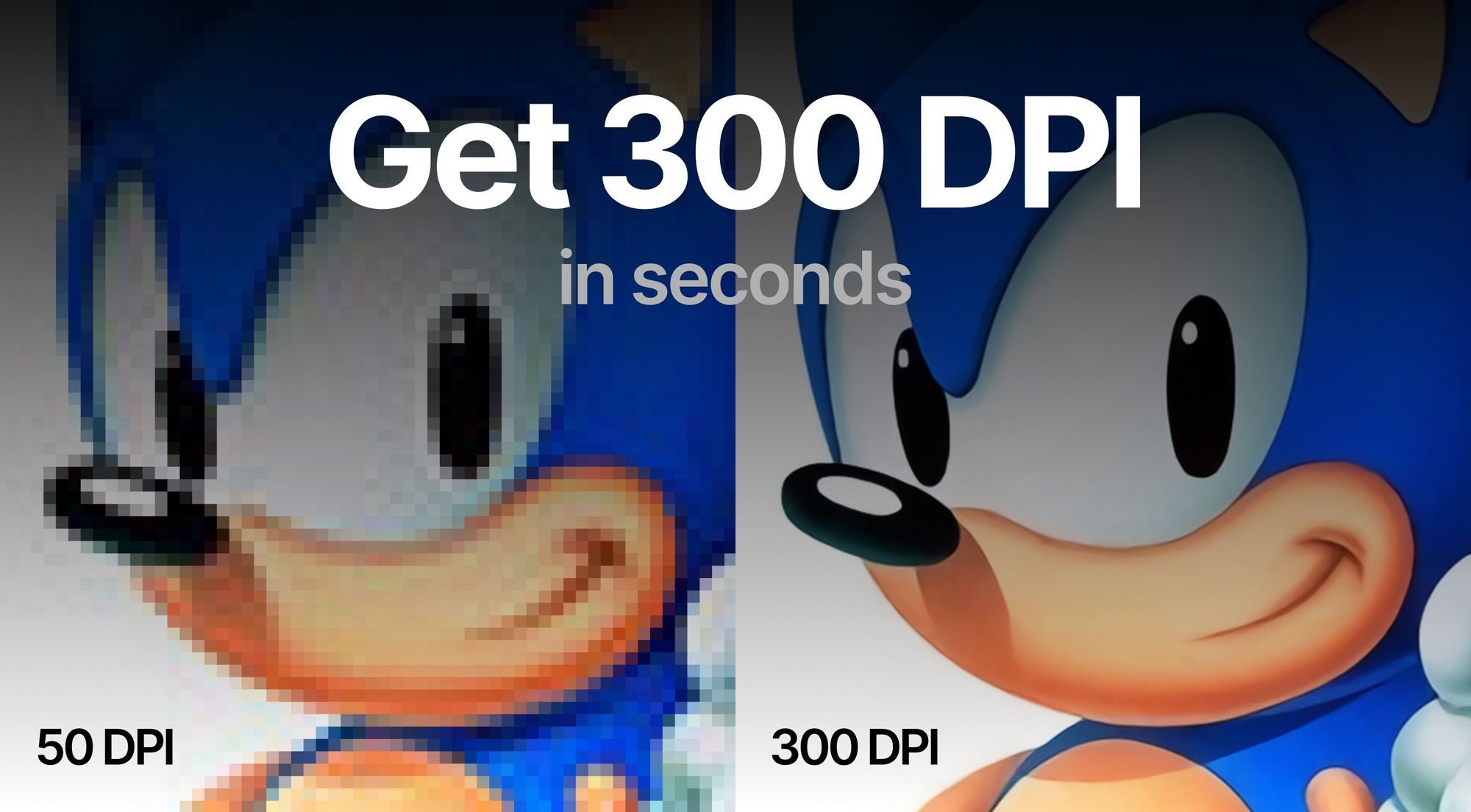
Learn how to increase the DPI of your photo, what is DPI / PPI, and how to change DPI in Photoshop, GIMP, and online.
Print and resolution · Explainer
Discover the immense impact of AI image enhancers on POD businesses. Improve visual quality, streamline workflow, and scale operations with ease.
Print and resolution · Explainer
We gathered TOP-mistakes newbies usually make. Printing business launch will be smoother and esier if YOU read THIS.
AI art and editing · Tutorial
Learn how to upscale AI images quickly and effectively for large prints using LetsEnhance.io. This guide provides detailed steps and pro tips for selecting optimal settings.
Print and resolution · Comparison
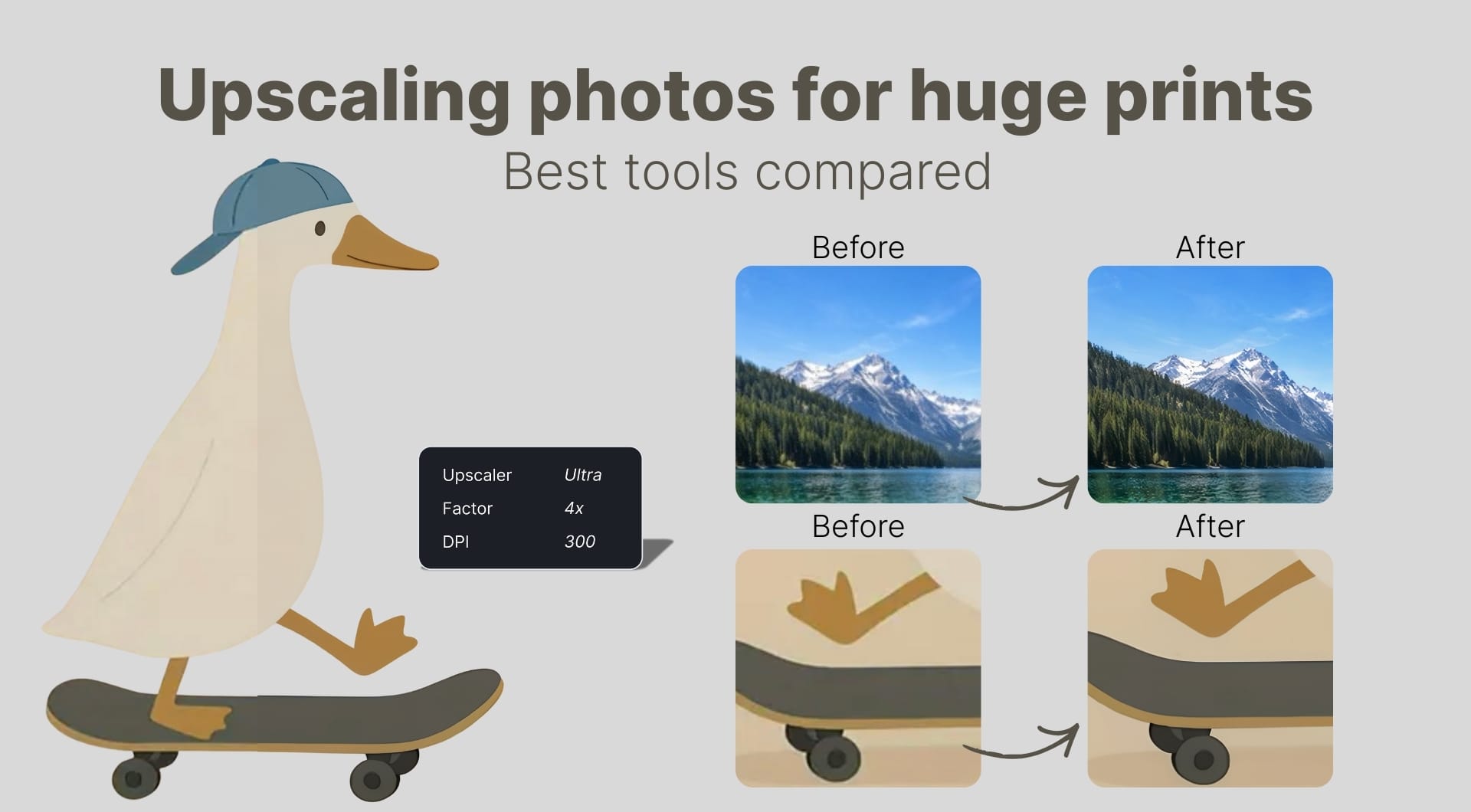
This guide reviews the best AI upscalers for large prints and wall art, explains DPI and pixel requirements, and shows how to get print-ready 300 DPI files.
AI art and editing · Tutorial
Learn how to upscale AI-generated images to 300 DPI, fix blur, and create print-ready visuals using LetsEnhance and Claid.ai.
Print and resolution · Research
Learn 5 expert strategies to improve print quality for your POD business. Discover how to enhance customer images, set clear guidelines, and streamline your workflow.
Automation and APIs · Story
Learn how Printify integrated Let's Enhance's Claid API into their print-on-demand platform, increasing image resolution and merchant satisfaction.