
Even the most experienced artists can face a creative block. They may run out of ideas and not know how to finish or enhance their work. This can happen for many reasons, such as emotional stress, interruptions, or lack of motivation.
But there is a way to overcome these creative blockers with generative AI. Artificial intelligence can create new content based on existing data. This has the potential to help artists by providing them with inspiration, guidance, and access to skills and abilities they have they to learn or master.
For example, if you are a painter and you want to try something new, you can use generative AI tools like LetsEnhance, Deep Dream, or Midjourney to create realistic images. Generative AI is like a huge library of art. You can browse through it and find something interesting that will motivate you to continue your own work. It’s like visiting a museum with an infinite number of paintings from hundreds of painters each with their unique style.
Takeaways
- As an artist you can use generative AI to overcome creative blocks and find inspiration;
- AI tools give access to abilities and functions for those without the budget for specialists or skills;
- AI can enhance existing art with additional stylizations and technical improvements;
- Conceptualizing, drafting, and creating WIPs is easier with AI, cutting down the preparation time needed to create art.
Inspiration
Even artists with decades of experience in their craft are sometimes at a loss for ideas. Artist’s block is very common, where artists reach a temporary creative limit. No words come to mind, no ideas on where the brushstroke should go, or what final note to add to the composition to complete it. This doesn't mean the artist is incapable of creative work, but it is the result of an infinite number of circumstances, such as emotional exhaustion, lack of motivation, interruptions from personal matters, etc.
Generative AI has the potential to provide artists with the inspiration they need to overcome artists’ block and continue developing their creative work. Let’s take writing as an example. If I had writer’s block while writing this article, I could use platforms like ChatGPT or Lex to help me understand what elements are missing from my work that would allow me to continue writing. They could also provide me with new wording or paragraph structuring ideas that would help me avoid writer’s block and continue working.
It’s important to keep in mind, that generative AI functions as a database for art. This means that if you’re looking for something new, a quick use of generative AI could assist you in discovering new artwork and creative pieces that will provide you with the inspiration you need to continue working on your own stuff. Think of it like visiting a museum with an infinite number of paintings or reading excerpts from hundreds of authors, each with their unique voice.
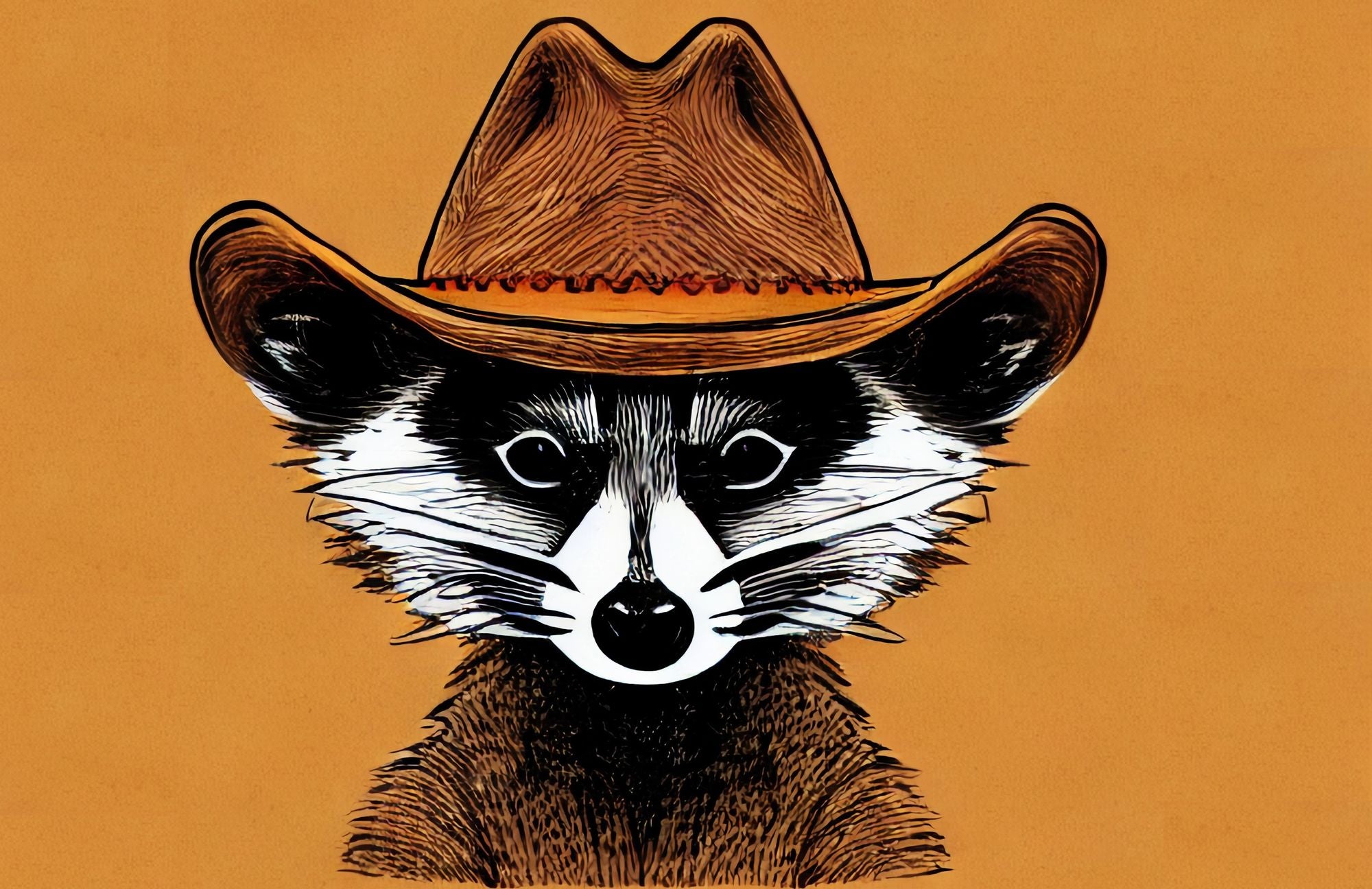
Concept art: How to brainstorm character designs with AI
Here's an example of how illustrators and concept artists can use generative AI to create character concepts for inspiration.
Step 1
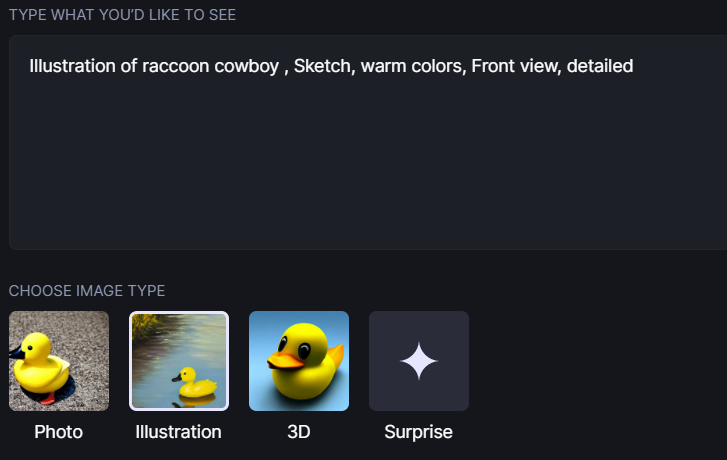
Create an account on LetsEnhance and open the Image Generator.
2. In the designated text box, write an image generation prompt to render your desired image.
3. Once the image is generated, choose the ones that you like and save them to your device by clicking the arrow button.
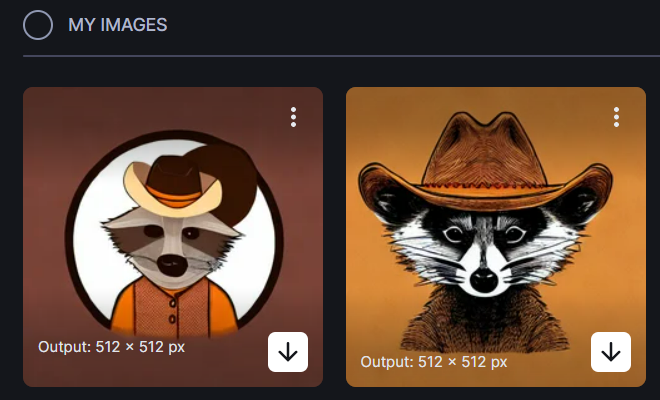
Pro Tip: Experiment a few times with the image generator until you get a concept image that matches the essence of your desired character. Even if you are satisfied with the initial results, it's always a good idea to give it another go in case you find a better design.
Accessibility
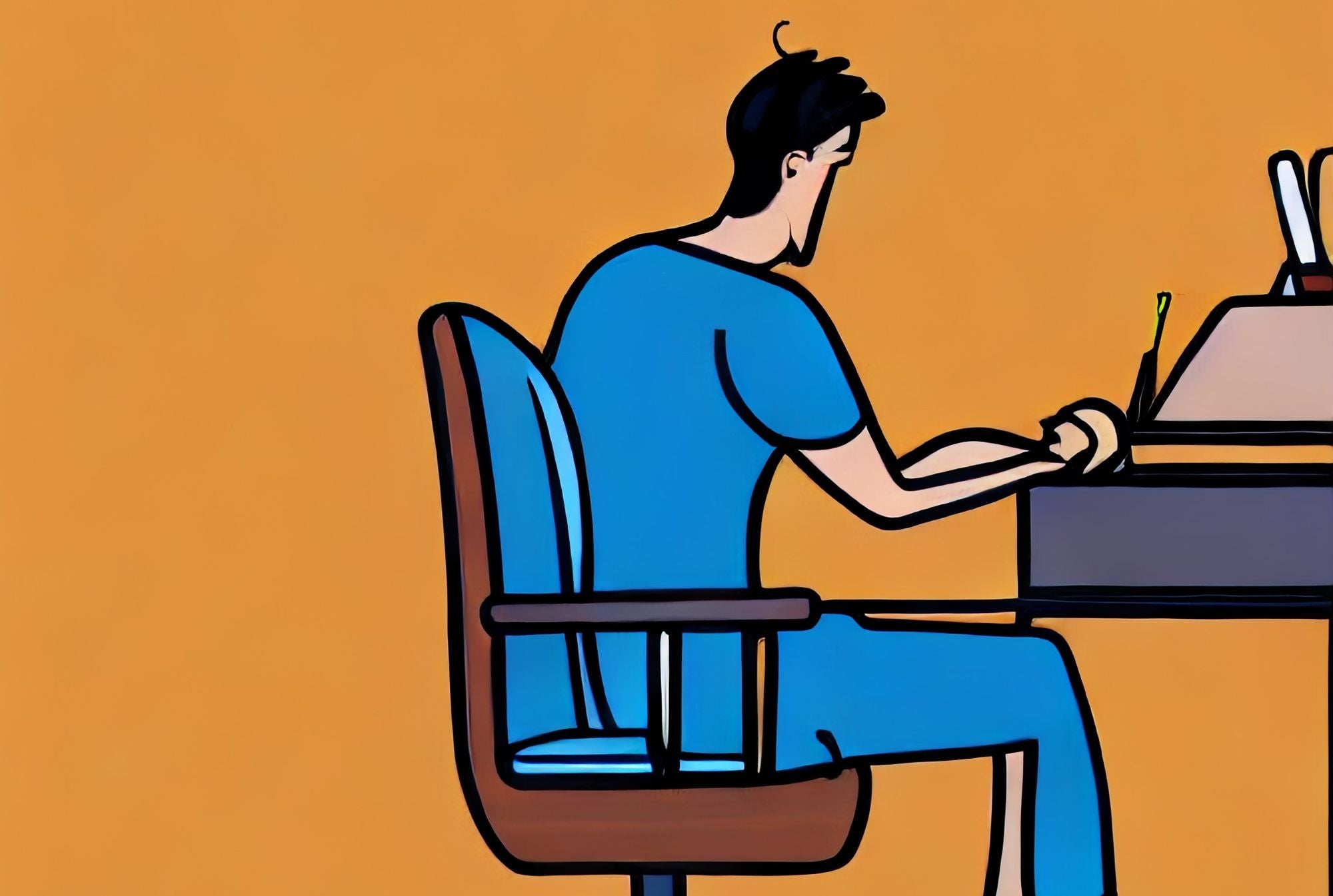
Blender is one of the most popular 3D modeling and animation software to work with. It’s by no means the first, but in recent years, it’s gotten really popular for one very good reason: it’s accessible in more ways than one. First of all, it’s completely free. So long as you have hardware strong enough to handle it, you can download it and start sculpting or animating. Secondly, it’s accessible thanks to a user-friendly interface that is very easy to learn and use. With the release of Blender, thousands of new artists across the globe gained access to 3D sculpting and animation tools that helped them create new art and start their careers as artists.
Now, this doesn’t directly translate into generative AI, since rendering an image with Midjourney doesn’t make someone an illustrator or painter. However, the accessibility in the case of AI art is about giving artists more opportunities to make useful additions to their work.
Here’s a great example of how accessible AI tools can help artists overcome challenges in their work. A comic book illustrator may be very skilled in designing characters but is unable to draw gorgeous backgrounds. Normally they’d have two options: either take time to learn the skill themselves or commission another artist to help them. In the case of artists who are just starting out, dedicating time and money to either of these solutions may not be possible.
With the help of generative AI, this artist can easily create a background for their comic. There will always be demand for skilled background artists or artists of any kind for that matter. But for those who don’t have the privilege of learning the skill themselves or the funding to pay for a professional, generative AI is a handy alternative.
Render a background: Create a gorgeous comic background in minutes
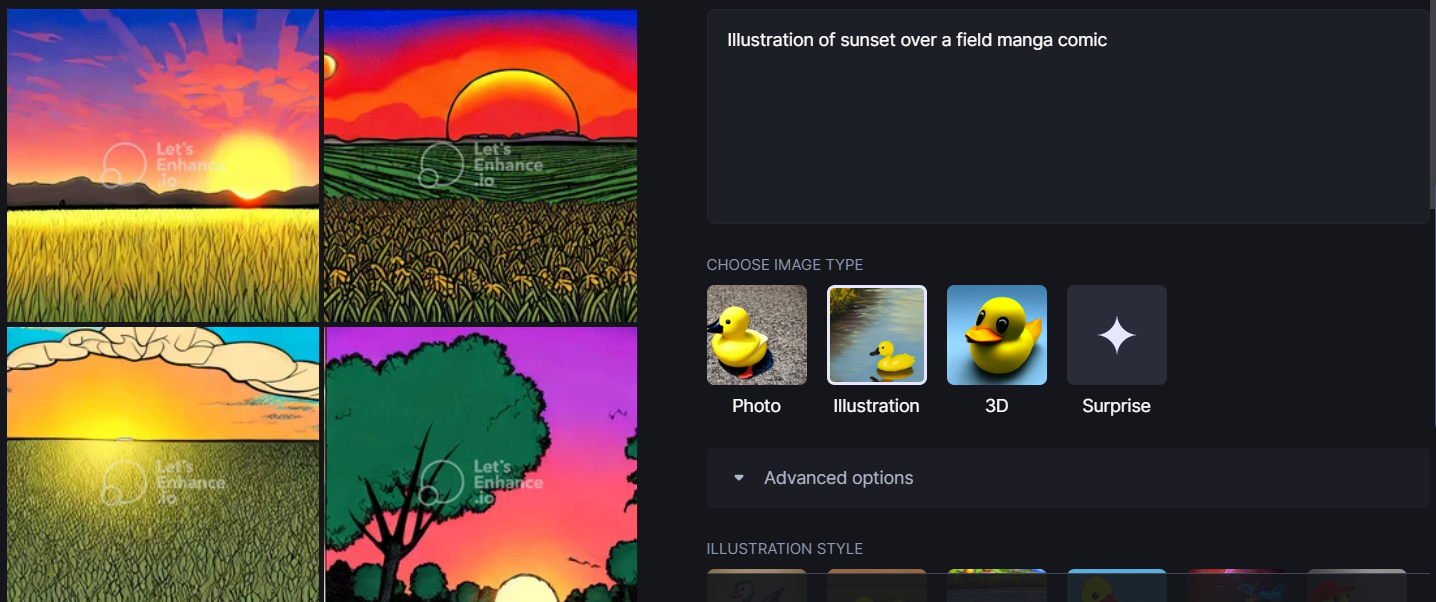
Let's put our example of the comic book artist to the test and generate a comic book background.
1. Open the Image Generator workspace on LetsEnhance.
2. In the text prompt box, type in the keywords for your comic book background.
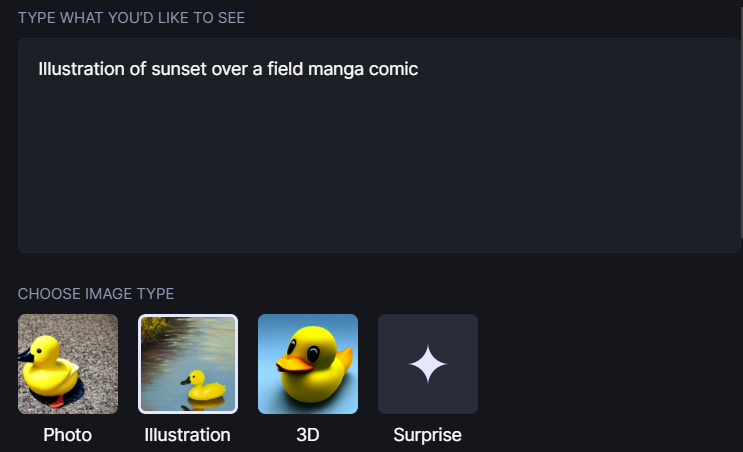
3. After generating the images, pick the backgrounds that would suit your comic book style the most and save it to your device.
Enhancement
We’ve been using software to enhance our work for some time now. Software that automatically applies filters to photos, adjusts lighting in videos, and enhances the quality of images has existed for quite a while. This technology has made it easier for artists to enhance their work and AI generation can help in this regard as well.
There are AI platforms specialized in turning a static drawn image into an animated GIF. Prior to the development of such technologies, artists had to draw and animate these on their own. Now, an artist who does not possess these skills can feature additional enhancements and make their art more complex.
The same goes for lighting, adding filters, unique stylizations, and so on. This is especially useful for artists working on a very urgent project who do not have the time to do all this by hand. But with generative AI, they have more options to enhance their work in a very short amount of time.
Upscale an image: Enlarge images without losing quality
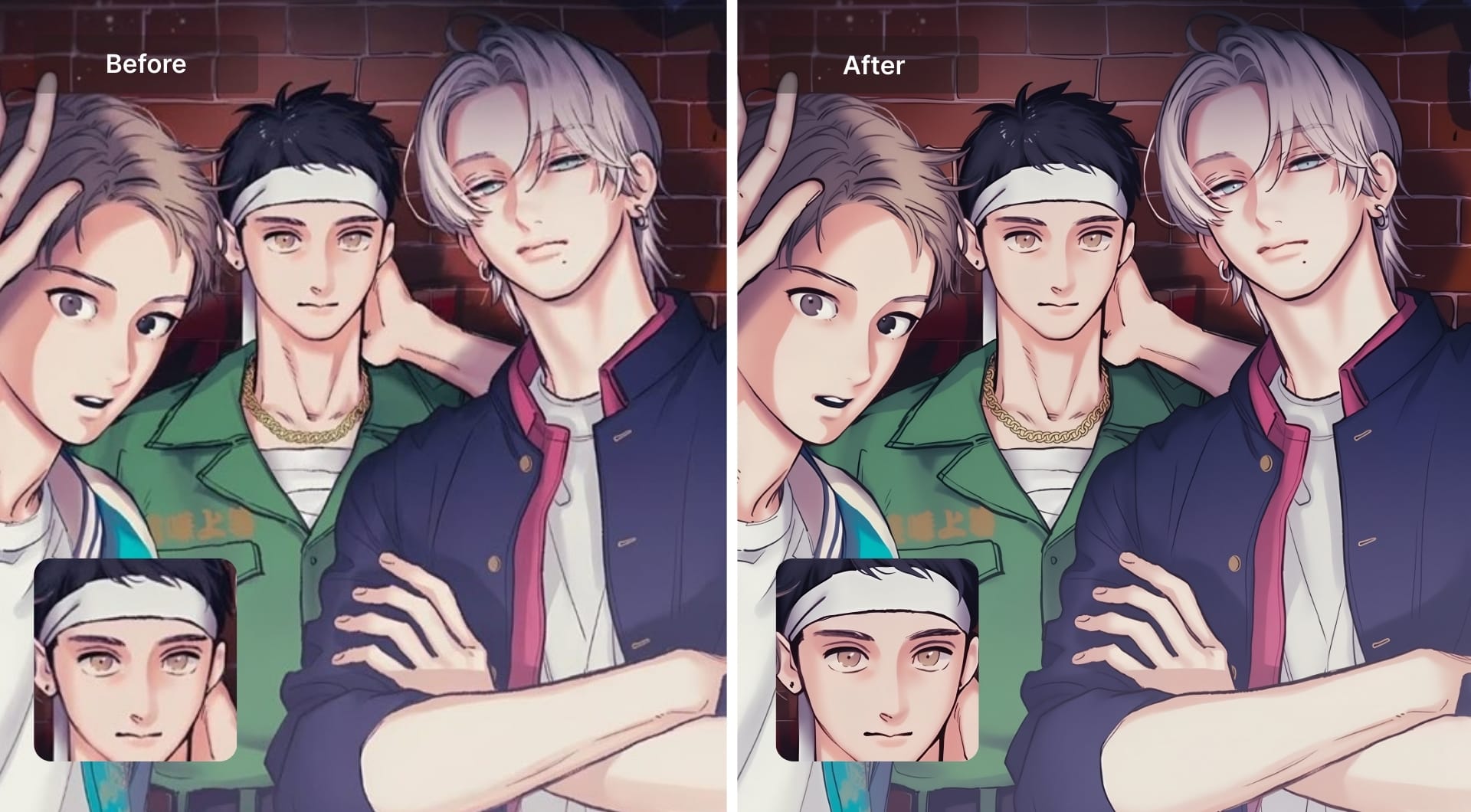
A great example of how AI can enhance art is by upscaling it. LetsEnhance is an AI-powered platform that can upscale and increase the resolution of images without loss in quality, something that is pretty much impossible to do without the help of AI.
1. Create an account on letsnhance.io.
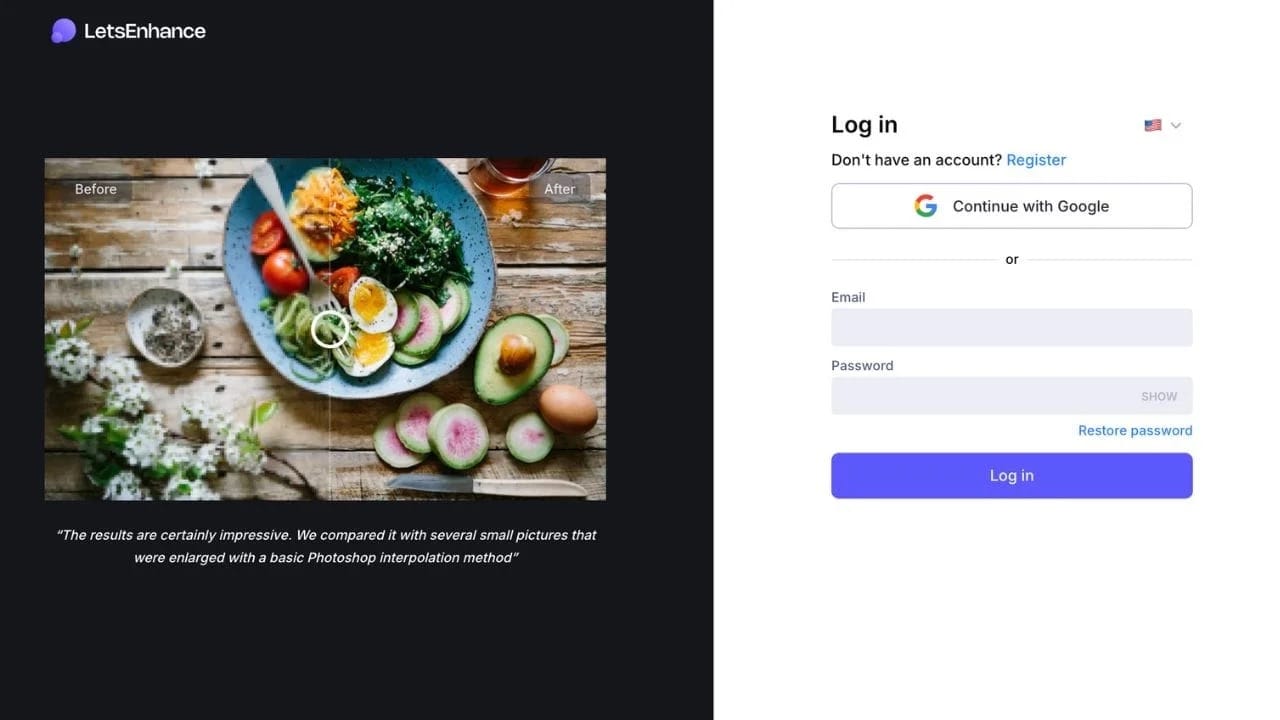
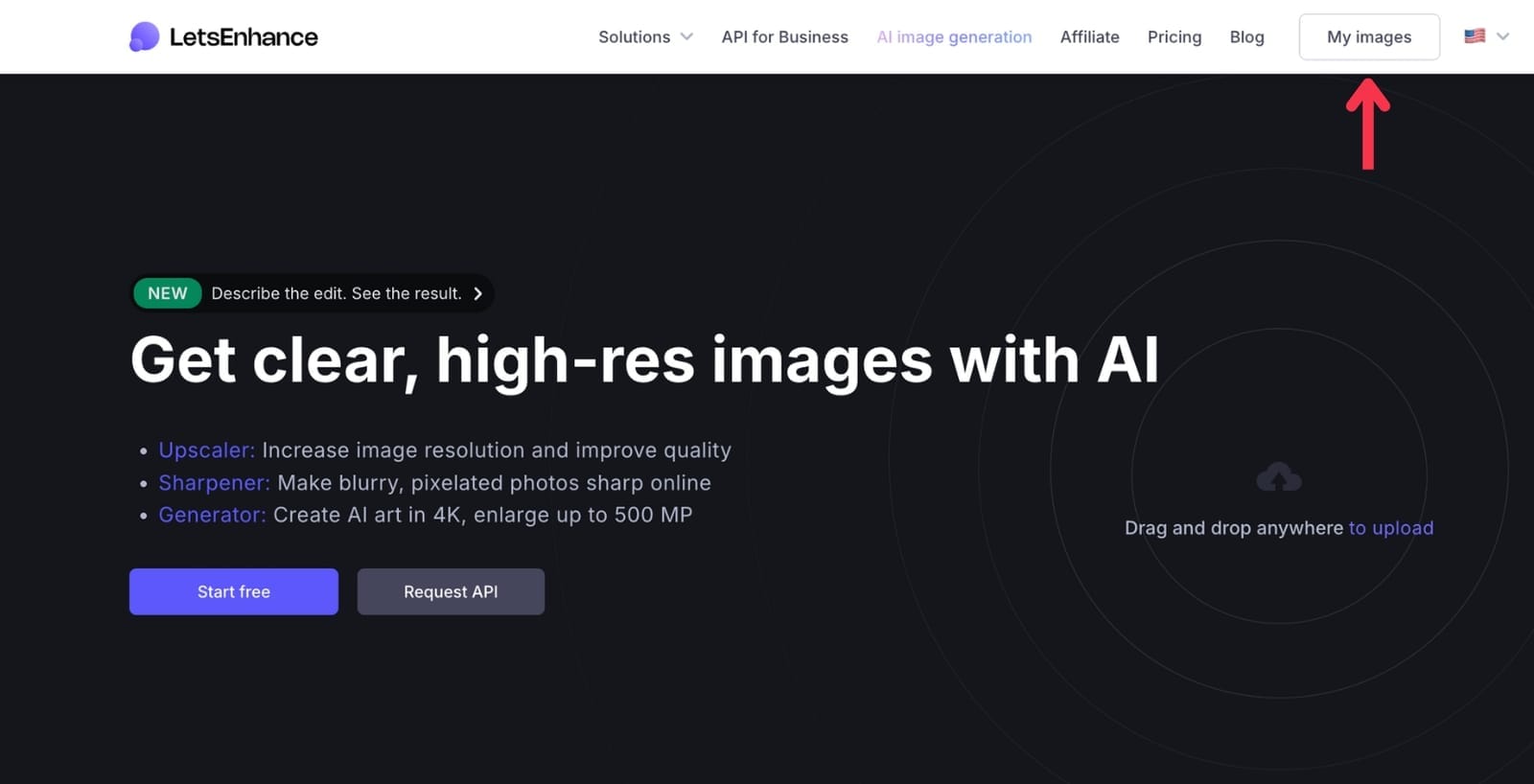
2. Click on My Images and you will arrive at the photo editing dashboard.
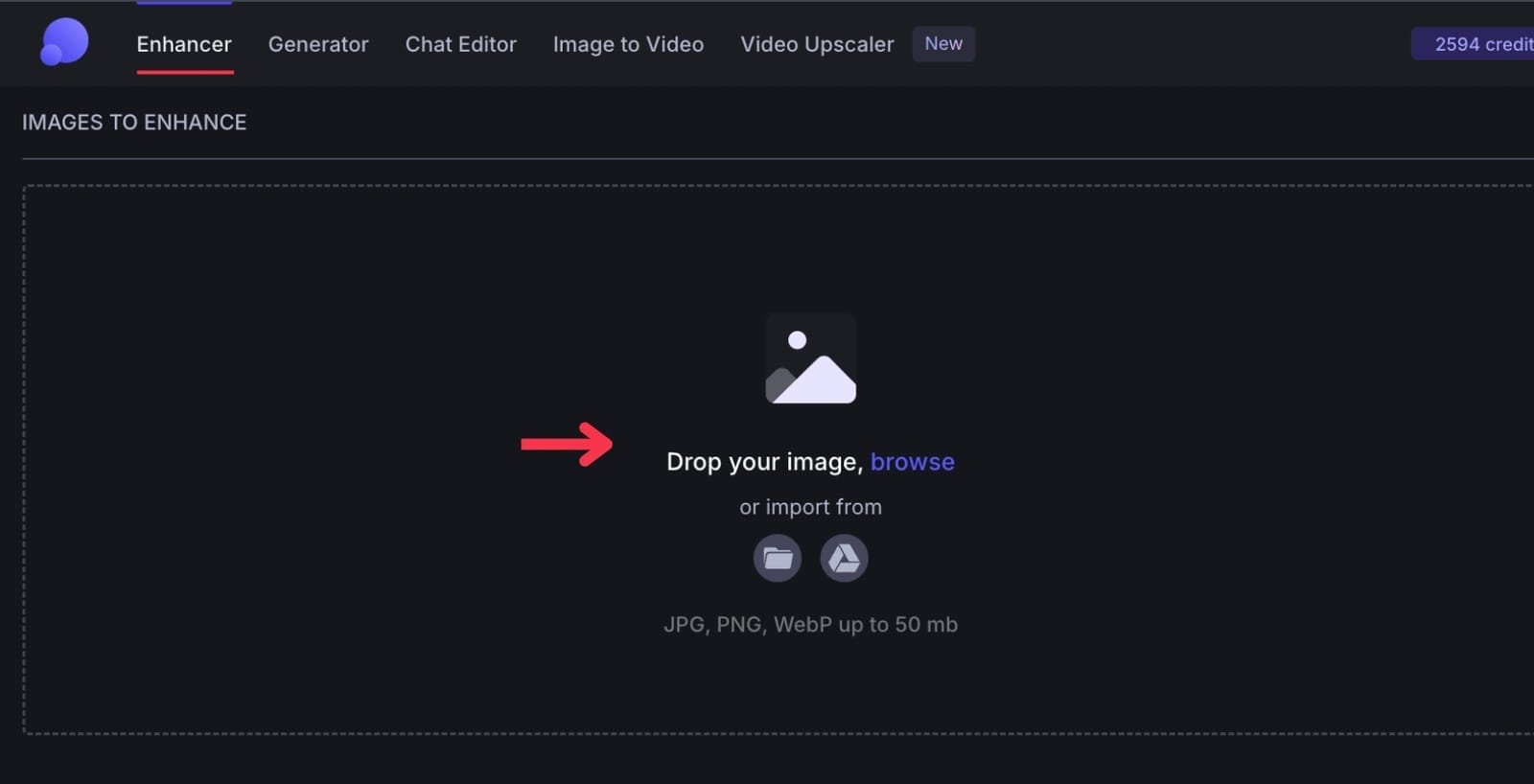
3. Upload the image and choose the AI upscaling model from the right-hand side to match the image type and by how much you’d like the image to be upscaled.
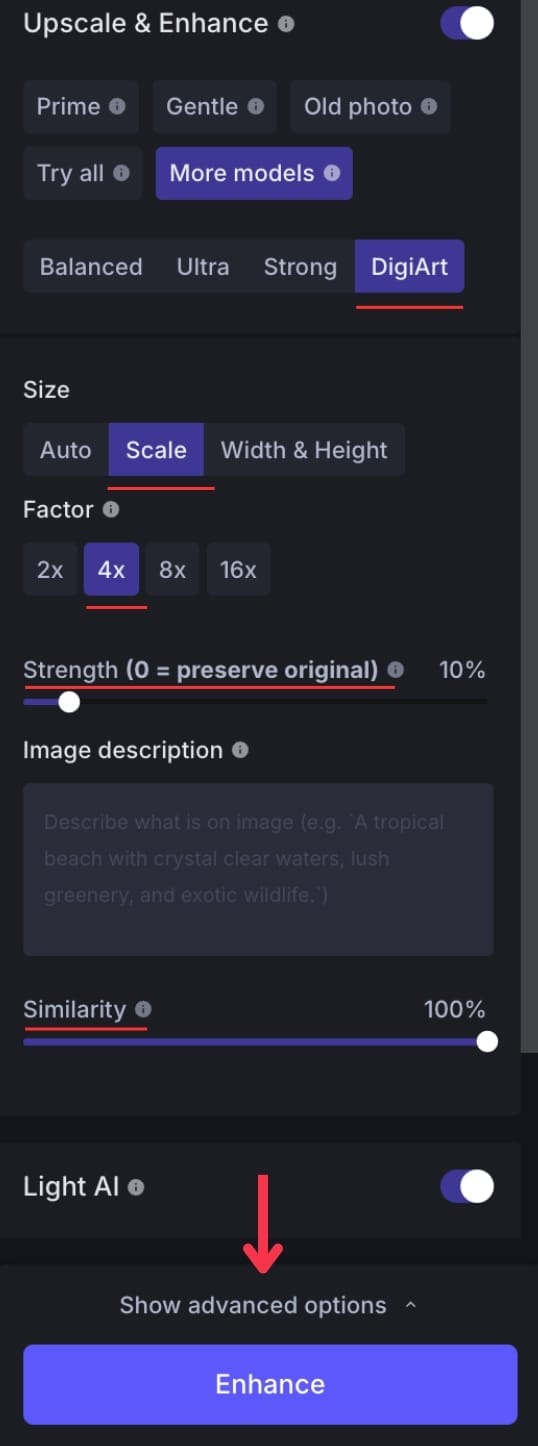
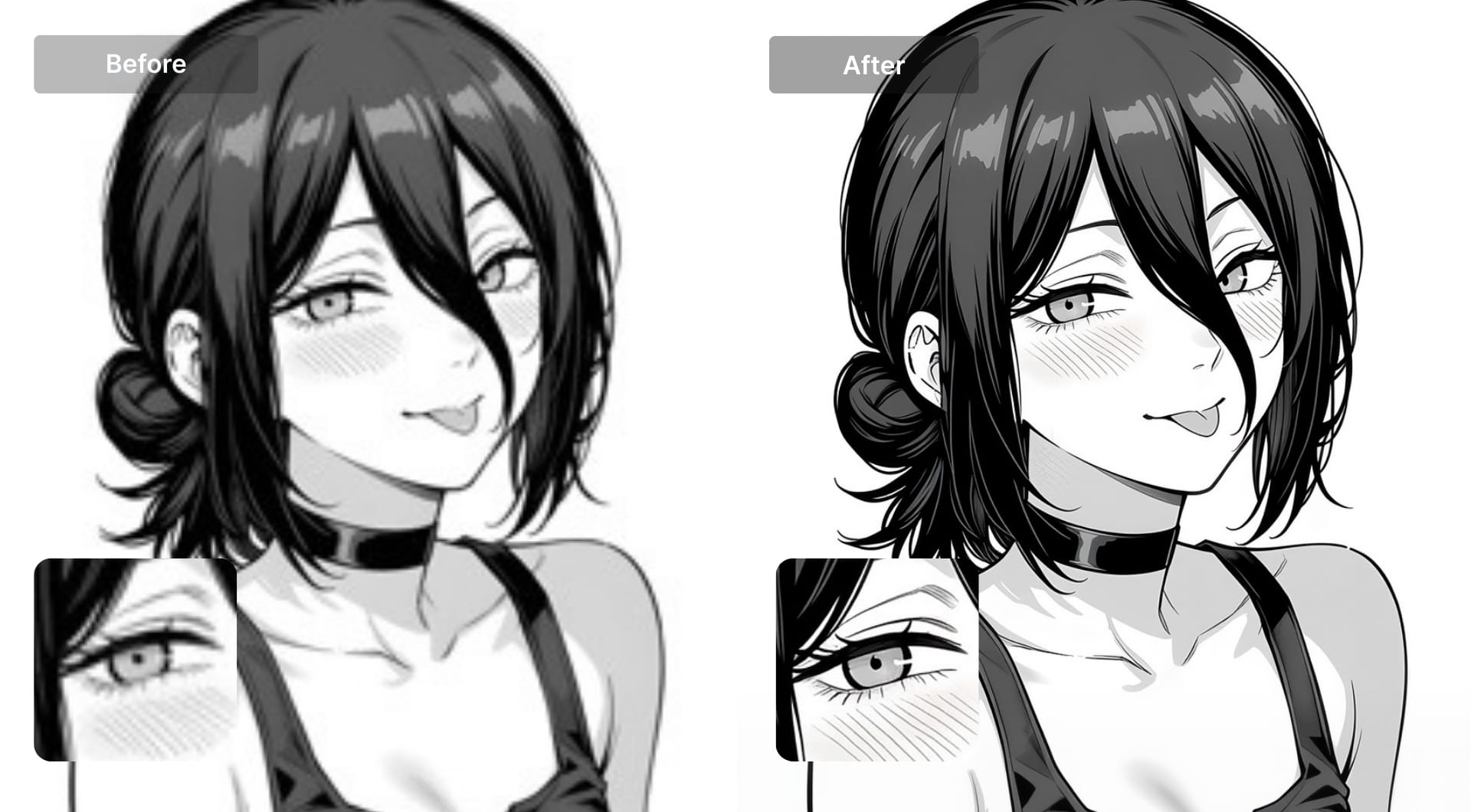
4. Click Enhance and once that’s done, save the image to your device. We upscaled the following image from 640x640 pixels to 2560 by 2560 pixels. Here’s a side-by-side comparison of the before and after.
Conceptualization
Creating art is a stage-by-stage process. Artists develop a sketch, prototype, or first draft of their work, then keep chipping away or making additions to it and create a complete piece of art. Conceptualization is a crucial part of creation as it makes the final product more complex and dynamic.
The challenge of working on concept art is that artists spend days, even weeks creating multiple iterations of a new design, only to have them be rejected. For design teams working with very strict deadlines, generative AI can help them develop tons of design iterations, present them to clients, and after one is accepted, then the artists can get to work.
This means greater results in a shorter amount of time, which benefits both artists, who now don’t need to worry as much about creating everything from scratch, and also clients, who now receive exactly what they want without having to wait for the commissioned artist to create new concepts.
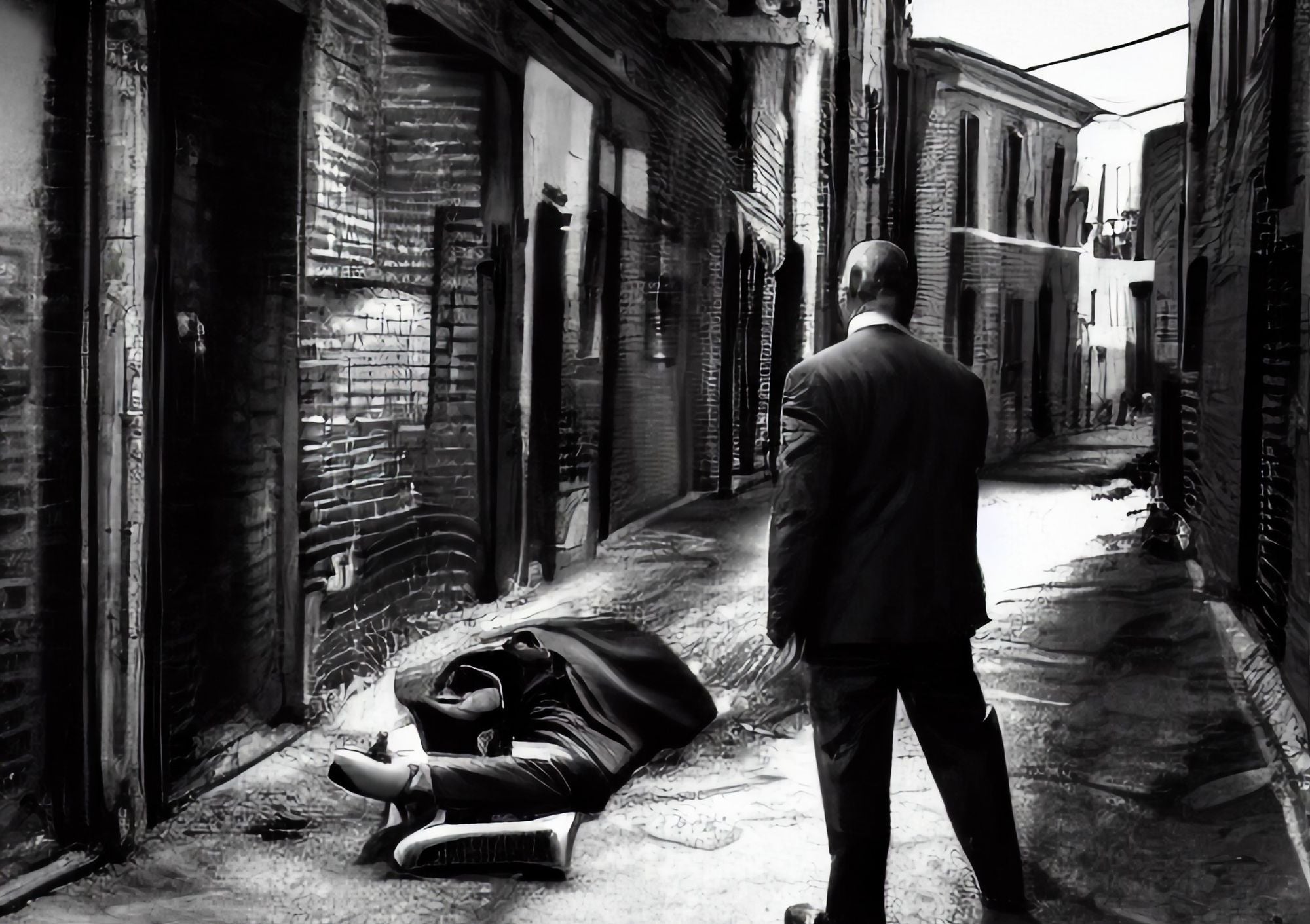
Storyboarding a film: AI can help visualize your shots
Using the LetsEnhance Image Generator, we tried to see how well AI could help us create a storyboard and conceptualize how a film will look before a single frame is even shot.
1. Open the Image Generator
2. Write the text prompt in the designated space. Make sure to include stylistic keywords, such as black and white, noir, wide shot, and photo. Wide shot, close-up, and over-the-shoulder are just a few examples of keywords that are very useful for brainstorming film frames. Click Generate to render the images.
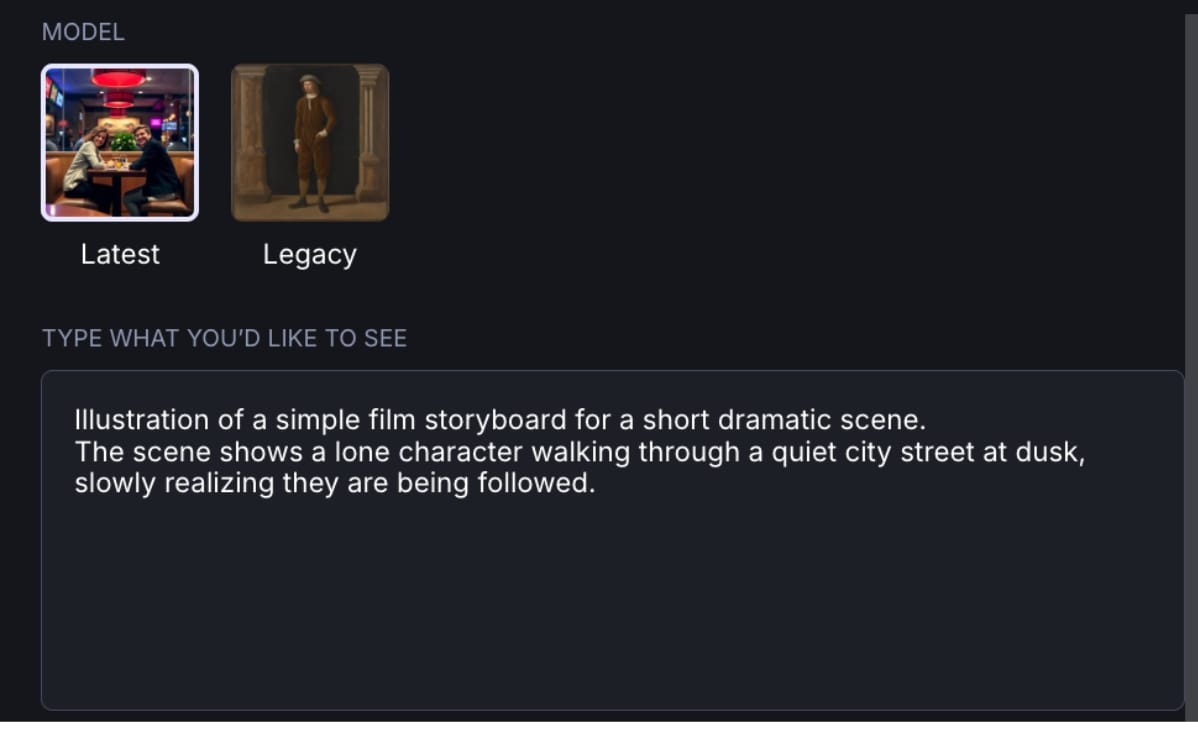
3. Once the images are rendered, hover over the 4 outputs to download the one that you think fits the style of your film.
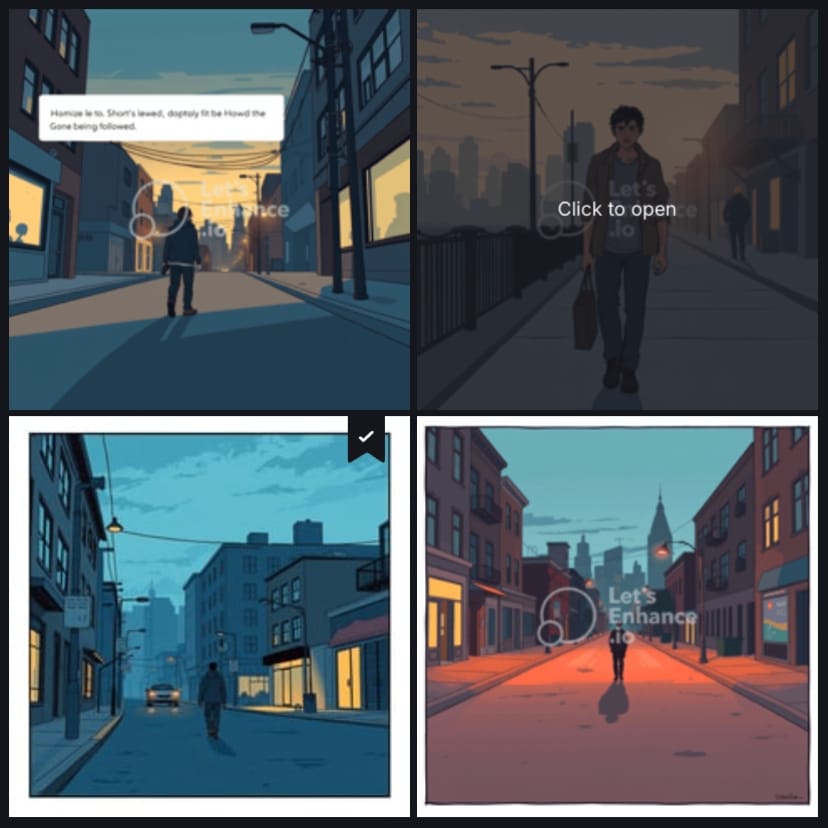
4. What sets the LetsEnhance Image Generator apart from others is that you can upscale the image 4 times its original size (2048x2048) if you want the image to be bigger. Just click "Upscale more" button.
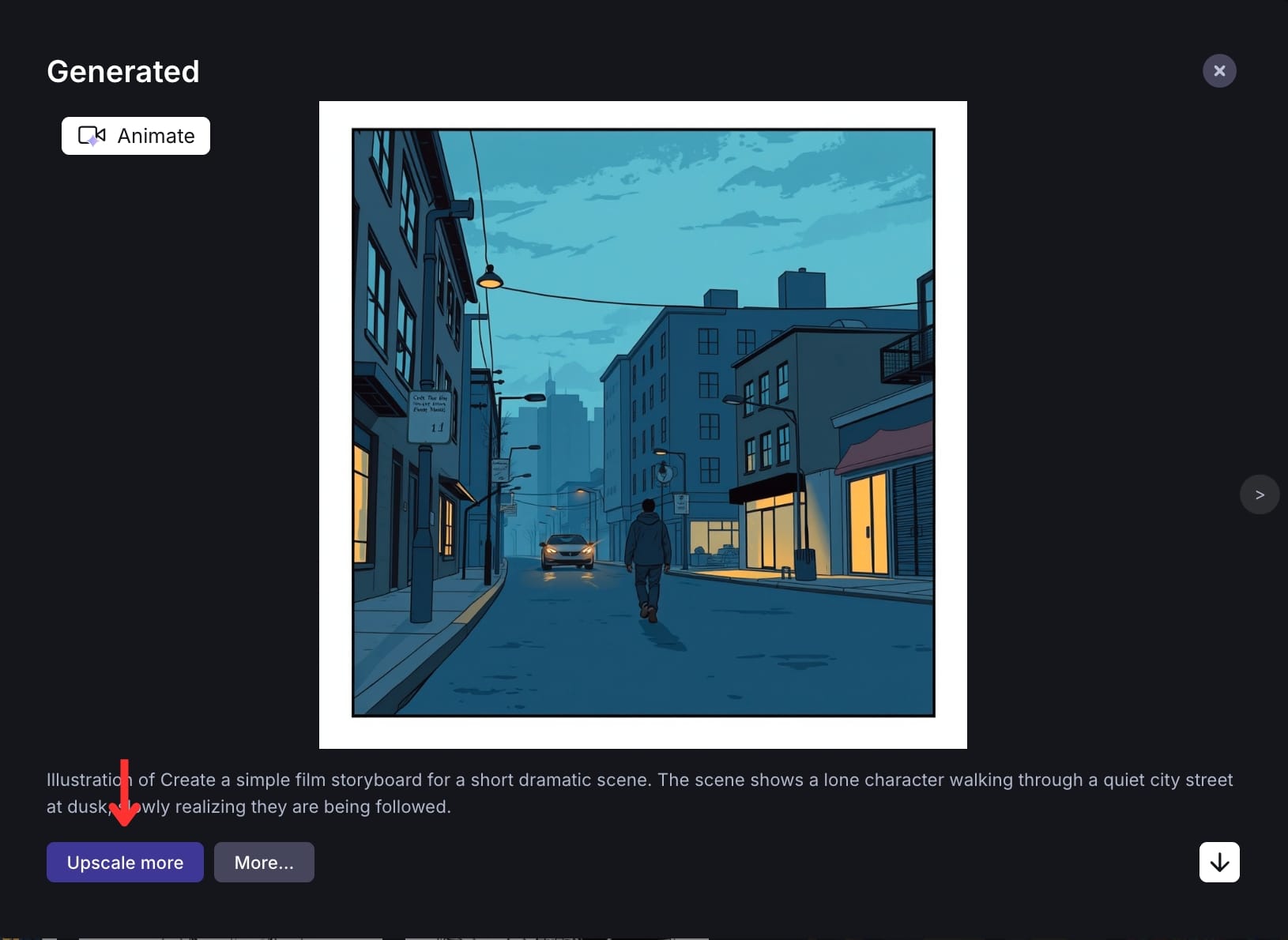
Using AI, scriptwriters can visualize their film as they are writing the script, reducing the time it takes to conceptualize the storyboard.
Popular Questions Regarding AI Art
Here are some questions about AI art we hear quite often and we'd like to offer our perspective on the impact this technology has on human creativity.
What is AI art?
While answering the question “What is art?” calls for a deep philosophical conversation, “AI art” is a little easier to define now that technology is widely accessible. By definition, AI art is any piece of artwork, be it written, visual, or audible, that is created with the assistance of artificial intelligence.
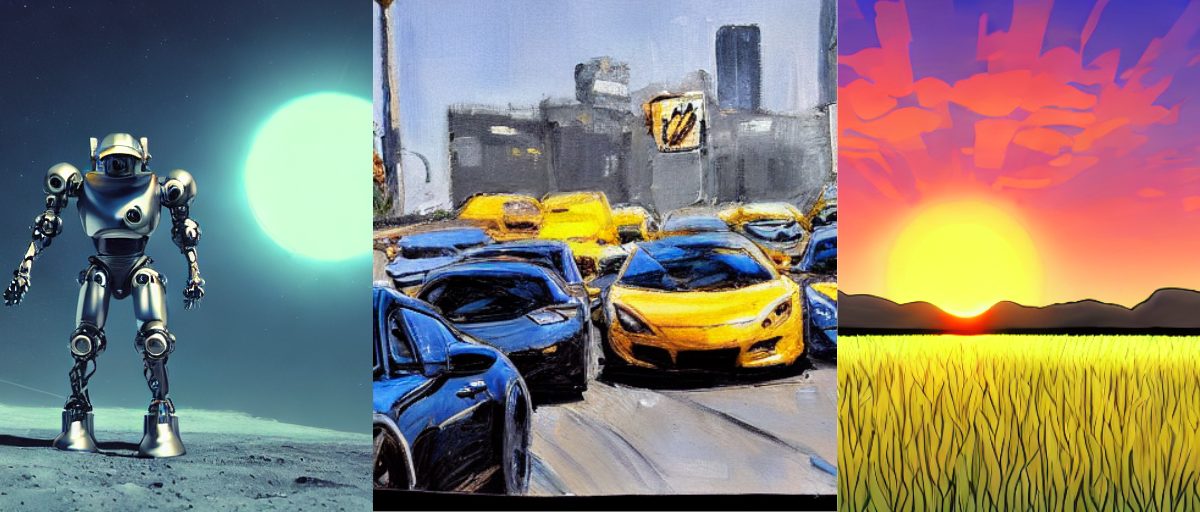
Most of today’s AI art is created using generative AI. This is when an AI model analyzes countless amounts of data and then renders new art based on these references. Users give the AI commands to render new art, which are called "input prompts". These can be images but are commonly text-based keywords that control the results of the rendering.
Obviously, we’ve significantly oversimplified this very complex field of computer science, but it’s crucial to remember that the basis of AI art is human-made art.
Why is generative AI controversial?
With the recent rise of generative AI, the hottest topic of debate has been whether or not this new technology is harming the careers of artists. It is a very controversial discussion, that has led to large communities of artists calling for the boycott of generative AI. This is understandable, considering that many fear that their career will be uprooted by technology that does their work exponentially times faster than what humans are capable of. And while the debate about the ethics of generative AI is still being waged, it’s also important to consider the more positive aspects of AI and how it helps artists.
Will AI art replace human creativity?
This is the million dollar question that’s been lingering on the minds of many artists. There are a lot takes in regards to this topic, but as a company that works with AI image rendering and enhancement, we believe that this new technology will work alongside artists rather than replace them. We see that in the future, this new technology will help artists in their creation process and while there is already a lot that AI is capable of, ultimately, the technology is dependent on ever-expanding human creativity.
To Conclude
It’s important to understand that generative AI is still in its infancy and it’s far too early to tell which direction it will go, both in terms of technology and legislation. It may just be that in the near future, policies and regulations are adopted to limit the use of generative AI to ensure that human creativity is not curtailed. It’s hard to tell, but in an ever-evolving world of technology, it’s important for everyone to learn and adapt to the changing landscape of the creative field.
Computer-generated imagery (CGI) has taken off in the last couple of decades to the point where anyone with half-decent hardware can create their own 3D animation. But skilled 2D animators are still in high demand. AI was able to write content all the way back in the 1980s, and yet, writing is still a bustling industry. Painting and drawing art by hand did not disappear with the introduction of digital tools like Photoshop or GIMP.
AI is not here to replace artists. Instead, much like with any technological advancement, it is here to offer conveniences and make the process of creation more practical for those who prioritize efficiency over style and expression. And while there is still plenty to discuss regarding the ethical use of AI art, it’s important to acknowledge how this new technology can benefit artists and their hard work.
