
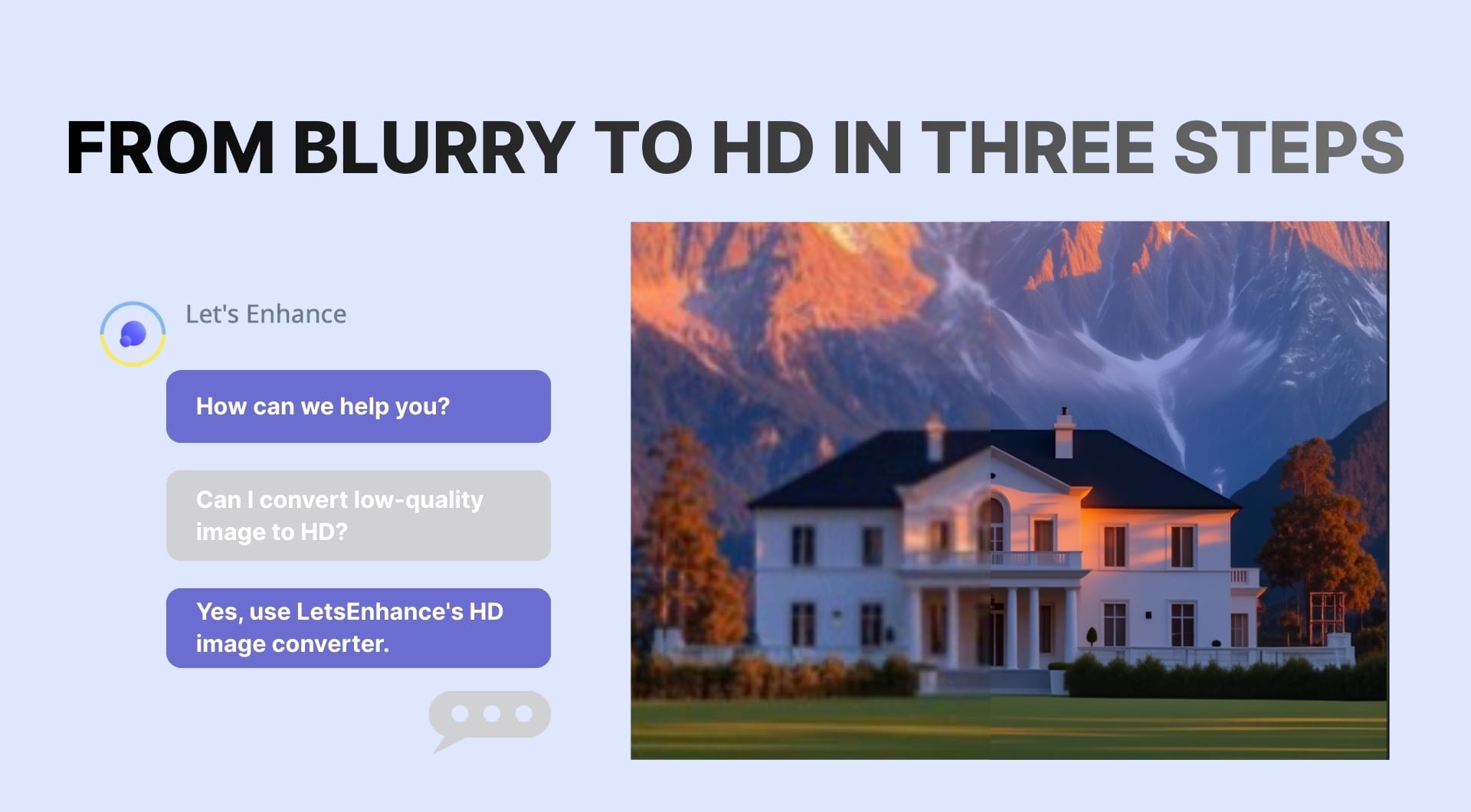
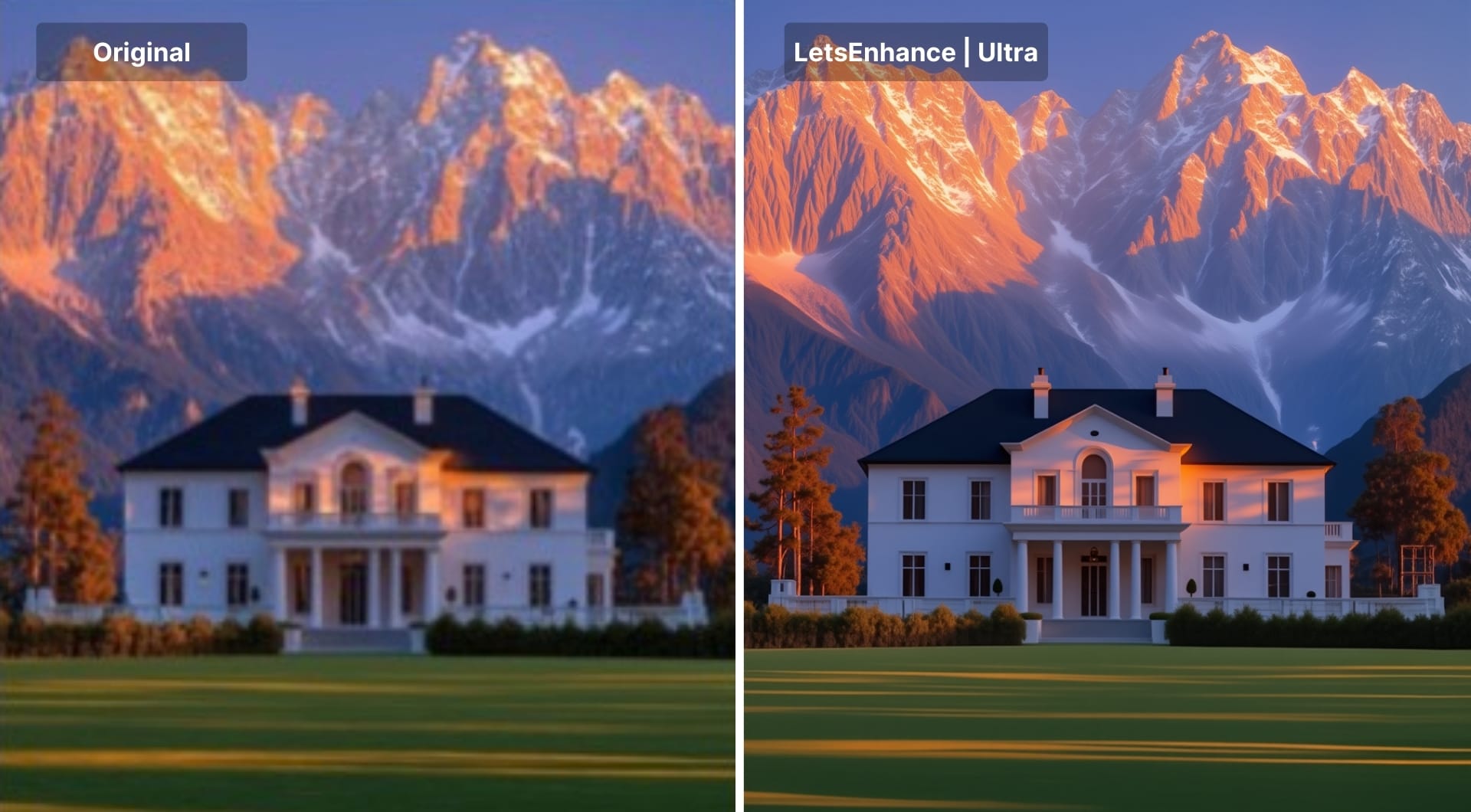
Turn any low quality image into a true HD file you can actually use on modern screens. In this guide we will take soft, noisy, or pixelated images and walk it through LetsEnhance’s HD image converter, step by step.
What “HD” really means for your images
HD is the abbreviation for High Definition which refers to video and images with more pixels.
- HD (720p): 1280 × 720 pixels
- Full HD (1080p): 1920 × 1080 pixels
- 4K UHD: 3840 × 2160 pixels
LetsEnhance’s HD image converter is built to push images into and beyond these ranges, up to 4K and higher, while adding real detail, not just stretching pixels.
You can convert very small sources, mobile shots, AI art, scanned photos, product photos, and screenshots into HD quality. It works for JPG, PNG or WebP formats.
Steps to convert images to HD with LetsEnhance
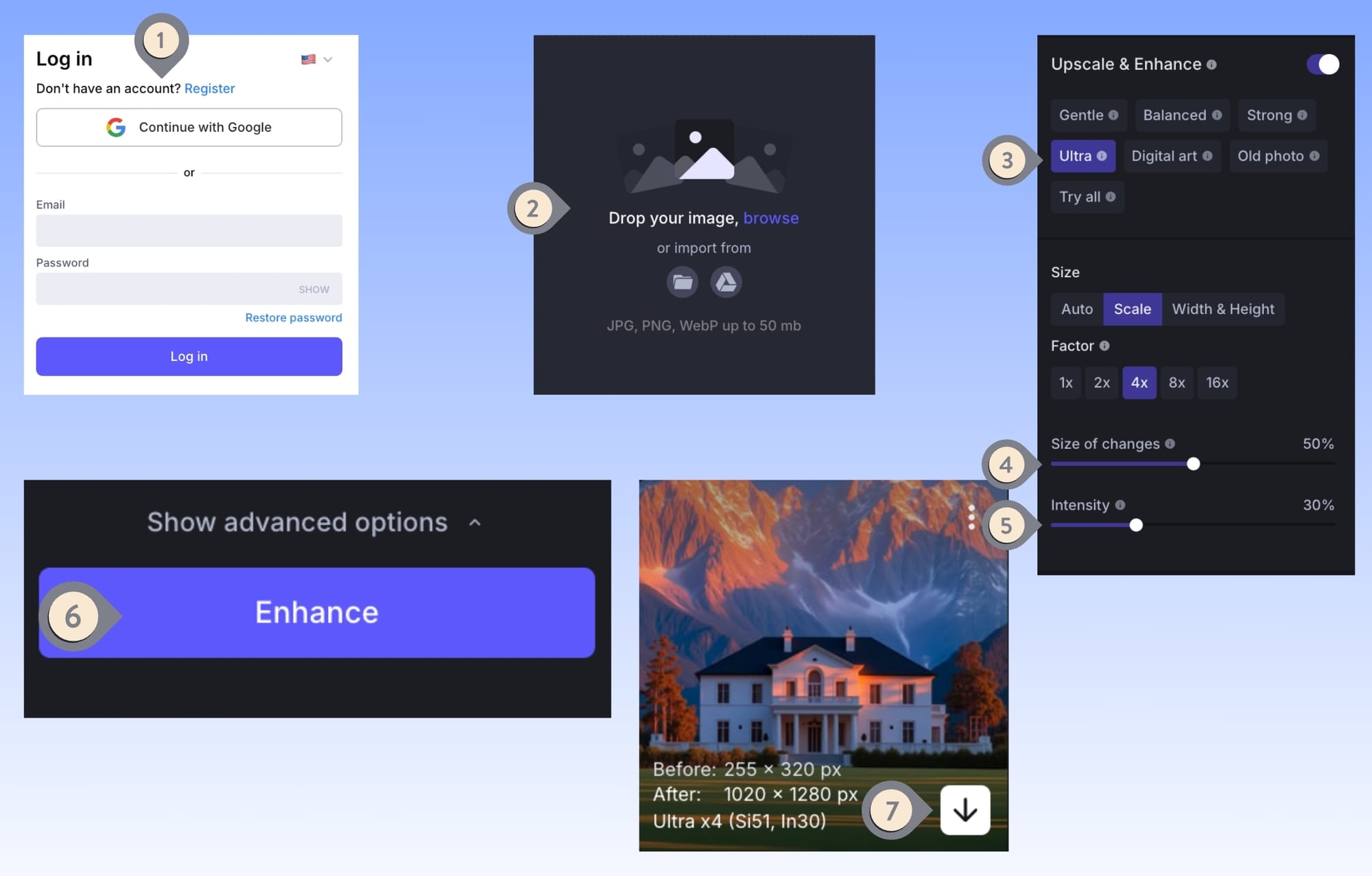
Step 1: Log in
Login to letsenhance.io or create one by signing up and getting 10 free credits to test the HD image converter.
Step 2: Upload your image
Drag and drop your JPG, PNG, or WebP file into the uploader, or choose a file from your device. Everything runs in the browser, there is no software to install.
Step 3: Choose the upscaler model and settings
For high-quality HD conversions, select the most recent and powerful Ultra model. Then adjust Size of changes and Intensity to control how far the AI goes. Size of changes at 0% keeps the look very close to the original and mostly refines small textures, while 100% allows a stronger, more visible improvement across larger areas.
Intensity at 0% gives a subtle, high fidelity polish that stays true to the source, and 100% applies a stronger transformation that actively rebuilds detail and structure.
Step 4: Process the image
Click the Enhance button. The system will process your image and generate the HD version in seconds.
Step 5: Preview and download
After processing finishes, click the image to open the larger preview. Use the before and after slider to move left and right and see the changes. When you are satisfied with the result, click Download and save the HD version to your computer.
Practical ways to use HD conversion
Once you know how to convert a single image to HD, the next question is what is worth upgrading. Below are the most common use cases with concrete examples.
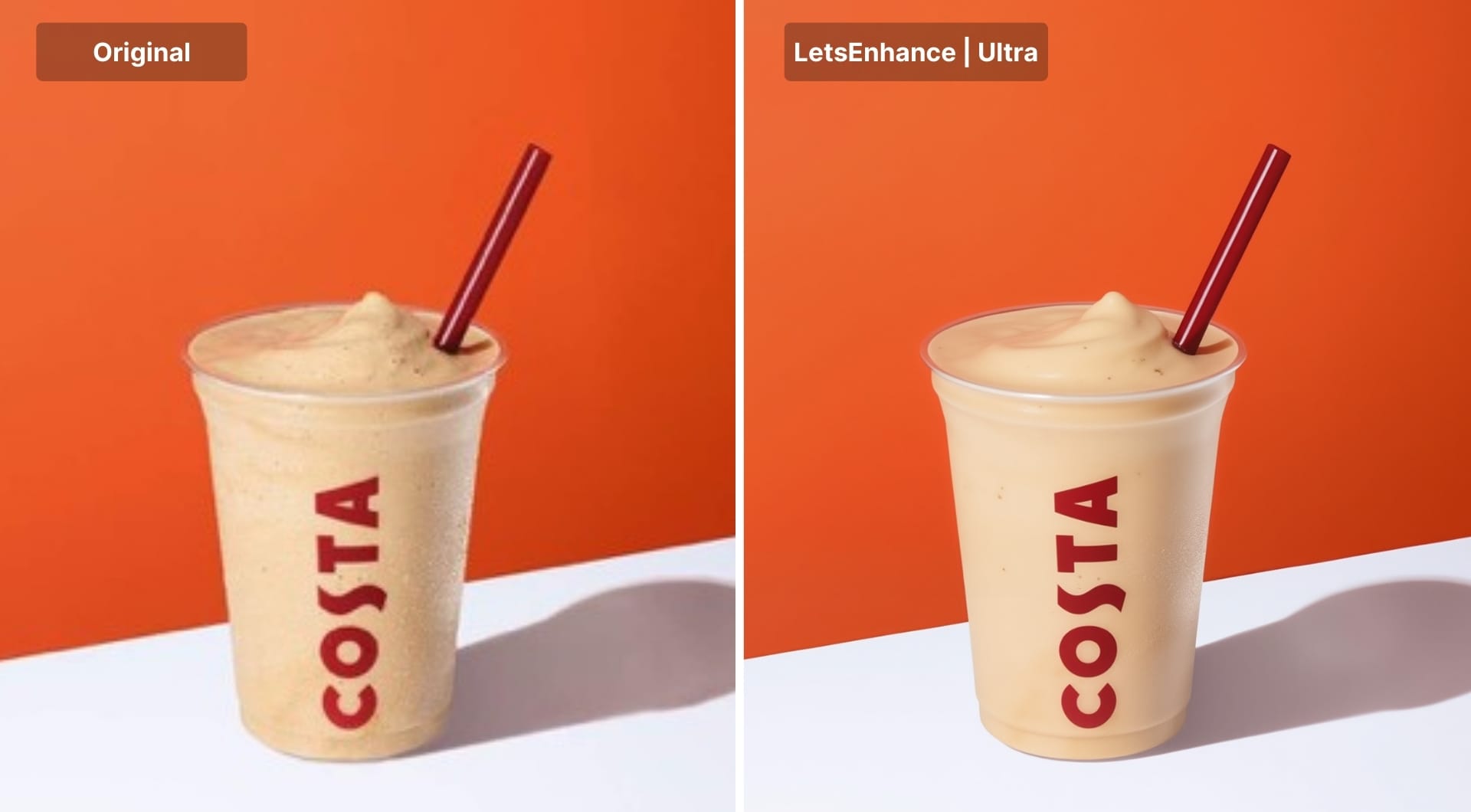
Product photos and online stores
If your catalog comes from suppliers, marketplaces, or old shoots, you may often get small, compressed photos, mixed lighting and color.Converting these assets to HD gives you cleaner detail on fabrics, textures, and labels. High resolution builds trust and makes an impact.
Pro Tip: If you need to convert images to HD at scale, check out our API at Claid.ai.
Old camera photos and personal archives
Photos taken with an old camera or weak phone settings may deteriorate your memories. You can increase the quality to use them as stunning wallpapers or share them with brilliant clarity.
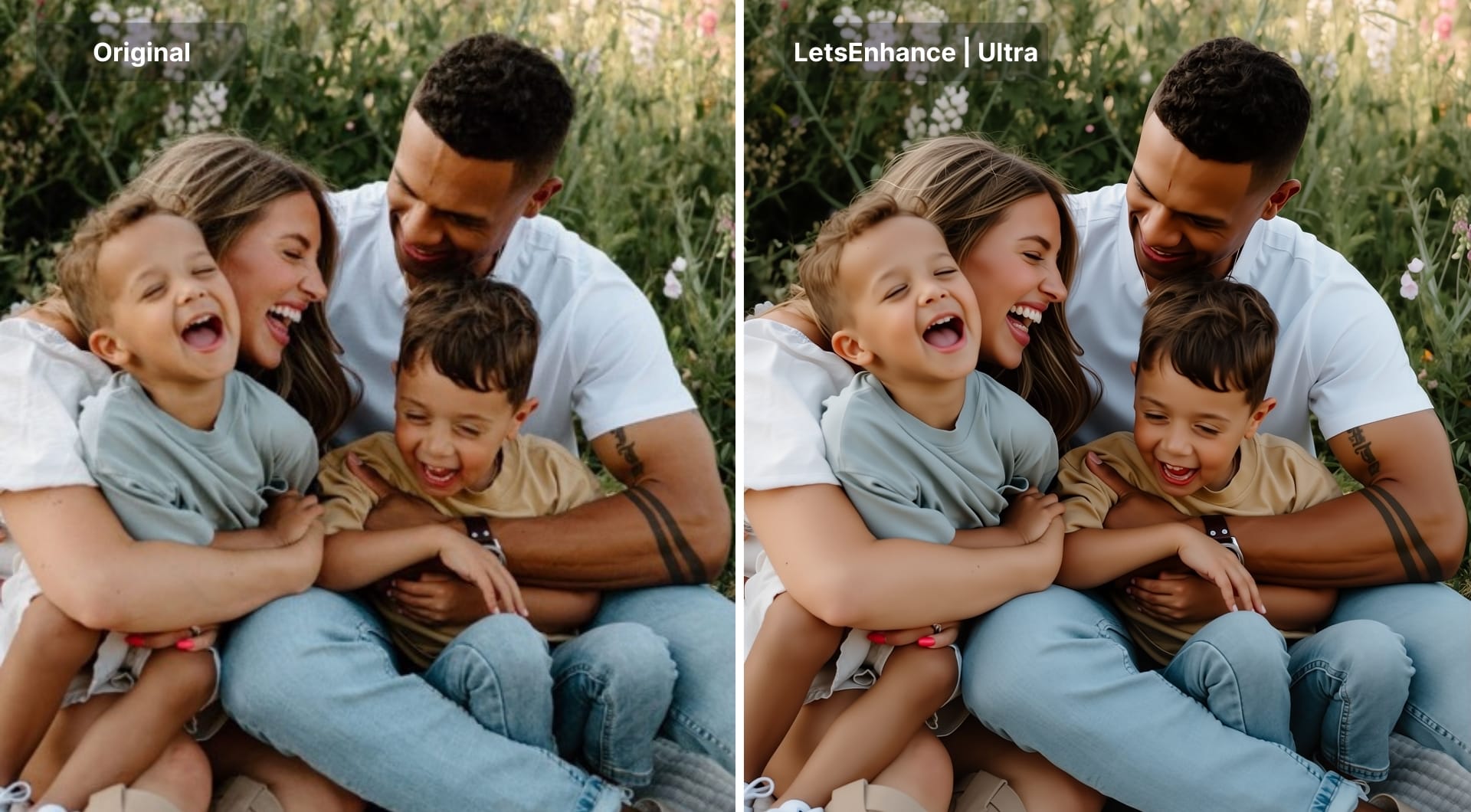
Social content, thumbnails, and ads
Most social feeds are now viewed on HD or 4K screens. With an HD converter, you can make your content look its best. Convert your images to high resolution before you post to ensure they stay crisp and professional across social media channels.
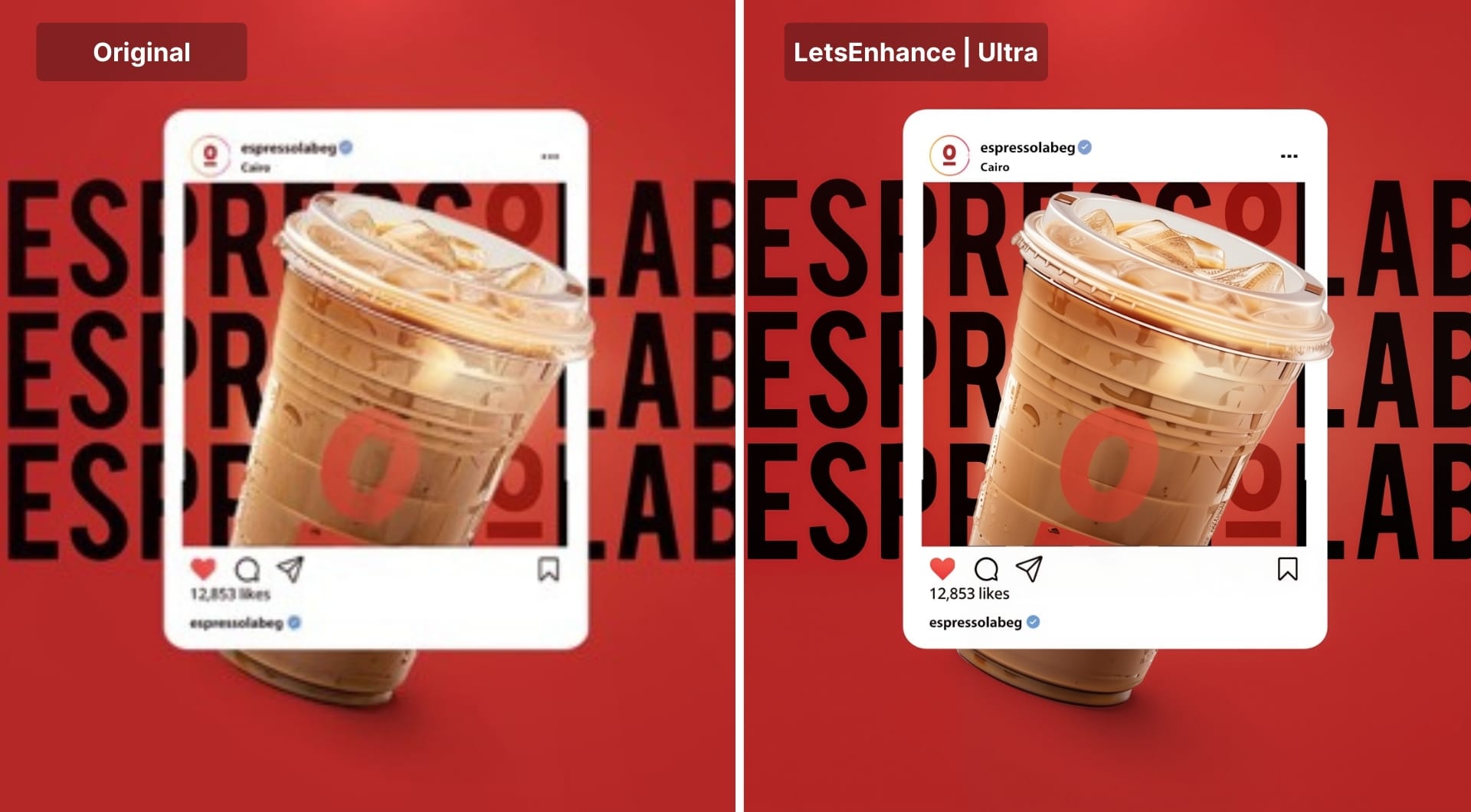
AI art, moodboards, and concept frames
Converting AI art, moodboards, and concept frames to HD keeps lines, shapes, and style intact while giving you enough resolution for full screen presentations, printouts, and high quality client previews. Your concept frames stop looking like rough drafts and start reading as production-ready visuals.
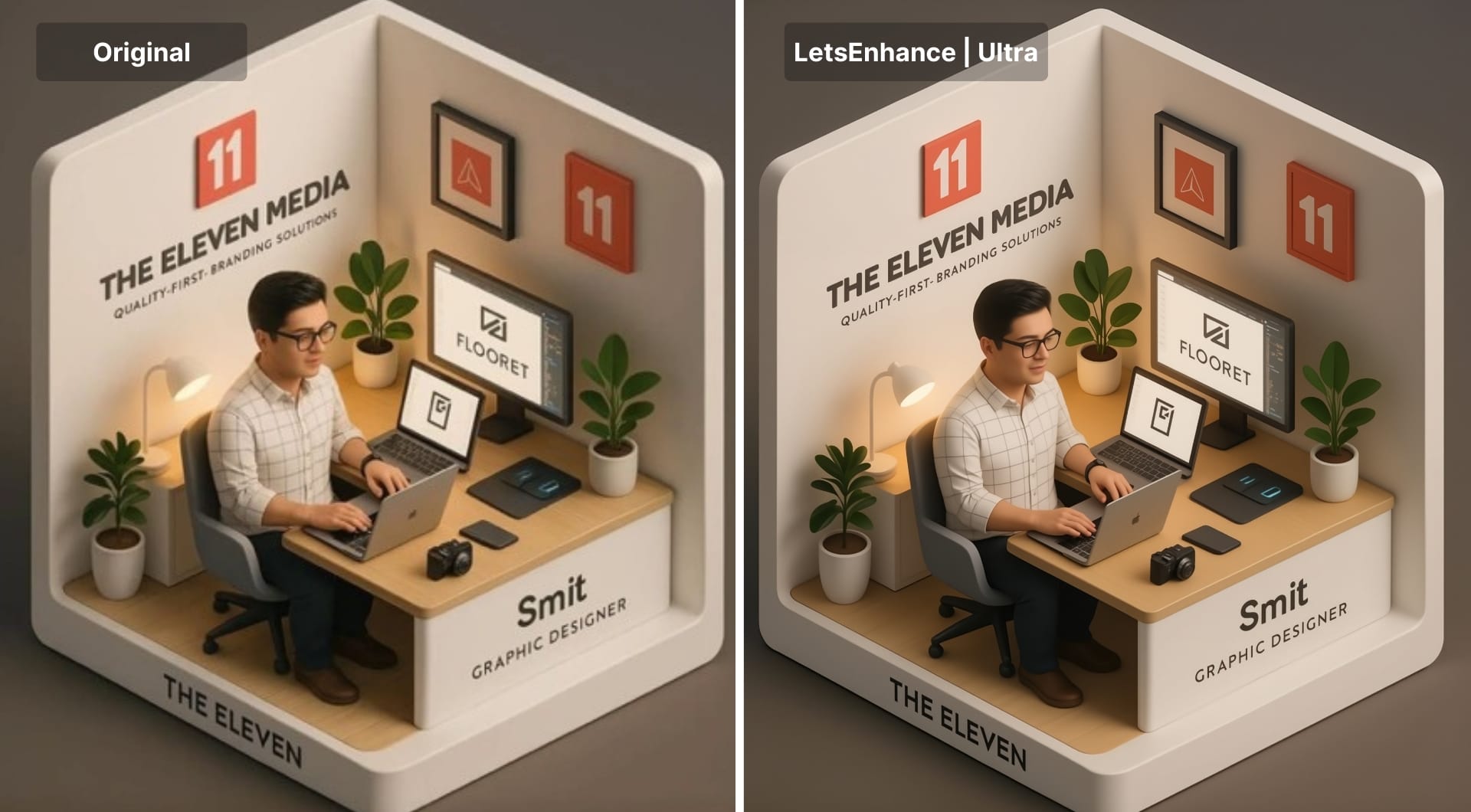
Screenshots, UI, and document images
Using an HD converter on UI captures, dashboards, and document images restores sharp edges and legible text. Interfaces look clean in training decks, internal wikis, and investor updates, and people can actually read the details instead of guessing what’s on the screen.
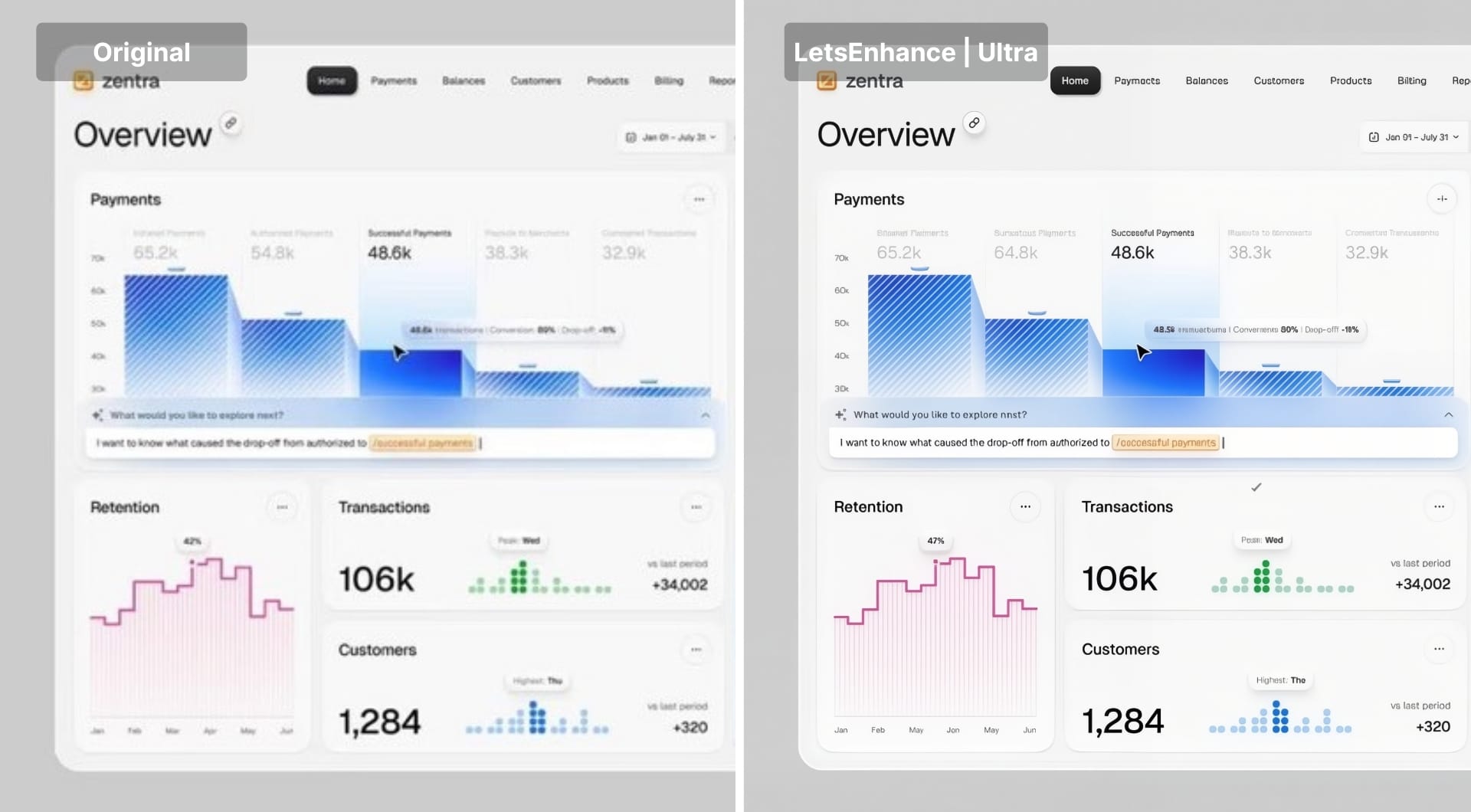
When to use an HD image converter
If the subject is completely out of focus or key details are clipped and never captured, AI will not bring them back. In most other cases, LetsEnhance can upscale low quality images up to 16x and repair blur, pixelation, and JPEG artifacts. You need to use an HD converter when:
- You have only one source: a client upload, historic asset, or UGC.
- The image is technically usable (subject is visible, no extreme motion blur).
- You need fast output for social posts, decks, ads, or thumbnails.
- You want to match HD or 4K screens without rebuilding an entire shoot.
Turn HD images into short video for portfolios, socials, and ads
Static HD images are already a big step forward. The next level is motion.
Short 1080p clips are useful because most channels now prioritize video and portfolios benefit from a small loop that draws attention.
With LetsEnhance’s recent image to video tool, you can create looping product shots for homepage, social media content and ads as well as make family memories more alive.
If you want to explore how AI Video works, click here to learn more.
Animations of HD family, product, and landscape shots processed by LetsEnhance.
Start converting images to HD with LetsEnhance
Create a free account at letsenhance.io, get 10 credits, and run a few difficult images through the HD image converter.
You can either edit images one by one to play around with the Size of Changes and Intensity settings or use batch processing function to process 20 images at a time.
If you need to convert more images, LetsEnhance offers flexible pay as you go bundles and subscriptions starting from 9$/month.
FAQ
Can I convert a low resolution image to HD without losing quality?
You cannot recover detail that was never captured, but you can avoid extra quality loss. LetsEnhance increases pixel count and uses AI to reconstruct plausible detail so the new pixels look natural.
What is the minimum resolution for an image to count as HD?
For screens, HD usually starts at 1280 × 720 pixels, full HD at 1920 × 1080, and 4K at 3840 × 2160. If your image meets or exceeds those sizes and holds up when viewed at 100 percent zoom, it is effectively HD or 4K. The HD image converter in LetsEnhance is designed to push typical phone shots, AI art, and older assets into or above these ranges.
How much can I upscale an image with LetsEnhance?
Upscale limits depend on your plan and the model you choose, but in practice you can go up to 16x and up to tens or even hundreds of megapixels. For most HD use cases you do not need to go that far. A 2x or 4x upscale with Ultra is usually enough to reach 1080p or 4K with comfortable room for cropping.
What file formats does the HD image converter support?
LetsEnhance works with JPG, PNG, and WebP. These cover most camera exports, web images, screenshots, and AI art outputs. After conversion you can typically download in JPG or PNG, depending on whether you want smaller file size or lossless quality for further editing.
Can I print HD converted images, or is this only for screens?
Yes, LetsEnhance is built with printing in mind: the default output is 300 DPI, and you can use built-in printing presets (A5–A0 and similar) to automatically set resolution for common paper sizes.
How is AI upscaling different from sharpening or simple resize?
Sharpening filters and basic resampling only manipulate the pixels you already have. AI upscaling uses a trained model to infer missing detail and generate new pixels that match the structure of the image. This is why a good AI upscaler can turn a soft 720p frame into a 1080p or 4K image that still looks believable, instead of just boosting contrast on blurry edges.
Can I batch convert many images to HD at once?
Yes. You can upload 20 images into the LetsEnhance web app, apply the same HD settings, and process them together. This is useful for small sets, like a campaign, a batch of thumbnails, or a folder of old family photos. If you manage thousands of images per month, Claid’s API is a better choice.
